Page5of17
IMC08 Maintenance Manual
Version 1.01
2.0. Cleaning the Machine
Any dust, dirt or other substances sticking to the sensor will interfere with the normal operation of the sensor and
cause erroneous counting results. Therefore, the sensor and roller shaft shall be cleaned with the attached cleaning
tools as necessary every day.
Please turn off the power switch before cleaning to prevent electric shock or other injury accidents.
Please do not use chemicals such as benzene, thinner or water.
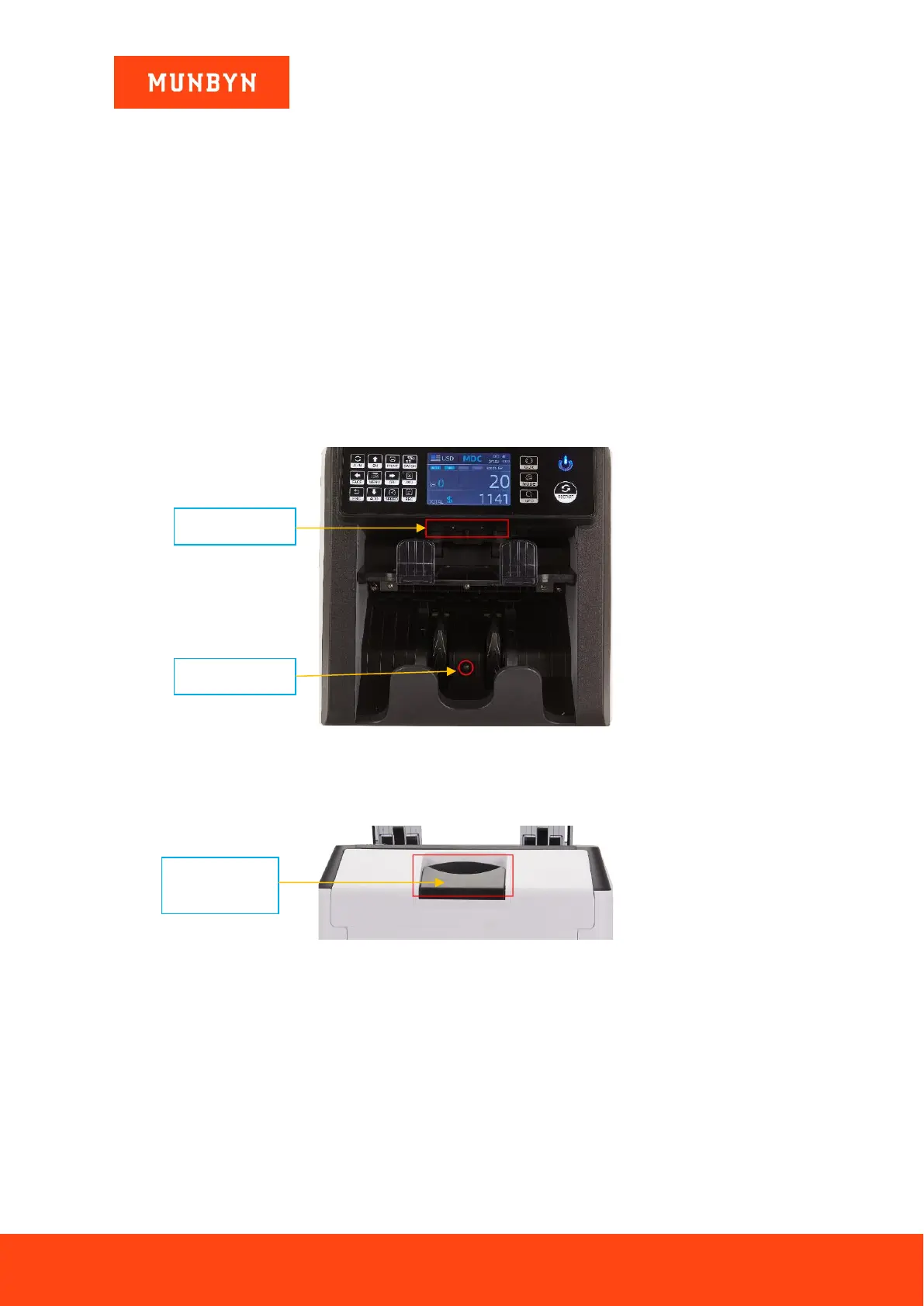
2.1. Clean the Hopper
There are 3 parts need to be clean in the hopper: hopper sensor, banknote processing wheel and the banknote
entrance, please use the nylon brush to clean them.
2.2. Clean the Stacker and Reject Pocket
As shown in the following figure, clean the stacker and reject pocket with nylon brush or cleaning cloth. Focus
on the marked areas.
Figure 2-1 The Sensors in Stacker and Reject Pocket
2.3. Clean the Internal Sensors
a) Pull the handle of back cover.
Figure 2-2 Handle of Back Cover



 To Next Page