5-39
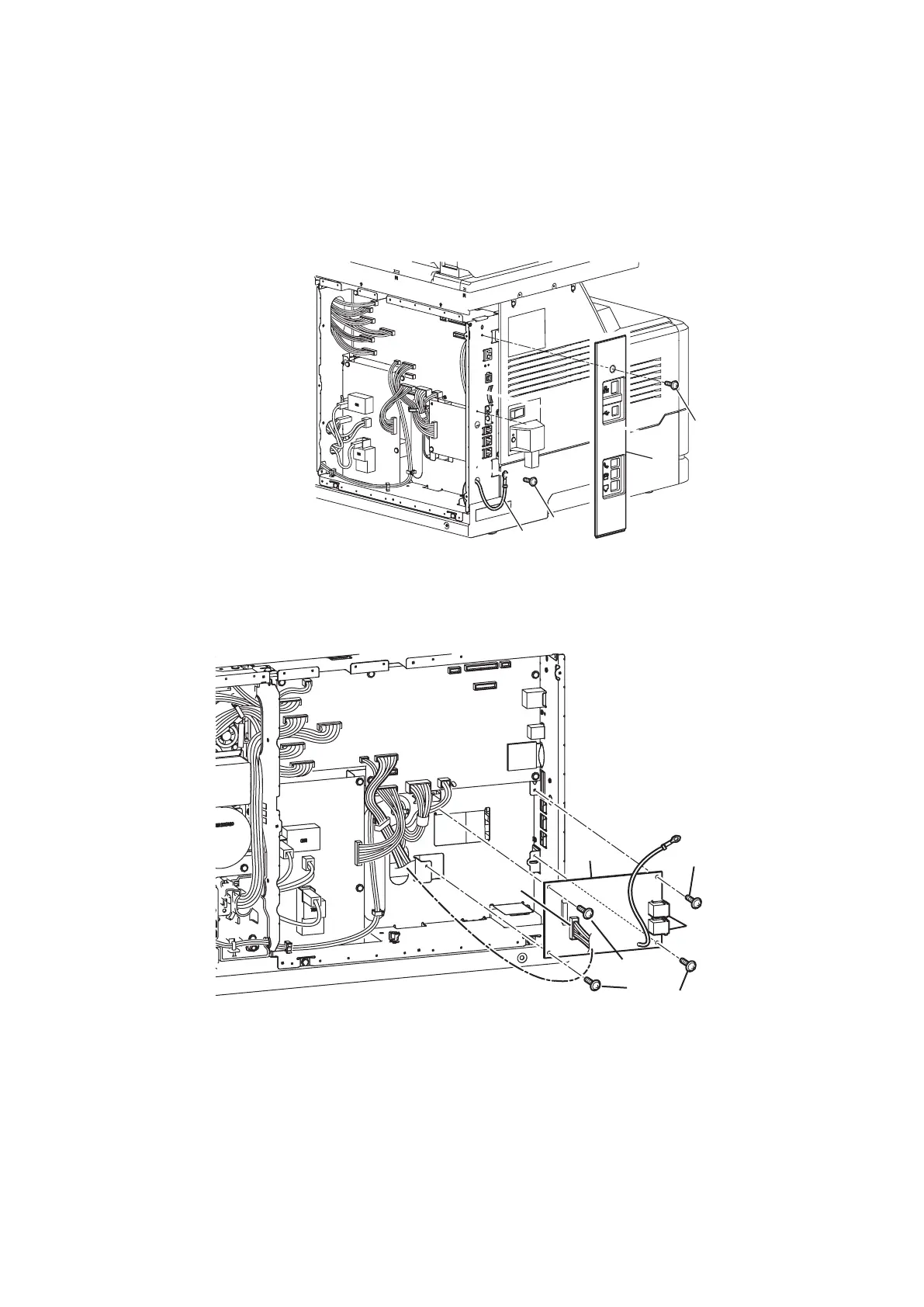
PCB NCU
1. Remove the Plate printer B. (See “PLATE PRINTER B” on page 5-22.)
2. Remove the Cover back. (See “PCB MAIN” on page 5-36.)
3. Remove one screw [1], and remove the Cover L B [2].
4. Remove one screw [3].
* The screw is jointed with the ground wire [4].
>
@
>
@
>
@
>
@
5. Disconnect one PCB NCU connector [5].
6. Remove four screws [6].
7. Remove the PCB NCU [8] while disconnecting the connector part [7] from the frame.
>
@
>
@
>
@
>
@
>
@
>
@



 To Next Page