Muratec MFX-C3680 Series
Fax Features
13
Confirm Address Register
PRE-REQUISITES
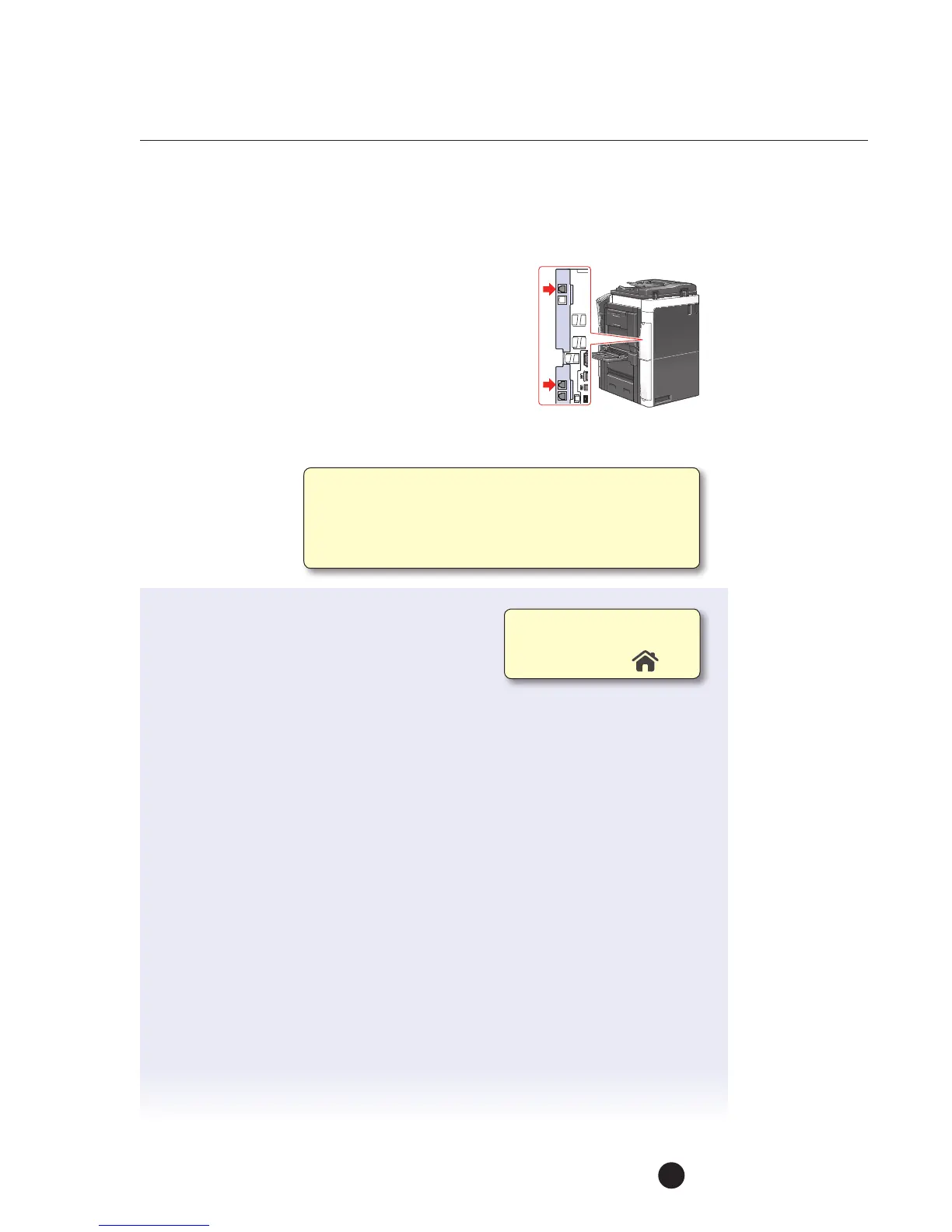
• FK-511 Fax Kit must be installed and one-touch
faxdestinations should be programmed.
APPLICATION
The system administrator of a major corporation wants
toensure that all the fax numbers registered in the MFP are correct since the unit
willbeplaced in the Executive Wing of a major corporation. They want the MFP set
upso that when a fax
number is registered
it isentered twice to
ensure the accuracy
ofthe fax destination.
1. Touch Utility.
2. Touch Administrator Settings.
3. Enter Password (Default is 1234567812345678).
4. Touch OK.
5. Touch Fax Settings.
6. Touch Function Settings.
7. Touch Function ON/OFF Settings.
8. Touch Down Arrow
!
to advance to screen 2/2.
9. Touch Confirm Address (Register).
10. Touch ON.
11. Touch OK.
12. Touch Close 4x to return to Main Menu.
Ifnot on the home screen,
touch the Menu key on
the Control Panel .
Enabling the Confirm Address Register function will force
theend user to enter the fax number twice before it
isregistered in the address book. This function helps
prevent theregistration of a non-existent fax number
orthe wrong faxnumber.



 To Next Page