Muratec MFX-C3680 Series
Fax Features
19
You will not be able to access the
necessary menus if the Pre-requisites
have not been met.
Line 2
2
1
Ifnot on the home screen,
touch the Menu key on
the Control Panel .
Set Separate Fax Forwarding Destinations
for Line 1 & Line 2
PRE-REQUISITES
• TWO FK-511 Fax Kits must be installed
• Forwarding destinations have been registered in a One-Touch key
(program an Email Address and SMB Folder destination)
APPLICATION
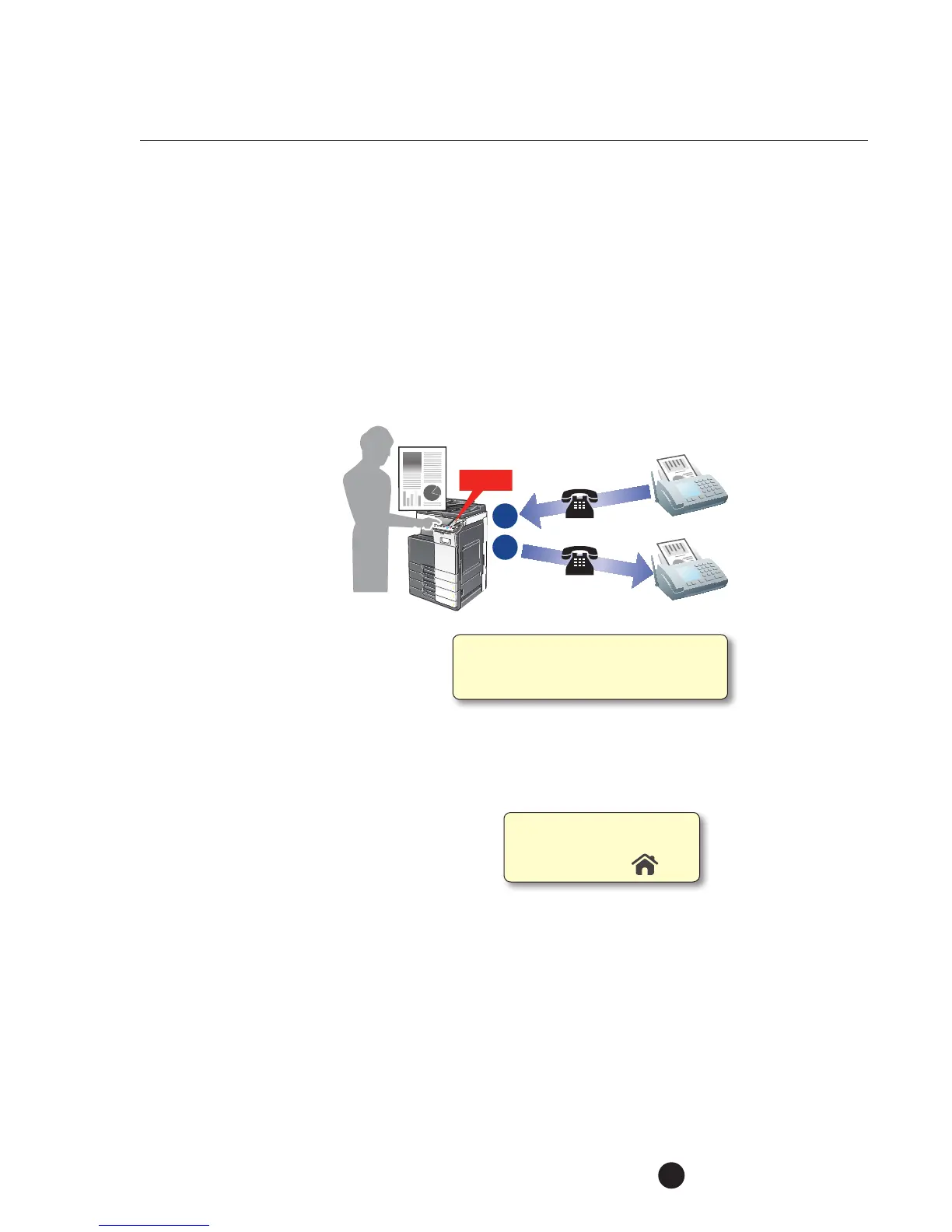
This medical office is shared
by two prominent doctors,
each of which has a different
method of handling their
incoming fax transmission.
They have equipped their
bizhub MFP with two fax
lines, one line dedicated to
each doctor. They havealso programmed
their machine with separate forwarding
commands for each line in order to meet
thedoctor’s requirements—one doctor wants all incoming faxes forwarded
to the administrator’s Email address andtheother doctor wants all incoming
faxesforwarded to an SMB folder.
1. Touch Utility.
2. Touch Administrator Settings.
3. Enter Password (Default is 1234567812345678).
4. Touch OK.
5. Touch Fax Settings.
6. Touch TX/RX Settings.
7. Access screen 3/3 by pressing the down arrow
!
.
8. Touch Individual Receiving Line Set Up.
9. Select ON from Job Setting Menu.



 To Next Page
 Loading...


