Muratec MFX-C3680 Series
Fax Features
27
Ifnot on the home screen,
touch the Menu key on
the Control Panel .
Document
Hard Disk
Specifying PC-Fax Reception Settings on the Machine
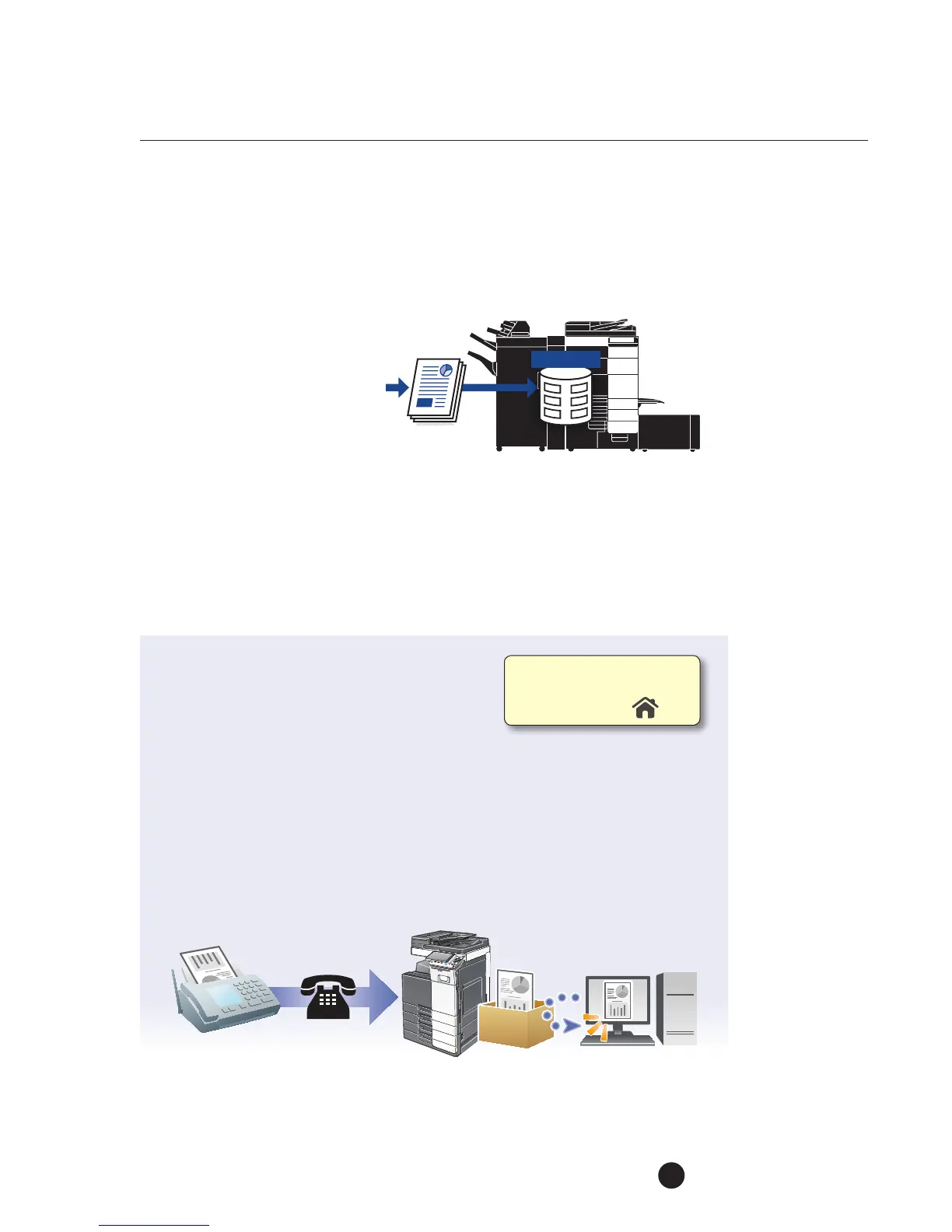
PC-FAX reception saves the document file received by the fax in the HHD (Hard Disk
Drive). The saved file can be downloaded to a network computer.
PRE-REQUISITES
.
APPLICATION
The customer wants to program the MFP to store all incoming fax receptions into
auser box instead of printing them out. They prefer this method so they can maintain
confidentiality and they decide which faxes they will archive, forward or delete.
Byfollowing these procedures they are also able to save money onconsumable
(paper,toner, etc.) costs.
1. Touch Utility.
2. Touch Administrator Settings.
3. Enter Password (Default is 1234567812345678).
4. Touch OK.
5. Touch Fax Settings.
6. Touch Function Settings.
7. Touch PC-Fax RX Setting.
8. Touch Allow.



 To Next Page