bizhub C754e Series/C554e Series/C364e Series
Fax Job Shops
26
11. Touch TSI User Box Registration.
12. The list of registered numbers is displayed.
13. Touch the number to be registered (up to 128 numbers can be registered).
14. Touch Edit.
15. Enter Sender (TSI) (this is the fax number of the sending fax).
a. Use the keypad, “+”, Space, “
%
”, “
,
”, Delete (deletes one character
atatime) to enter Sender (TSI).
b. To delete all entered characters, press C key on the control panel.
16. Specify the Forwarding Destination (this designates where you want this fax
reception to be forwarded when the registered sender transmits a fax).
a. To select from registered destinations
,
touch Select Address Book
,
touch the desired One-Touch key
,
Touch OK.
b. To specify the box number, touch Search by User Box Number
,
enterbox number with keypad
,
touch OK.
17. Touch OK 4x and TSI Routing is now set.
18. Touch Close 4x.
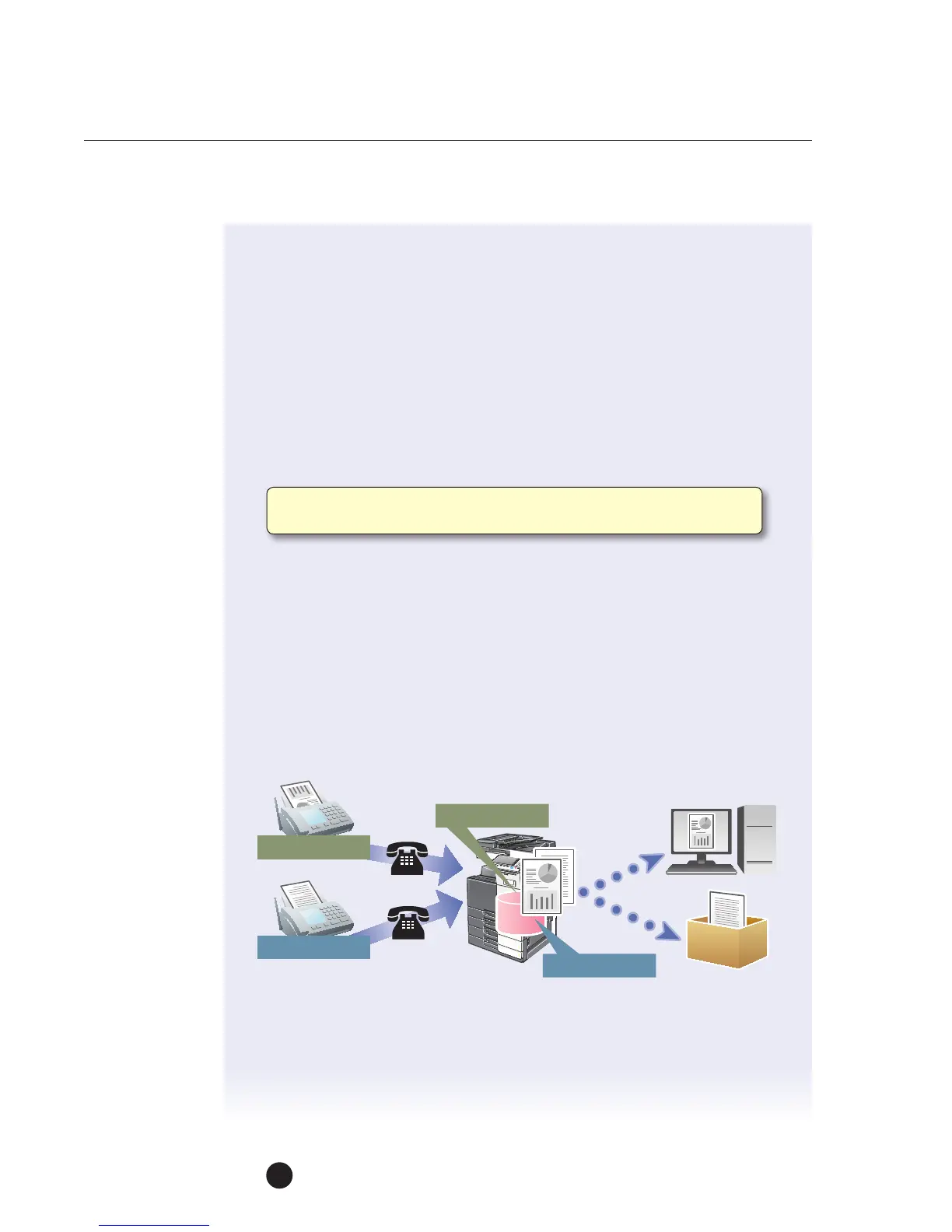
Note: The number registered in the Sender (TSI ) field represents the fax
number of the sending fax.
123-456-7890
012-345-6789
123-456-7890
012-345-6789



 To Next Page