11
PORTABLE DVD PLAYER USER GUIDE
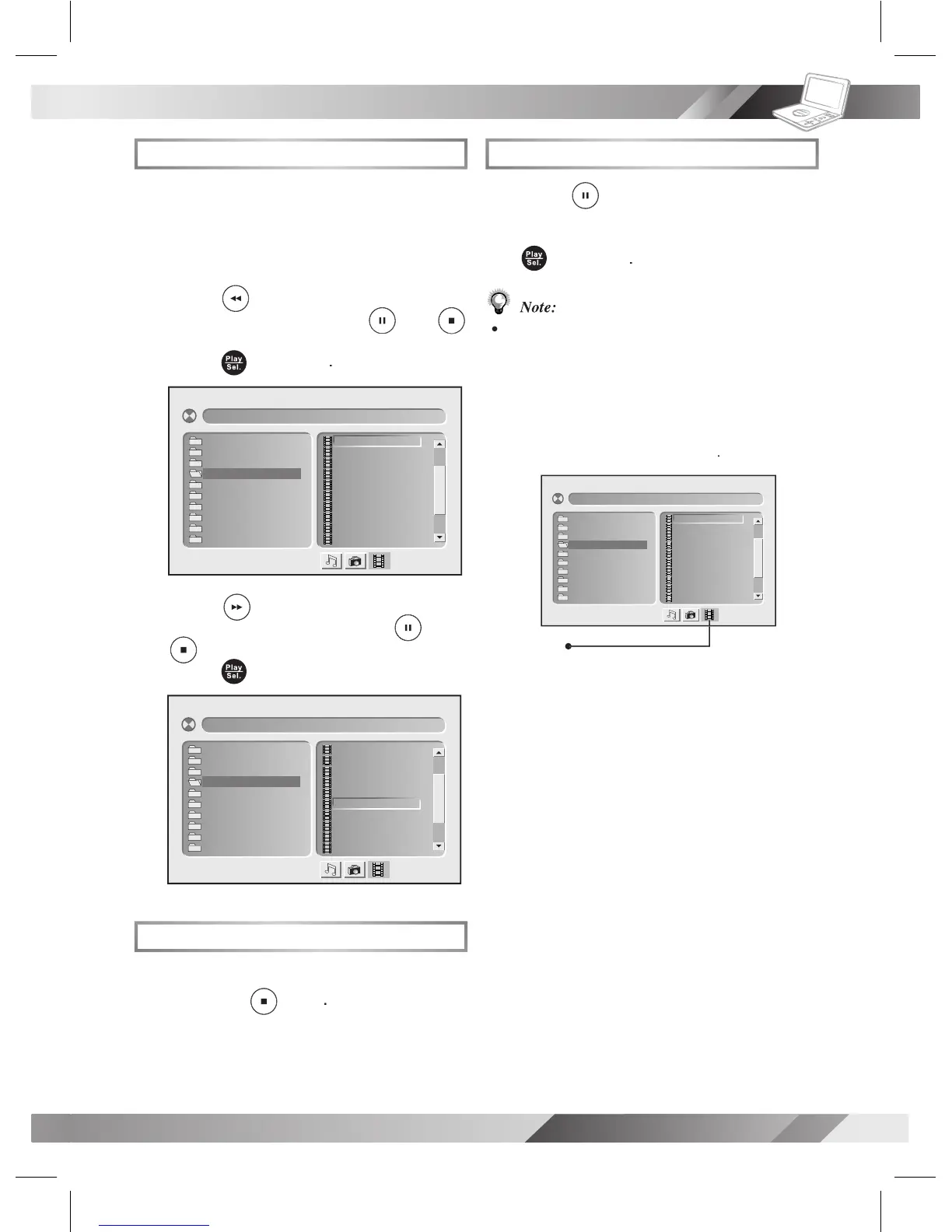
MPEG-4 Playback
Basic MPEG-4 Playback
Load a disc, a MMC/SD card or
an USB Flash Drive that contains
on the left screen. Press
To stop playback and return to the menu
To stop playback and return to the menu
[ F ile Na me- 1 ]0 01– ––– ––.
001 . 0 01 ––– – –
002 . 0 02 ––– – –
003 . 0 03 ––– – –
004 . 0 04 ––– – –
005 . 0 05 ––– – –
006 . 0 06 ––– – –
007 . 0 07 ––– – –
008 . 0 08 ––– – –
009 . 0 09 ––– – –
010 . 0 10 ––– – –
01. File Name-1
02. File Name-2
03. File Name-3
04. File Name-4
05. File Name-5
06. File Name-6
07. File Name-7
08. File Name-8
09. File Name-9
10. File Name-10
[ F ile Na me- 1 ]0 01– ––– ––.
001 . 0 01 ––– – –
002 . 0 02 ––– – –
003 . 0 03 ––– – –
004 . 0 04 ––– – –
005 . 0 05 ––– – –
006 . 0 06 ––– – –
007 . 0 07 ––– – –
008 . 0 08 ––– – –
009 . 0 09 ––– – –
010 . 0 10 ––– – –
01. File Name-1
02. File Name-2
03. File Name-3
04. File Name-4
05. File Name-5
06. File Name-6
07. File Name-7
08. File Name-8
09. File Name-9
10. File Name-10
Pausing Playback
To return to normal playback,
Some discs, MMC/SD cards or USB Flash
contain music, picture and video
le formats. When the player reads the disc,
card or USB ash drive, Audio CD mode will
be selected rst. To select MPEG-4 CD mode,
until the MPEG-4 CD icon is se-
[ F i l e N ame-1 ] 0 0 1 – – – –––.
00 1 . 0 0 1 –––––
00 2 . 0 0 2 –––––
00 3 . 0 0 3 –––––
00 4 . 0 0 4 –––––
00 5 . 0 0 5 –––––
00 6 . 0 0 6 –––––
00 7 . 0 0 7 –––––
00 8 . 0 0 8 –––––
00 9 . 0 0 9 –––––
01 0 . 0 1 0 –––––
01. File Name-1
02. File Name-2
03. File Name-3
04. File Name-4
05. File Name-5
06. File Name-6
07. File Name-7
08. File Name-8
09. File Name-9
10. File Name-10



 To Next Page