19
PORTABLE DVD PLAYER USER GUIDE
Disc Handling and Maintenance
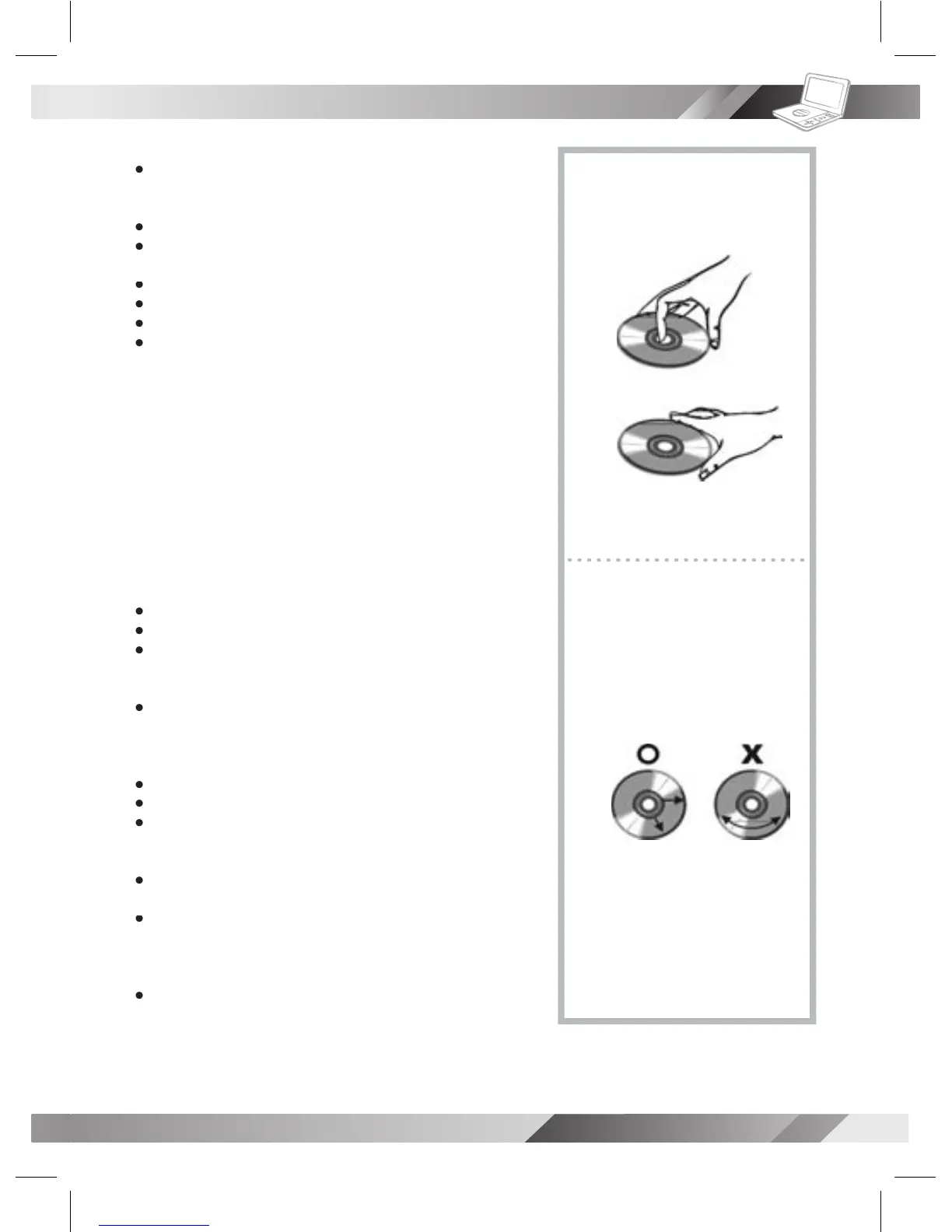
Hold the disc by the edges so the surface will not be soiled with nger-
Fingerprints, dirt and scratches can cause skipping and distortion.
Do not write on the label side with a ball-point pen or other writing utensils.
Do not use record cleaning sprays, benzine, thinner, static electricity
prevention liquids or any other solvent.
Be careful not to drop or bend the disc.
Do not install more than 1 disc on the disc tray.
Do not try to close the disc tray when the disc is not installed properly.
Be sure to store the disc in its exclusive case when not in use.
If the surface is soiled (B)
Wipe gently with a soft, damp (water only) cloth.
When wiping discs, always move the cloth from the center hole toward
(If you wipe the discs using a circular motion, circular scratches are likely
to occur, which will cause noise.)
If the disc is brought from a cold to a warm environment, moisture may
Wipe the moisture off with a soft, dry, lint-free cloth before using the disc.
You can damage discs if you store them in the following places:
Areas exposed to direct sunlight
Areas directly exposed to a heat outlet or heating appliance
MPEG4, DVD, DVD+RW, DVD+R, DVD-RW, DVD-R, CD-DA, Mixed
CD-DA, JPEG le disc and Kodak Picture Disc.
Disc which cannot be played with this player
Be sure to turn the unit off and disconnect the AC power cord before
Wipe this unit with a dry soft cloth.
If the surfaces are extremely dirty, wipe clean with a cloth which has
been dipped in a weak soap-and-water solution and wrung out thor-
oughly, and then wipe again with a dry cloth.
Never use alcohol, benzine, thinner, cleaning uid or other chemicals.
And do not use compressed air to remove dust.



 To Next Page