15
PORTABLE DVD PLAYER USER GUIDE
Enter 4-digit password and press
Enter factory pre-set password
Kid safe; it is safe even for kids.
General audience; recommended as
General audience; recommended as
General audience; recommended as
acceptable for viewers of all ages.
Parental Guidance suggested.
Material is unsuitable for children
Material is unsuitable for children
Material is unsuitable for children
Parental Guidance-restricted;
recommended that parents restrict children
under age 17 from viewing or allow children
to view only when supervised by a parent or
Restricted, children under 17 would not
be admitted without an accompanying parent
No children under the age of 17,
not recommended viewing for children under
You can use the parental control lock ONLY
with DVD discs featured with the parental lock
Please keep in mind that discs not encoded with
rating lock protection will play regardless of
OSD Setup - continued
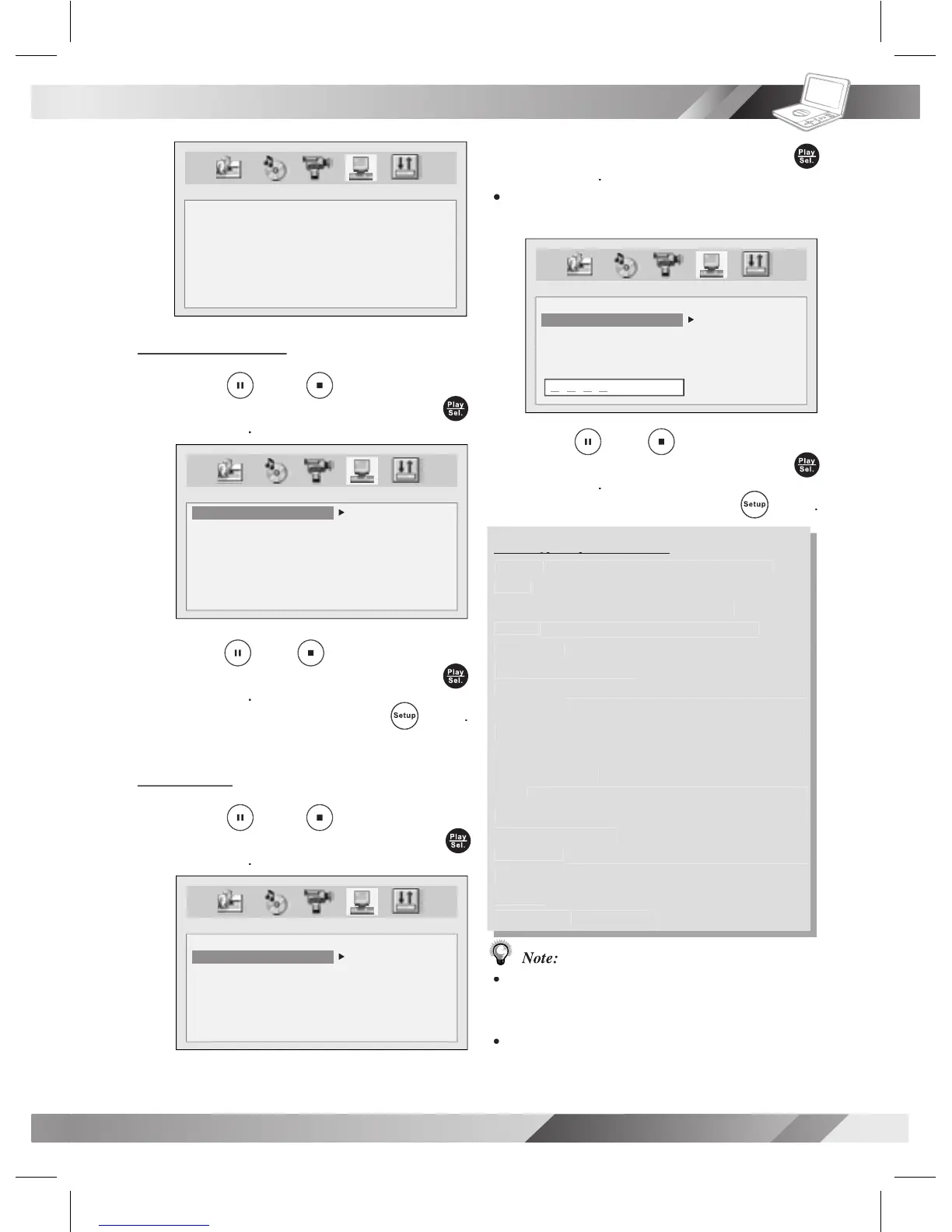
SYSTEM SETUP
SCREEN SAVER
PARENTAL
PASSWORD
ANGLE MARK
DIVX
DEFAULT
SYSTEM SETUP
SCREEN SAVER
PARENTAL
PASSWORD
ANGLE MARK
DIVX
DEFAULT
ON
OFF
SYSTEM SETUP
SCREEN SAVER
PARENTAL
PASSWORD
ANGLE MARK
DIVX
DEFAULT
1 KID
2 G
3 PG
4 PG-13
5 PG-R
6 R
7 NC-17
8 ADULT
1 KID
2 G
3 PG
4 PG-13
5 PG-R
6 R
7 NC-17
8 ADULT
SYSTEM SETUP
SCREEN SAVER
PARENTAL
PASSWORD
ANGLE MARK
DIVX
DEFAULT
X X X X



 To Next Page