EasyManua.ls Logo

Mustek MP70B - OSD Setup - TV Aspect and System; TV Type and Aspect Ratio; TV System Configuration

Mustek MP70B
20 pages
Print Icon
To Next Page IconTo Next Page
To Previous Page IconTo Previous Page
Loading...
14
PORTABLE DVD PLAYER USER GUIDE
OSD Setup - continued
Note:
If you choose
P-Scan
as the video output setting,
make sure your TV set supports P-Scan input
feature and the YUV cable be properly connected
to the TV and the portable DVD player.
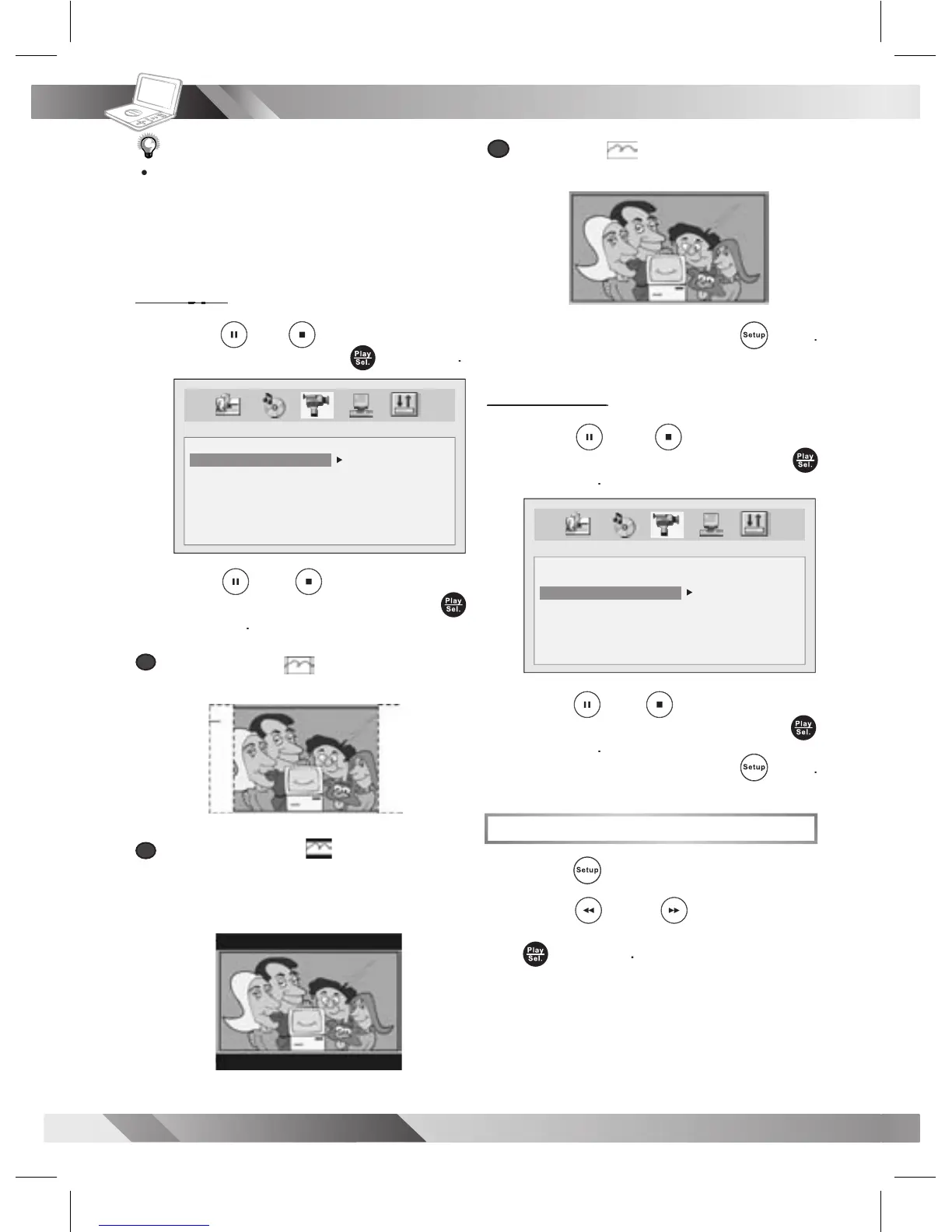
TV Type
TV Type
3
Press
Up
/
Down
to
select
TV
TYPE
and then press
Play/Sel.
.
4
Press
Up
/
Down
to
select a
preferred option
and then press
Play/Sel.
.
a
a
4:3 Pan Scan
:
Select “4:3 PanScan”
for a conventional size TV set.
b
b
4:3 Letter Box
:
Select “4:3 Letter
Box” for a conventional size TV set. Black
bands appear at top and bottom of screen
(letter-box style).
VIDEO SETUP
VIDEO OUTPUT
TV TYPE
TV SYSTEM
4:3PS
4:3LB
16:9
c
c
16:9 Wide
:
:
Select16:9 Wide for a
wide-screen TV set to played inFULLsize.
- To leave SETUP MENU,
press
Setup
.
TV System
TV System
3
Press
Up
/
Down
to
select
TV
SYSTEM
and then press
Play/Sel.
.
4
Press
Up
/
Down
to
select a
preferred option
and then press
Play/Sel.
.
- To leave SETUP MENU,
press
Setup
.
System Setup
1
Press
Setup
in stop mode.
2
Press
Left
/
Right
to select
SYSTEM SETUP
icon and then press
Play/Sel.
.
VIDEO SETUP
VIDEO OUTPUT
TV TYPE
TV SYSTEM
NTSC
PAL
AUTO

Related product manuals