5 Panel setup menu VJ-1324 OPERATION MANUAL
5-38
5.6 Sleep Mode menu
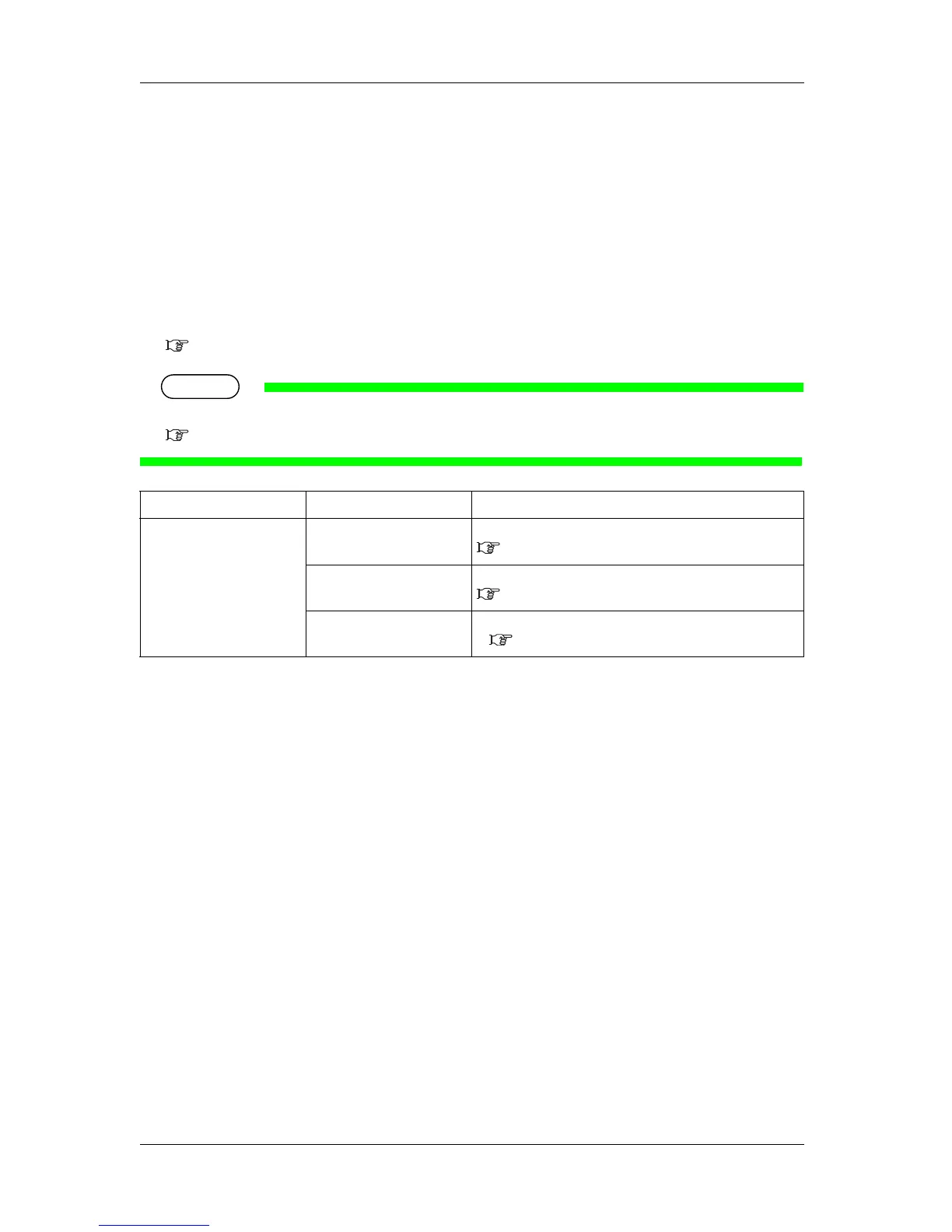
Sleep mode settings are configured.
When you activate sleep mode, the printer operates as follows.
• The vacuum fan stops.
• All heaters stop.
• All lamps turn off except for the power lamp.
• Automatic head cleaning is performed after the time set in the Timer Setting Menu has elapsed.
5.6.1 Timer Setting menu
TIP
• The cleaning mode reflects the settings in the operation panel.
6.2.3 Head cleaning
5.6.1 Timer Setting menu
Set the head cleaning interval of this printer for Sleep Mode.
When more than the set time has passed, the print head is cleaned automatically.
Setup item Setting Description
Sleep Mode Set Timer Set the auto cleaning interval of this printer for Sleep Mode.
5.6.1 Timer Setting menu
Start Activate Sleep Mode
5.6.2 Sleep Mode Start menu
— • [Cancel] key: shifts to the previous menu.
5.1 Setup menu




 To Next Page