VJ-1324 OPERATION MANUAL 3 Before using
3-23
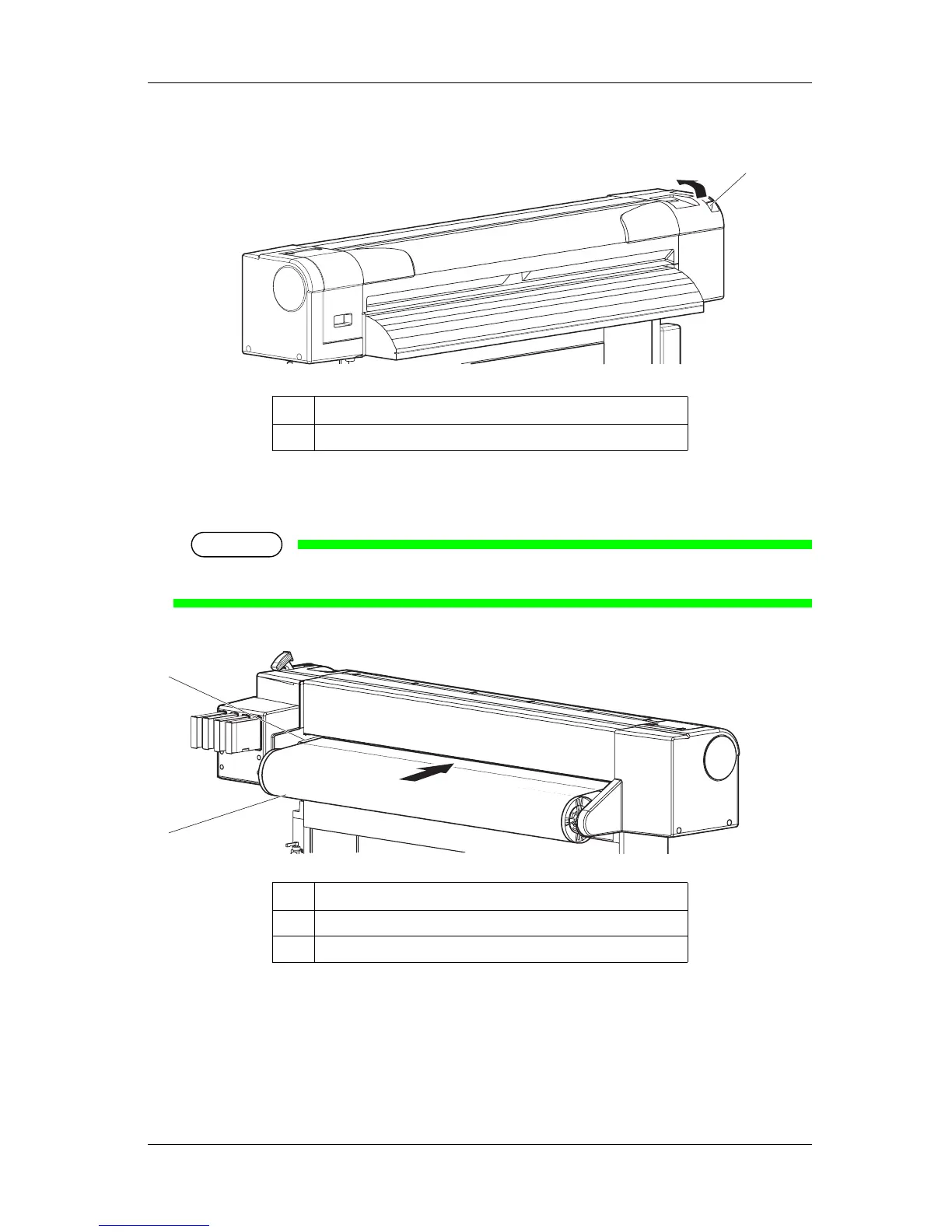
2. Raise the media loading lever.
• "Lever Up" is displayed on the operation panel.
3. Set the roll media to the media feed slot.
NOTE
• If the end of the roll media is not wound tightly, wind it tightly again, and then load it.
4. Open the front cover to pull out the roll media.
No. Name
1 Media loading lever
No. Name
1 Roll media
2 Media feed slot
1
1
2















 To Next Page