3 Before using VJ-1324 OPERATION MANUAL
3-22
3.4.2 Setting Roll Media
This section explains how to set the roll media.
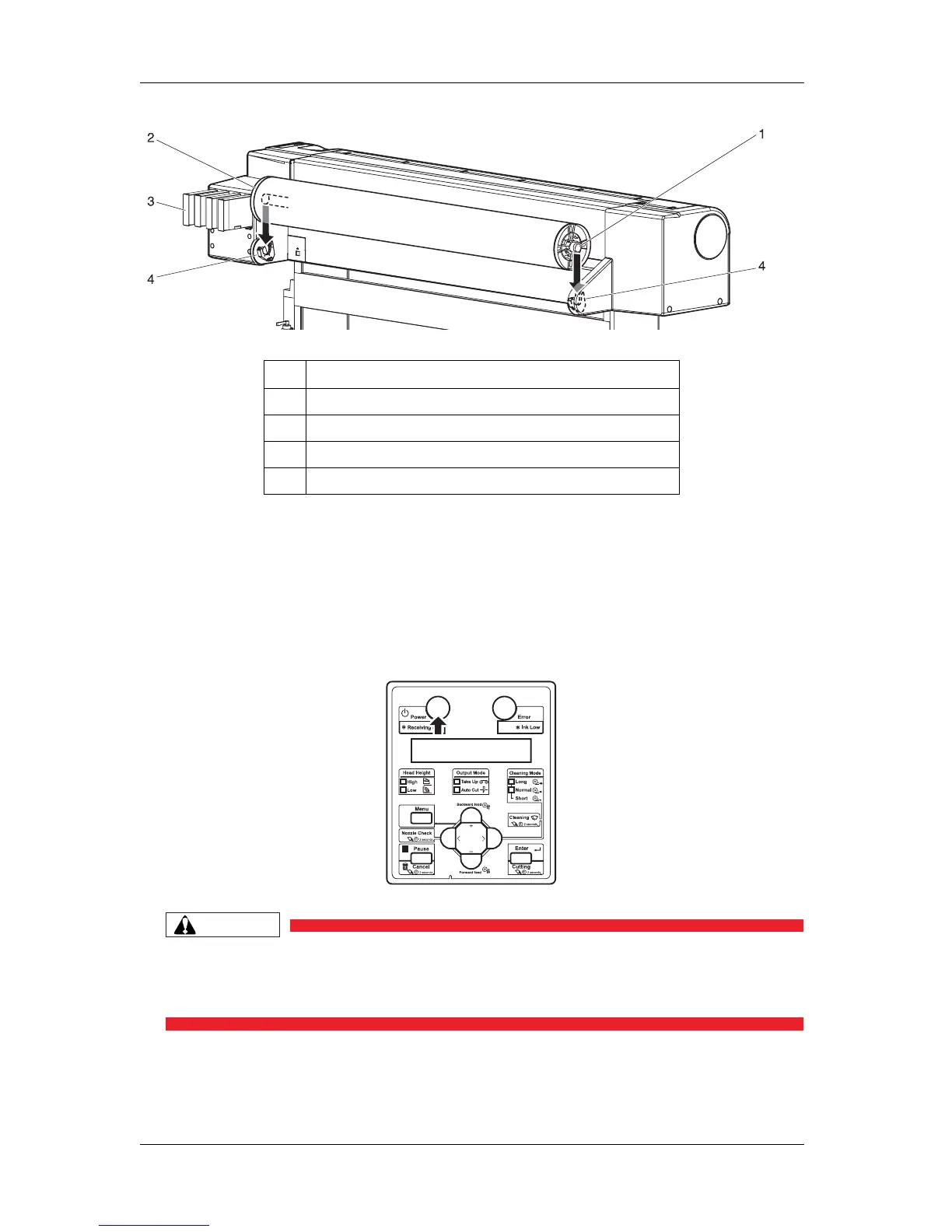
Follow the procedure below to set the roll media.
1. Turn the printer ON.
CAUTION
• Do not operate the media loading lever during the initial operation or printing.
The print head portion may touch the pressurizing roller portion, and cause a
malfunction.
• The printer starts the initializing operation.
• "Media End" is displayed on the operation panel.
No. Name
1 Scroller
2 Fixed media stopper
3 Ink cartridge slots
4 Scroller holder















 To Next Page