VJ-1324 OPERATION MANUAL 3 Before using
3-21
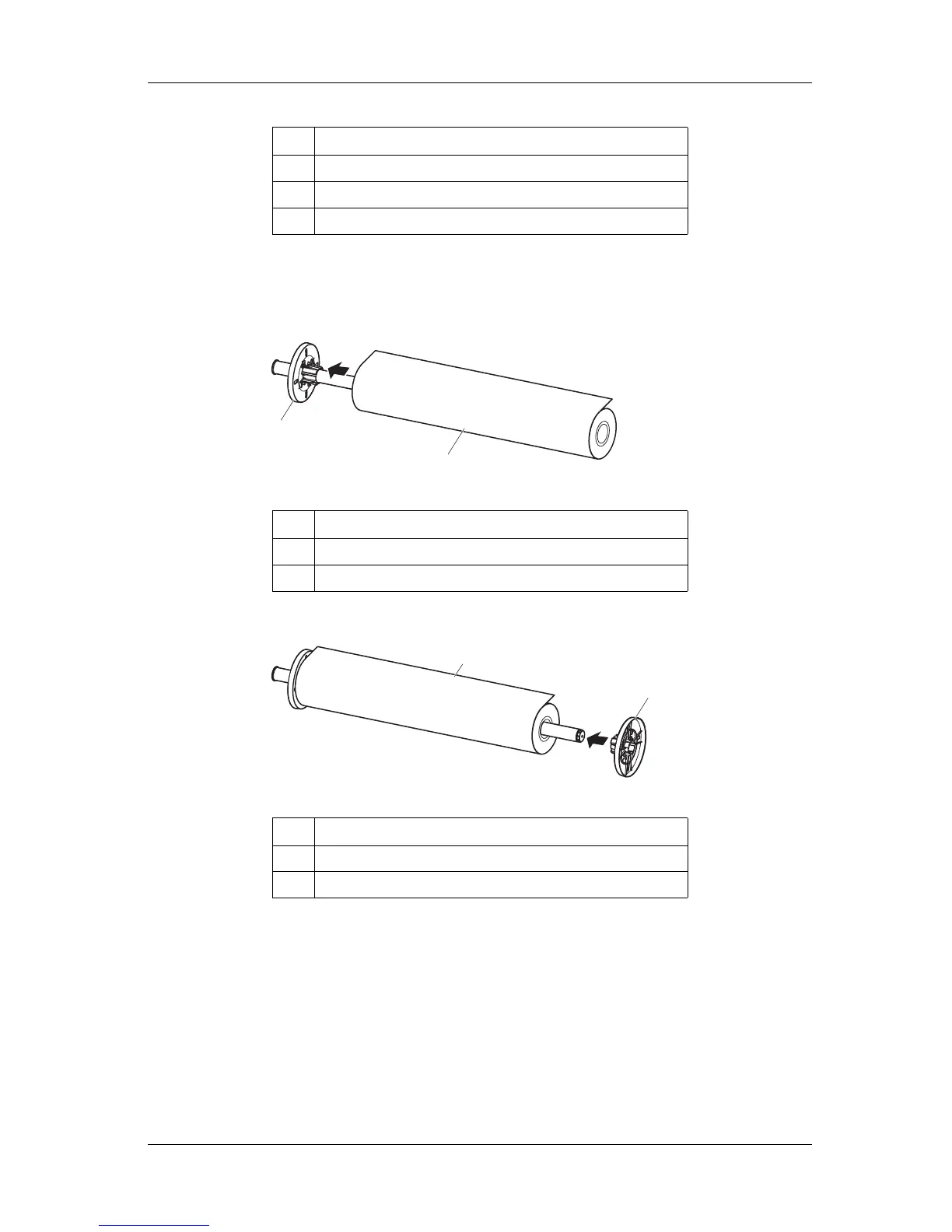
2. To set the roll media on the scroller, make sure that the paper is rolled counter-clockwise when seen
from the fixed media stopper.
3. Insert the roll media all the way till its core touches the right edge of the fixed media stopper.
4. Attach the movable media stopper firmly to the core of the roll media.
5. Set the scroller on the holder with the fixed media stopper on the ink cartridge slot side.
No. Name
1 Movable media stopper
2 Fixed media stopper
3 Attachments for three-inch media
No. Name
1 Fixed media stopper
2 Roll media
No. Name
1 Movable media stopper
2 Roll media
1
2
2
1















 To Next Page