VJ-1324 OPERATION MANUAL 4 Handling the printer
4-15
4.3 Menu setups on the operation panel
4.3.1 Menu setup procedure
Follow the procedure below to configure each setup menu.
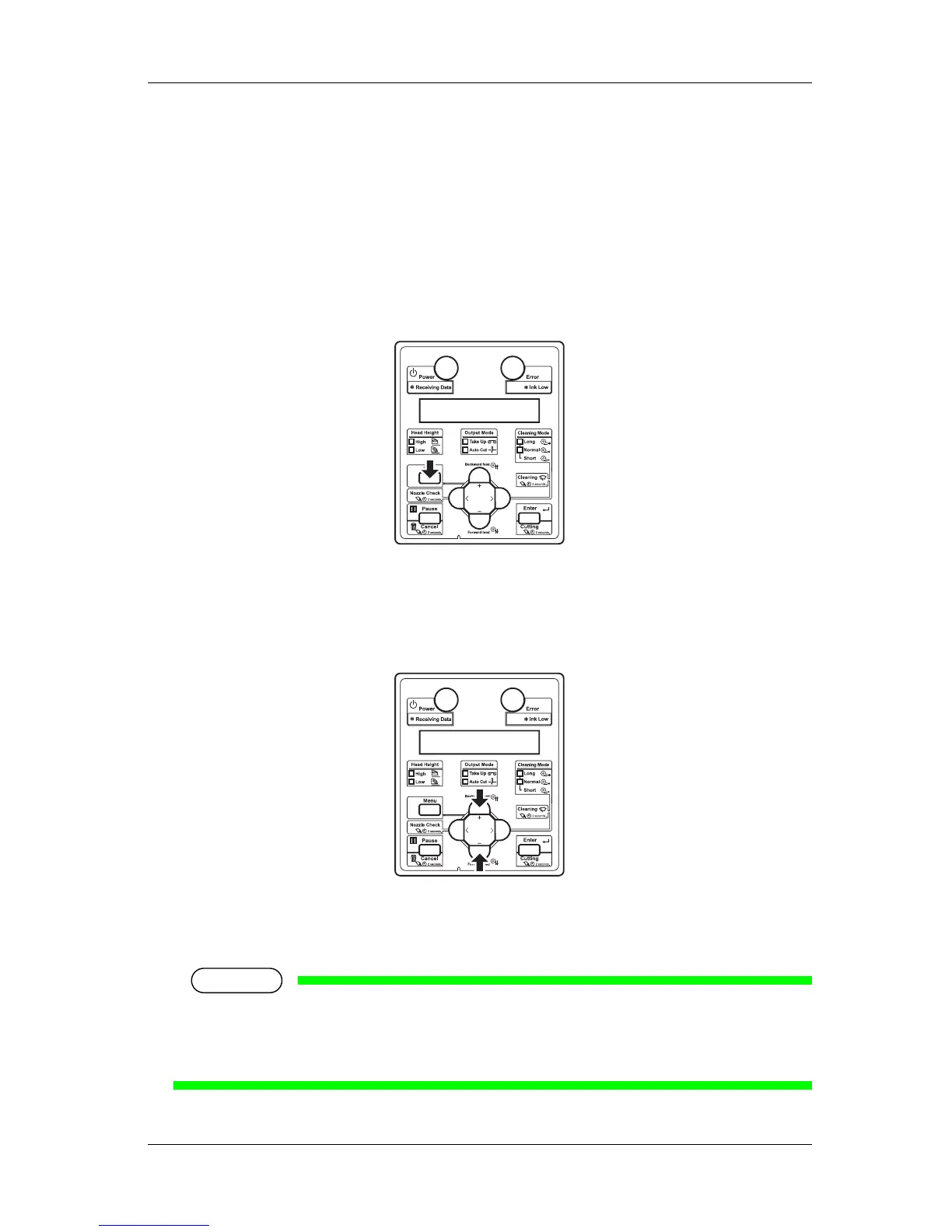
1. Confirm that the operation panel is Normal.
2. Press the [Menu] key on the operation panel.
• "Menu1: Setup>" is displayed on the operation panel.
• The operation panel shifts to the Setup menu display.
3. Press the [+] key or [–] key on the operation panel to select a setup item and press the [Enter] key.
• The settings will be confirmed.
• When setup items have a submenu, the display shifts to the next menu.
NOTE
• When a setup item has a submenu, ">" is displayed on the right end of the LCD monitor of the
operation panel.
• For the general outline of each setup item, refer to "4.3.2 Panel setup menu overview".















 To Next Page