4 Handling the printer VJ-1324 OPERATION MANUAL
4-16
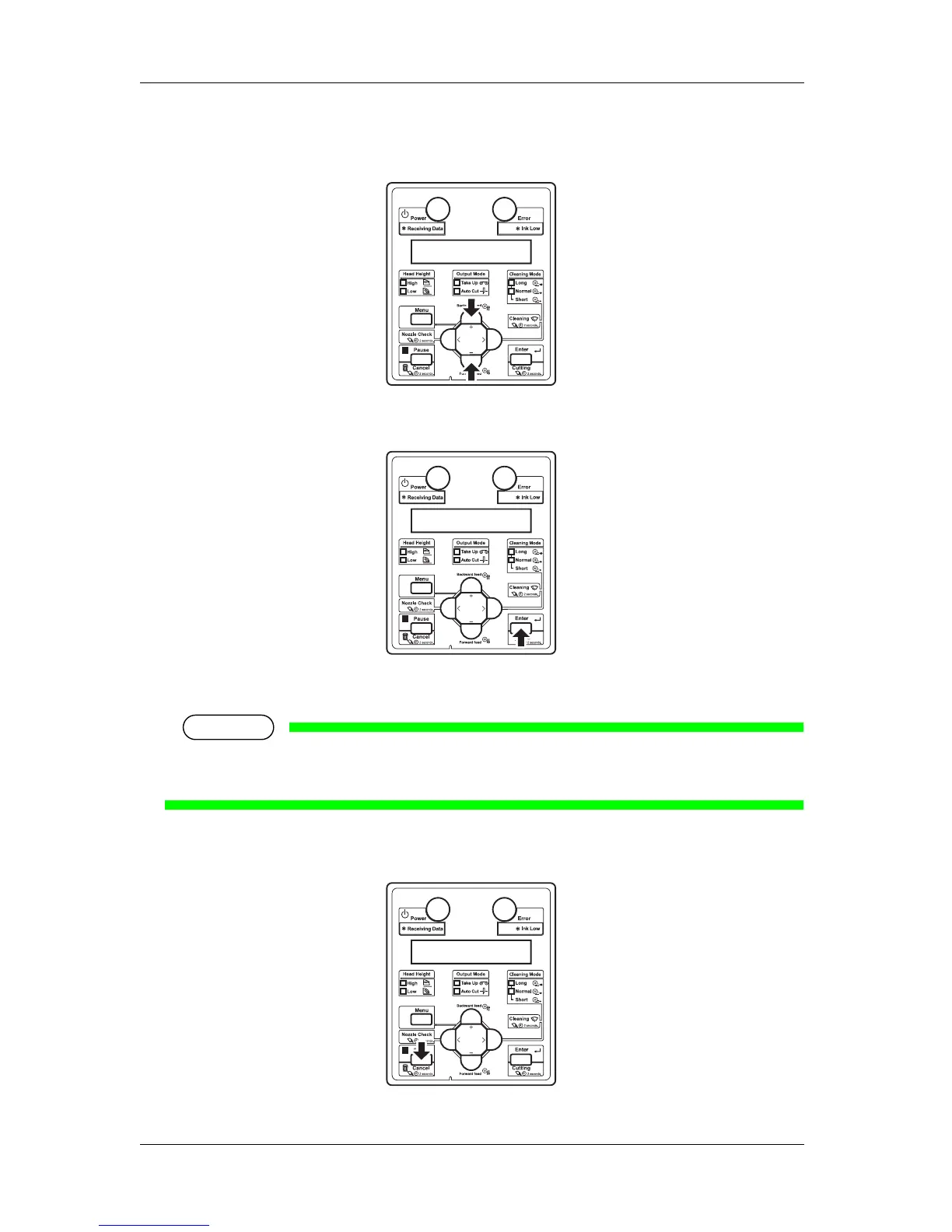
4. The setting in the blinking part on the LCD monitor of the operation panel can be changed.
Press the [+] key or [-] key to change the set value.
5. To save the changed setting, press the [Enter] key on the operation panel.
• The setting is saved and the next setup item is displayed.
NOTE
• If you press the [Cancel] key, [+] key or [–] key without pressing [Enter] key after changing a
setting, the change will not be saved.
6. Press the [Cancel] key on the operation panel to exit from the setup.















 To Next Page