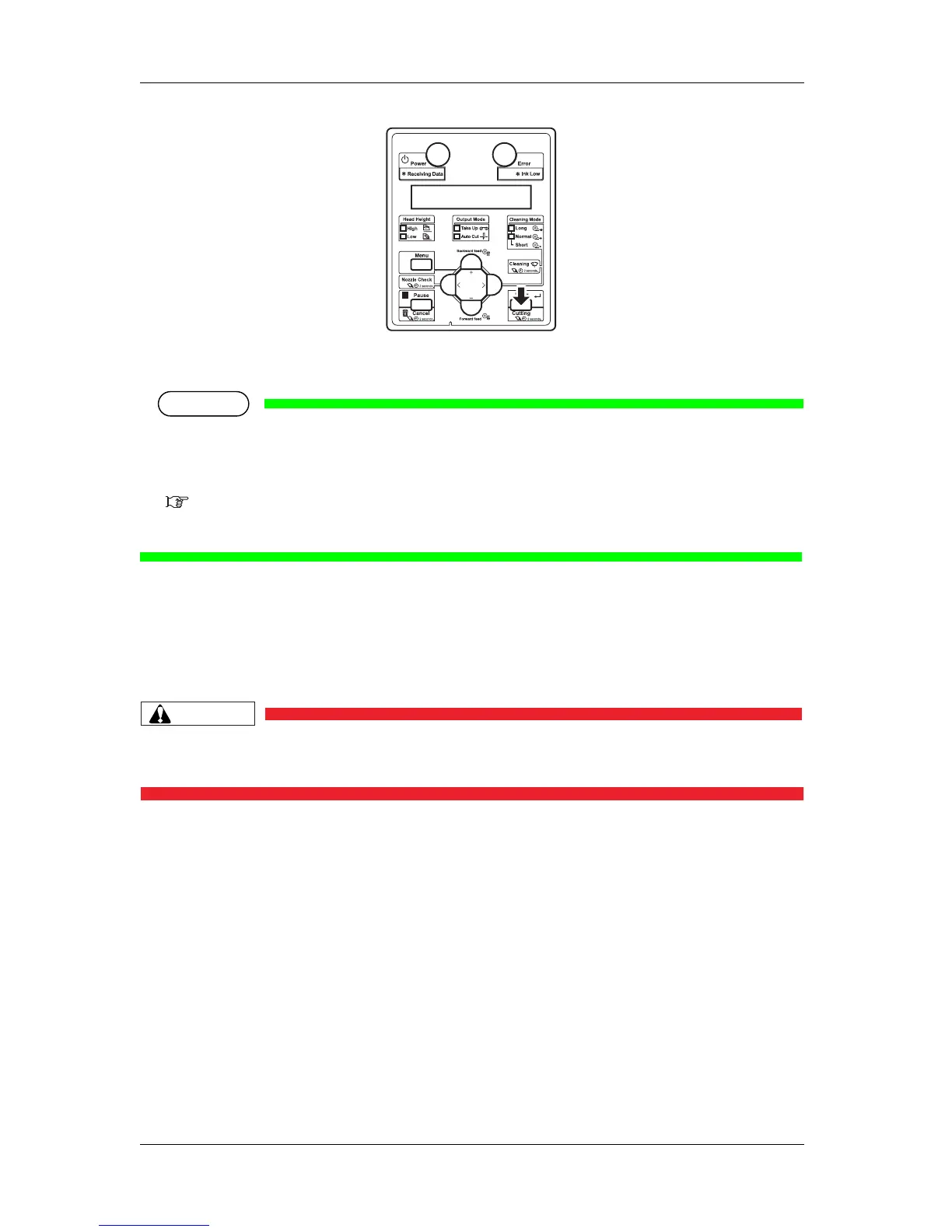
4 Handling the printer VJ-1324 OPERATION MANUAL
4-20
• The printer feeds the roll media to the length of the margin and cuts the media.
NOTE
• When loading the new roll media, cut the front edge of the media if it is not straight.
• The cutter is a consumable component.
Replace it periodically.
6.1.3 Replacing Cutter
• When the media detection is set to "Off", the media cannot be cut automatically.
4.4.4 Cutting media manually
This section explains how to cut the roll media manually.
CAUTION
• Right after printing, the media guide becomes very hot.
Allow the media guide to cool down before the next operation.
Follow the procedure below to cut the roll media.
1. Verify the following regarding the operational condition of the product.
• Printing or other operations are not in progress.
• The operation panel display is Normal.
2. To change the position to cut the roll media, refer to "4.4.1 Feeding media" and advance the roll
media to the desired cut position.
3. Place a razor blade on the media cut groove on the media guide, and cut the roll media.










 To Next Page