17 / 21
BETA series
BETA-user manual-EN-
Obrá
zek
nejd
Obrá
zek
nejde
◦
Repeat step 1, step 2, then press (OPTION) or waiting for 5
seconds without any operation to cancel the timer.
8.6. D
RY
M
ODE
This function reduces the humidity of the air to make the room more
comfortable.
•
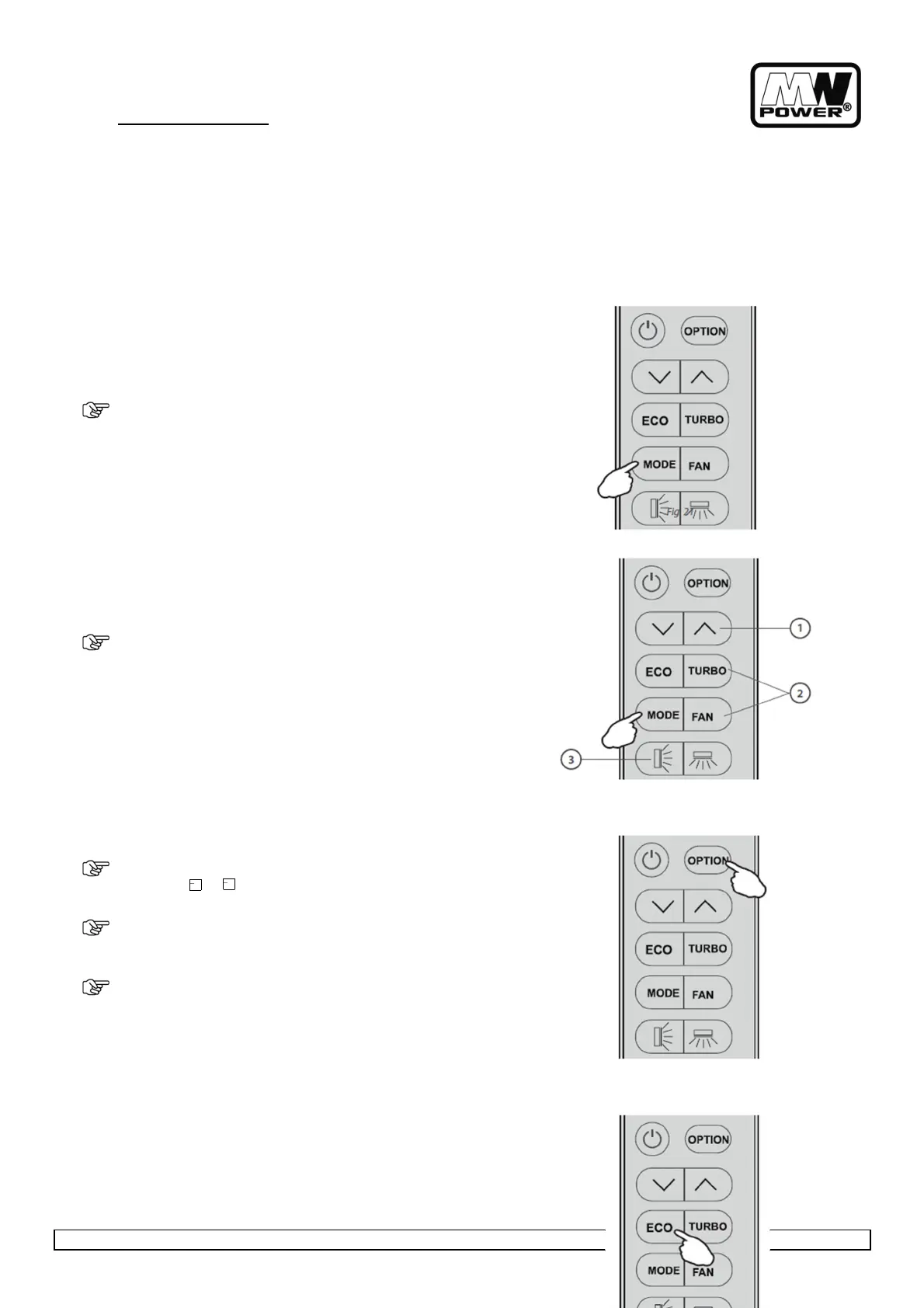
To set the DRY mode, press (MODE) button untill DRY appears
in the display. An automatic function of alternating cooling
cycles and air fan is activated.
8.7. A
UTO
M
ODE
To activate the AUTO (automatic) mode of operation, press (MODE)
button on the remote controller until the symbol AUTO appears on the
display.
•
In AUTO mode the fan speed and the temperature are set
automatically according to the room temperature (tested by
the temperature sensor which is incorporated in the indoor
unit).
To optimize the function of the air conditioner, adjust the temperature
(1), the speed (2) and the direction of the air flow (3), by pressing the
buttons indicated.
8.8. S
LEEP
F
UNCTION
•
P
ress (OPTION) at the first time , select the SLEEP by pressing
the button or until symbol SLEEP is flashing.
•
Press (OPTION) again to activate the SLEEP function, and
symbol SLEEP appears on the display.
•
Do it again to deactivate this function.
After 10 hours running in sleep mode the air conditioner is switched off
automatically.
8.9. ECO
FUNCTION
In this mode the appliance automatically sets the operation to
achieve energy savings.


 To Next Page