USING THE ZR 5 REMOTE CONTROL
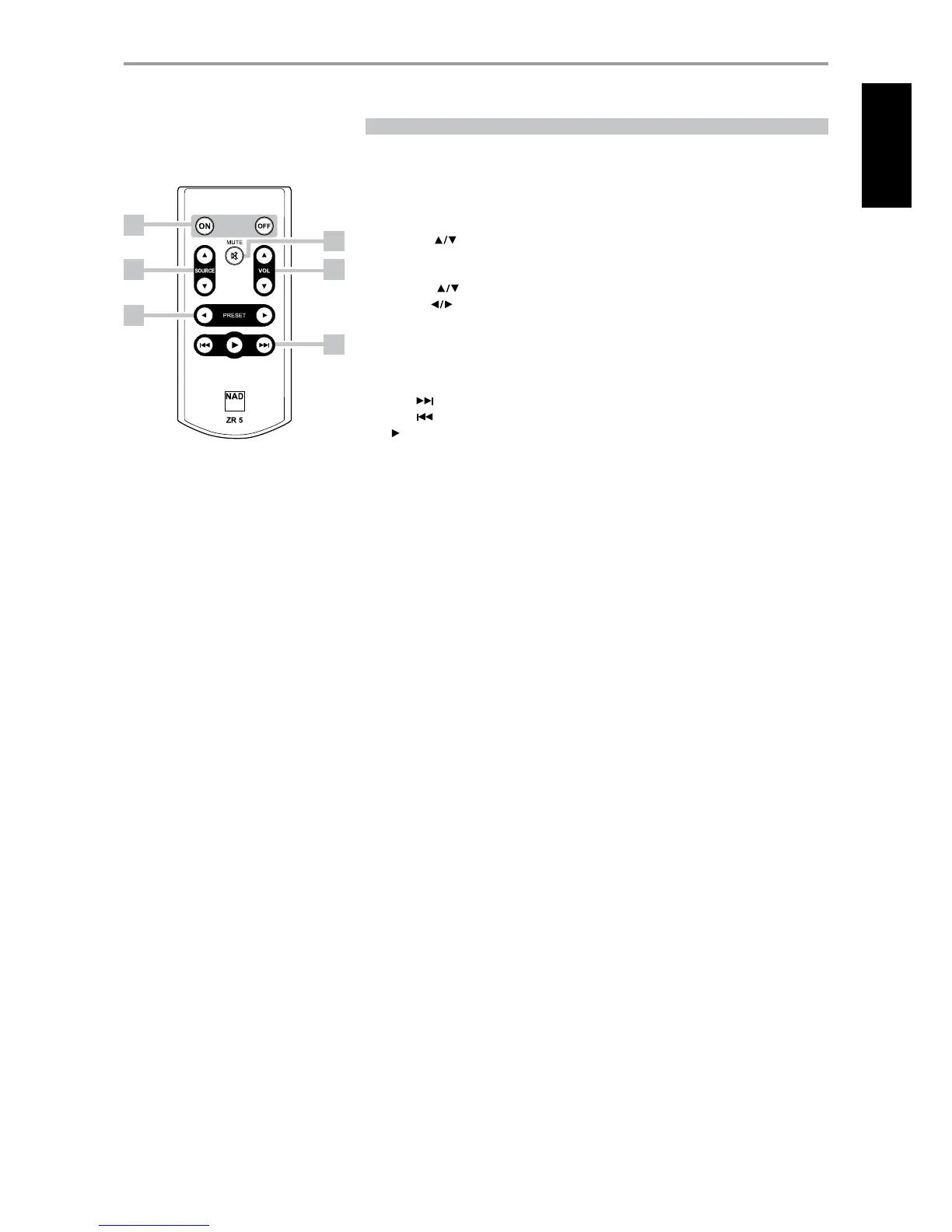
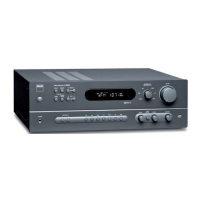
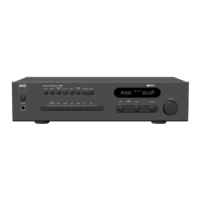
The ZR 5 remote control is a discrete compact remote for controlling the C 725BEE from various
rooms other than the main room. The ZR 5 remote allows full separate control of the source selection
irrespective of the main room. This means the zone input may be completely dierent audio from the
main input.
1 ON/OFF: Switch ON/OFF the Zone feature. When OFF, the active RECORD OUT/ZONE 2 Selector
LED will be extinguished.
2 SOURCE [ ] : Select the active input of the NAD C 725BEE that will be sent out to the rear
panel REC OUT/ZONE 2 output port.
3 MUTE: Temporarily switch OFF or restore the Zone Volume level.
4 VOLUME [ ] : This function is not applicable for the C 725BEE.
5 PRESET [ ] : Step up or down between stored radio presets. This control button is possible if
the selected Zone is “TUNER” and the active tuner section has stored presets.
6 The following CD Player Zone buttons can control a CD Player linked to the C 725BEE under the
following conditions
a The selected zone is “CD”.
b An active CD Player with disc loaded is connected to the CD input of the C 725BEE.
SKIP [ ] : Go to the beginning of a track/le or previous track/le.
SKIP [ ] : Go to the next track/le.
[ ] : Start playback.
IDENTIFICATION OF CONTROLS
REMOTE CONTROL
1
3
4
6
2
5
13
ENGLISHFRANÇAISESPAÑOLITALIANODEUTSCHNEDERLANDSSVENSKAРУССКИЙ



 To Next Page