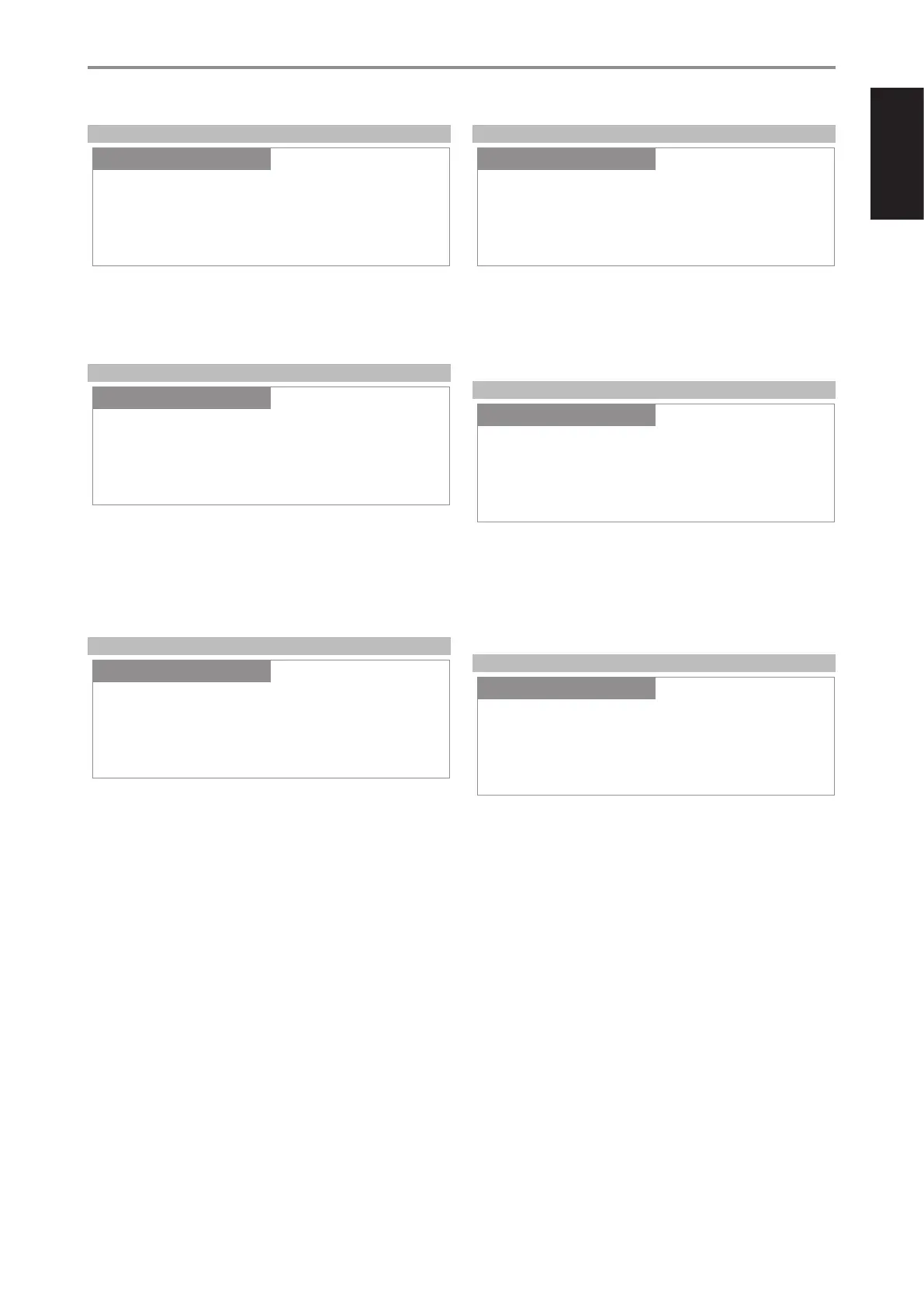
PRE OUT/SUBWOOFER
Pre Out/Subwoofer feature allows you to select the function of the PRE-
OUT or SUBWOOFER terminals.
Pre Out: Congured as Pre Out terminals.
Subwoofer: Congured as Subwoofer terminals.
SPEAKER CHANNEL
SPEAKER CHANNEL enables you to engage or disengage the speakers
connected respectively to the SPEAKERS A and SPEAKERS B terminals on
the rear panel.
Select “Speaker A” or “Speaker B” individually and then set to “On” or “O”.
On: Selected speaker is enabled.
O: Selected speaker is disabled.
TEMPORARY DISPLAY
Temporary Display feature enables the display to be turned o temporarily
after 10 seconds of non-user interface.
On: Display is turned o temporarily after 10 seconds of non- user
interface. The Standby LED is also turned o at the same time. Display
and Standby LED are activated once user interface is initiated.
O: Display remains illuminated.
DIMMER
DIMMER function makes it possible to adjust the brightness level of the
front panel display.
Bright: Above normal level of display brightness.
Normal: Normal level of display brightness.
Dim: Below normal level or dimmer than normal display brightness.
NETWORK STANDBY
Network Standby mode maintains network connection at standby mode
with reduced system performance level.
On: Network connection is maintained at standby mode.
O: Network connection is disconnected at standby mode.
Refer also to table below about “OPERATING MODE TRIGGER POINTS”.
AUTO STANDBY
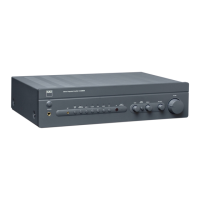
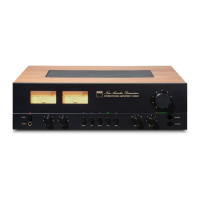
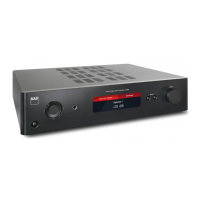
Auto Standby feature is an integral feature of C 368 that conforms to
European ecodesign regulations. The C 368 can be setup to automatically
go to standby mode if there is no user interface interaction and no active
source input within 20 minutes.
ON
• C 368 switches to standby mode at lowest power consumption (less
than 0.5W) if there is no user interface interaction and no active source
input within 20 minutes.
OFF
• C 368 remains at operating mode even if there is no user interface
interaction and no active source within 20 minutes.
Refer also to table below about “OPERATING MODE TRIGGER POINTS”.
OPERATION
USING THE C 368
Pre Out/Subwoofer
SettingsSource Setup
Pre Out
Settings
Speaker Channel
SettingsSource Setup
Speaker A
Settings
Temporary Display
SettingsSource Setup
Off
Settings
Auto Standby
SettingsSource Setup
On
Settings
Dimmer
SettingsSource Setup
Bright
Settings
Network Standby
SettingsSource Setup
Off
Settings
15
ENGLISHFRANÇAISESPAÑOLITALIANODEUTSCHNEDERLANDSSVENSKAРУССКИЙ


 To Next Page