ENGLISH
13
IDENTIFICATION OF CONTROLS
SR 10 REMOTE CONTROL
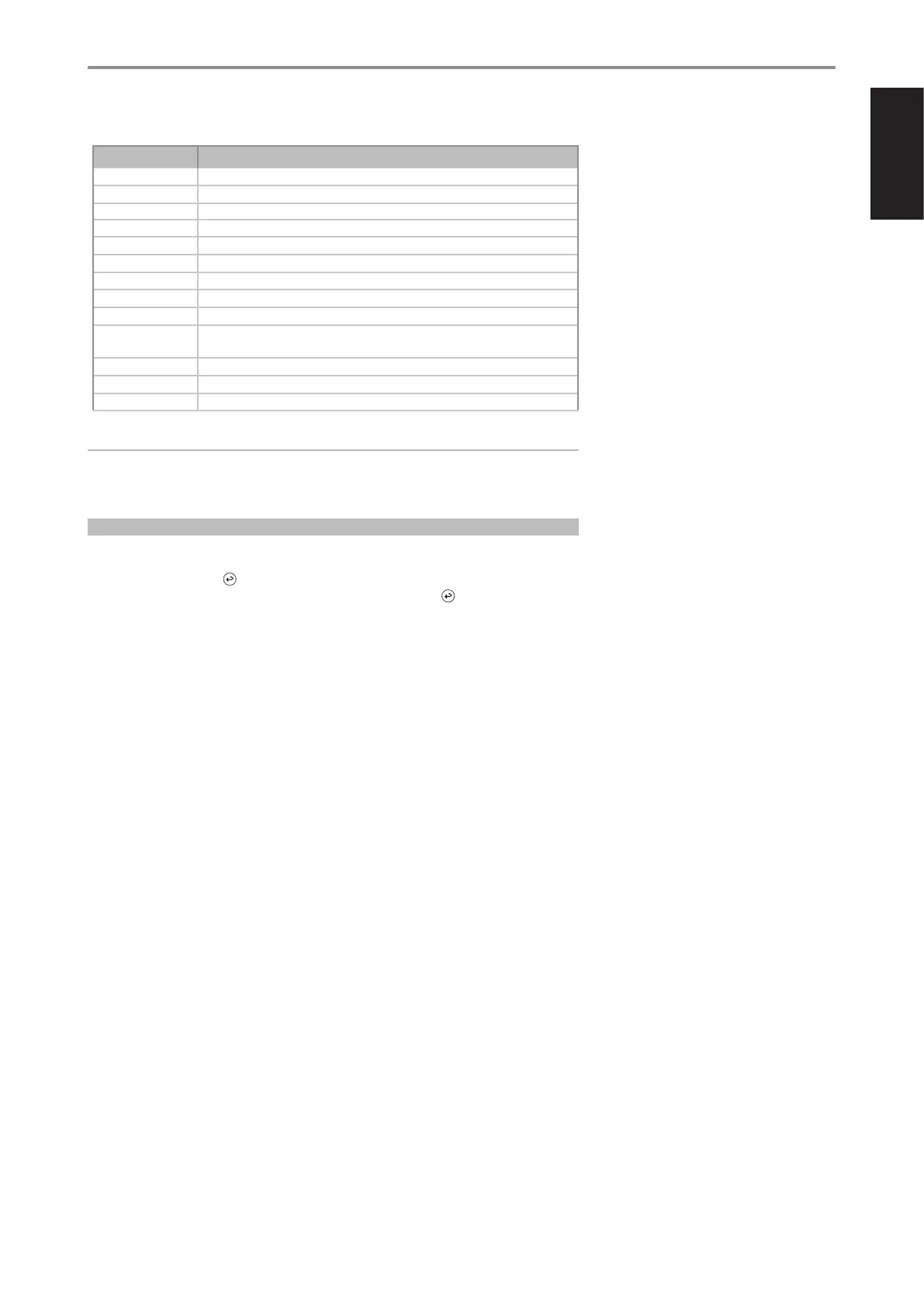
TABLE OF LIBRARY CODES APPLICABLE TO SR 10 REMOTE CONTROL
LIBRARY CODE PRODUCT DESCRIPTION
10 Default library for “AMP” page
11 Zone 2
12 Default library for “AMP” page without discrete ON/OFF (toggle ON/OFF) buttons
20 Default library for “CD” page; C 515BEE, C 545BEE, C 565BEE
21 T 535, T 585, M55, DVD section of L 54, VISO TWO, VISO FIVE
22 T 513, T 514, T 515, T 517
23 T587
30 Default library for “BLS” page
31 IPD 2
40
Default library for “AUX” page. Loaded with Tuner default codes. Applicable also to Tuner section
of C 725BEE, T 175, T 737,T 747, T 755, T 765, T 775, T 785
41 C 422, C 425
42 C 445
50 DAC
IMPORTANT
The SR 10 may not necessarily contain all the control buttons applicable for the above-mentioned
NAD products. Use the prescribed remote control of the specic NAD product for a full complement
of applicable remote control buttons.
RESET SR 10 TO ITS FACTORY DEFAULT SETTINGS
The SR 10 remote control can be restored to its factory default settings (including default libraries) by
the following procedures.
1 Press and hold ON and buttons.
2 As soon as AMP device button lights up, release hold of both ON and buttons.
3 If the CD device button flashes twice, the SR 10 factory reset is completed.


 To Next Page