GB
11
GB
10
TROUBLESHOOTING
NO SOUND • Power AC lead unplugged or power not
switched on
• Tape 2 Monitor selected
• Mute on
• Rear Pre-out/Main-in amp links not
fitted
• Speakers not switched on
• Check if AC lead is plugged in and
power switched on
• De-select Tape 2 Monitor mode
• Switch off Mute
• Fit links
• Switch Speakers A or B on
NO SOUND ONE CHANNEL • Balance control not centered
• Speaker not properly connected or
damaged.
• Input lead disconnected or damaged
• Center Balance control
• Check connections and speakers
• Check leads and connections
REMOTE CONTROL HANDSET
NOT WORKING
• Batteries flat, or incorrectly inserted
• IR transmitter or receiver windows
obstructed
• IR receiver in direct sun or very bright
ambient light
• Check or replace batteries
• Remove obstruction
• Place unit away from direct sun, reduce
amount of ambient light
NO SOUND WITH TUNER • Antenna leads incorrectly connected
• Station not selected or weak signal with
FM Mute on.
• Internal fuse blown
• Check antenna connections to receiver
• Re-tune or switch off FM Mute
• Consult dealer
Problem Cause Solution
WEAK BASS/DIFFUSE STEREO IMAGE • Speakers wired out of phase • Check connections to all speakers in
the system
NOISE, HISS ON AM AND FM • Weak signal • Check station tuning. Adjust or replace
antenna.
DISTORTION ON FM • Multi-path signals or interference from
another station
• Check station tuning. Adjust or replace
antenna
WHISTLES OR BUZZES ON FM & AM • Interference from other electrical
sources - computers, games consoles
• Check station tuning. Switch off or
move the source of the electrical noise
WHISTLES OR BUZZES ON AM • Interference from fluorescent lighting
or electrical motors
• Check station tuning. Adjust or replace
AM antenna
NO RDS INFORMATION • Station signal too weak.
• Station not transmitting RDS data
• Check station tuning. Adjust or replace
antenna
• No remedy
6. MASTER VOLUME
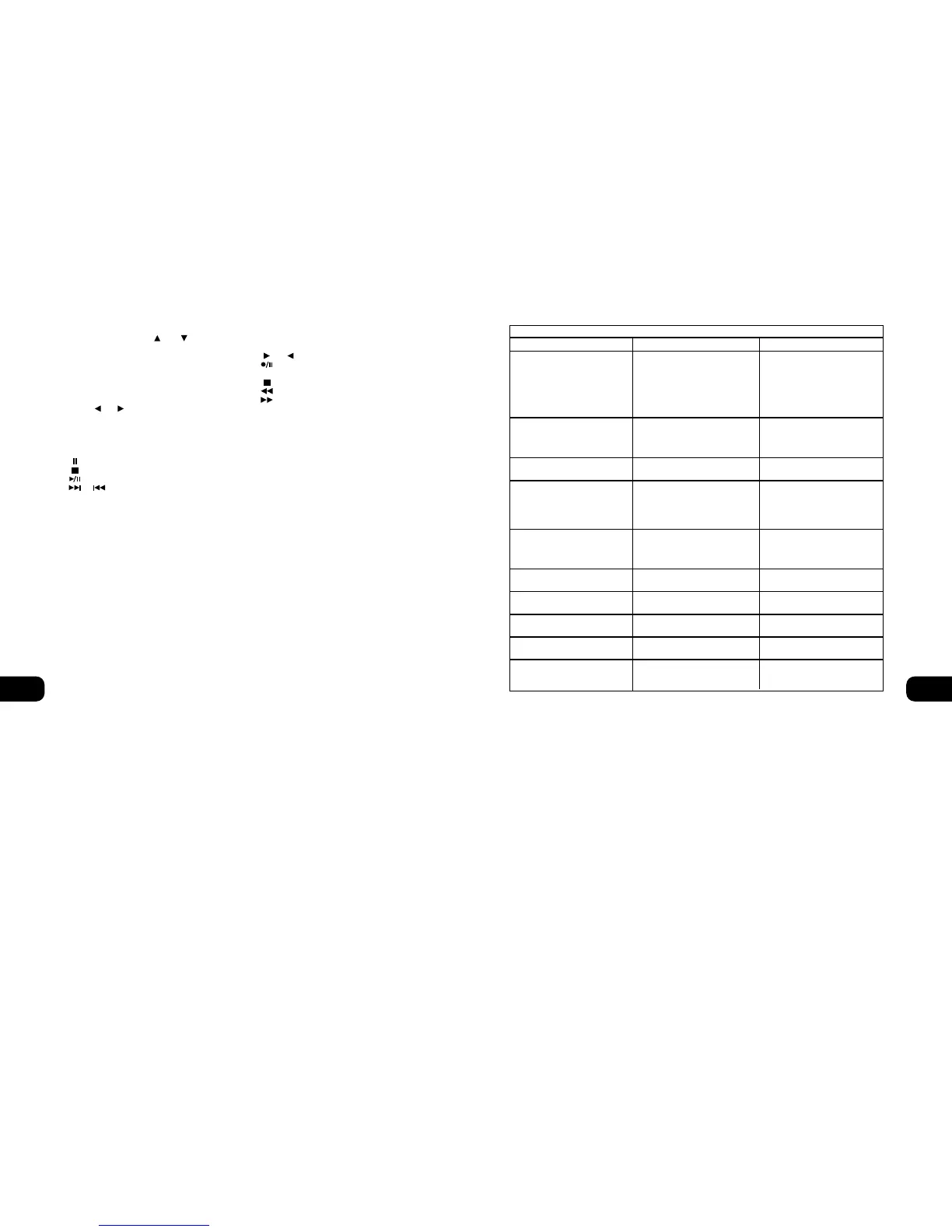
Press the MASTER VOLUME or (No. 7) buttons to
increase, respectively decrease the loudness level. Release the button
when the desired level is reached. The motorised Volume Control on
the front panel will indicate the level set. The Master Volume buttons
do not affect recordings made using the Tape outputs but will affect
the signal going to the Pre-amp output (Pre-Out).
7. TUNER CONTROL BUTTONS
PRESET or selects respectively higher or lower number
station preset.
The BANK button is inoperative on the C730.
8. CD PLAYER CONTROL BUTTONS
(for use with NAD CD Player).
engages Pause
engages Stop
engages Play or toggles between Play and Pause
or engages Track skip; Press once to respectively go
to the next track or to return to start of current or previous track.
NEXT DISC Go to next disc (for NAD CD changers).
9. CASSETTE DECK CONTROL BUTTONS
(for use with single (DECK B) or double transport (A and B)
NAD Cassette Decks).
or engages Forward Play or Reverse Play.
Record/Pause. Press to put cassette deck into record-pause.
Press Play to start recording.
Stops Play or Recording.
engages Rewind.
engages Fast Forward.
NOTES: The remote control handset supplied with the C730 is of
a universal NAD type, designed to operate several NAD models.
Some buttons on this handset are inoperative, as the functions
aren’t supported by the C730. The Video 2, Video 3 input selector
buttons (inside section 5), tuner Bank button (section 7),
speakers A and Speakers B buttons (section 3) on the remote
control handset are inoperative in the case of the C730.
Direct sunlight or very bright ambient lighting may affect the
operating range and angle for the remote control handset.
The infrared remote control command receiver, located on the far
left of the display window, receives commands from the remote
control. There must be a clear line-of-sight path from the remote
control to this window; if that path is obstructed, the remote
control may not work.


 To Next Page