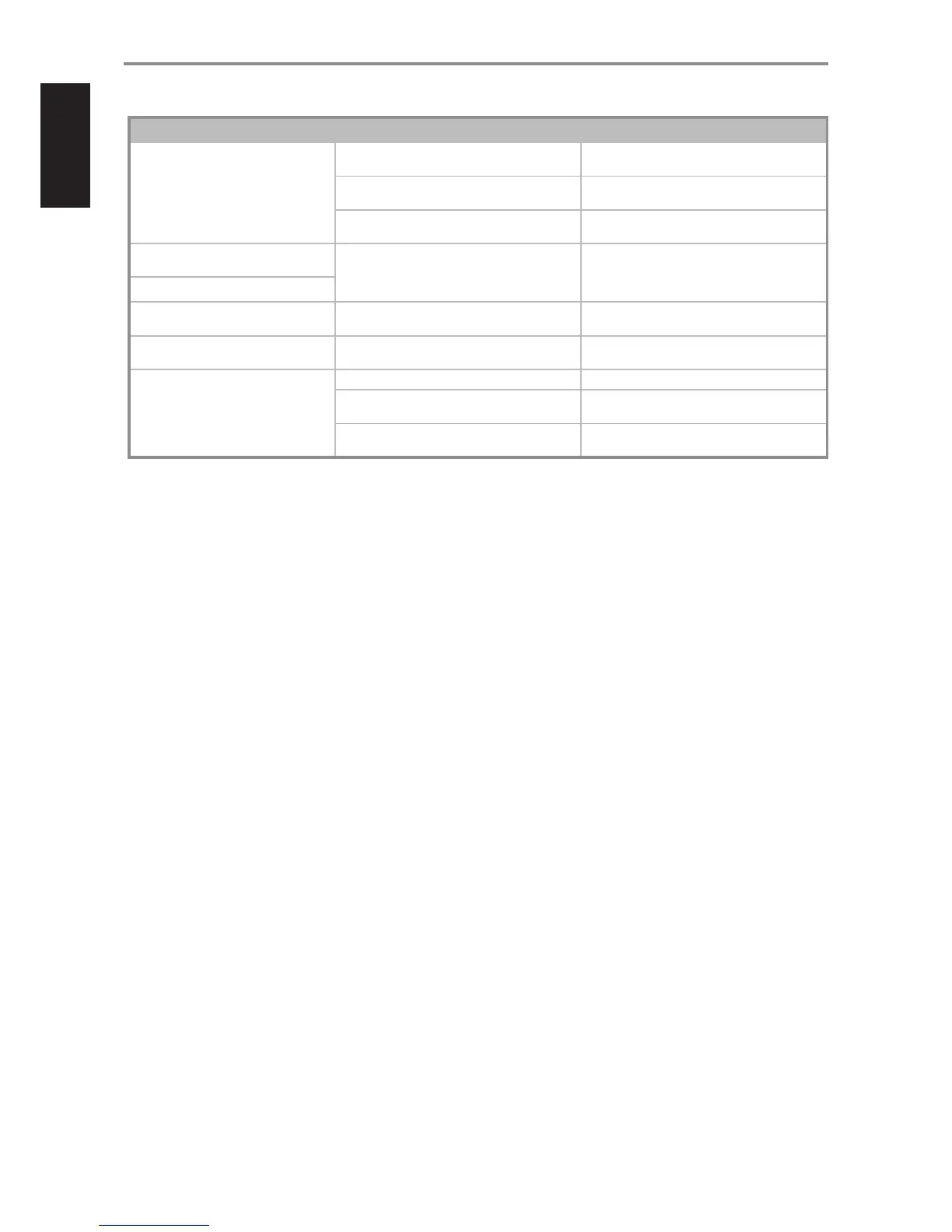
CONDITION POSSIBLE CAUSES POSSIBLE SOLUTIONS
No USB audio. • NAD USB Audio is not installed in your PC. • Download NAD USB Audio driver from NAD
website and install to your PC.
• Sound or Audio device setting of your PC or Mac
is not set to “NAD USB Audio”.
• Set your PC or Mac Audio or Sound device
setting to “NAD USB Audio”.
• No music les being played back from your PC
or Mac.
• Playback a music le from your computer.
Remote control’s [VOL R/T] no
function.
• “Volume Control” is set to “Fixed”. • Set “Volume Control” to “Variable.
Remote control’s [MUTE] no function.
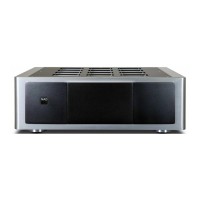
Cannot power ON the M12. • Rear panel POWER switched o. • Set to “ON” the rear panel POWER switch and
then press front panel o (Standby) button.
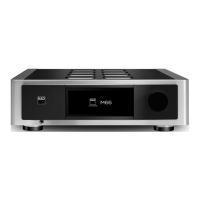
Touch panel display is dim. • Low brightness level of display is selected. • Toggle [DIMMER] button until desired brightness
level.
M12 does not respond to remote
control commands.
• Batteries are at or incorrectly inserted. • Check batteries.
• Infrared receiver (IR) window of M12 or IR
transmitter of the remote control is obstructed.
• Check IR windows and ensure clear line-of-sight
from remote to M12.
• M12 front panel is in very bright sunlight or
ambient light.
• Reduce sunlight/room lighting.
REFERENCE
TROUBLESHOOTING
20



 To Next Page