ABOUT XM RADIO (120V VERSION ONLY)
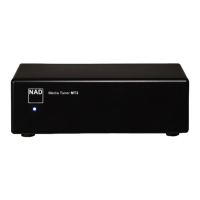
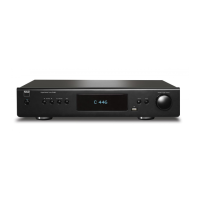
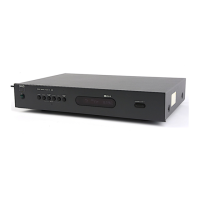
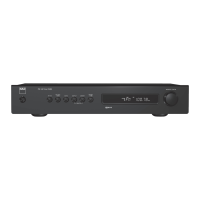
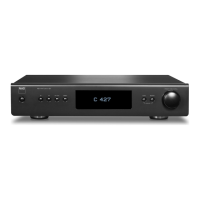
The M4 is “XM Ready” which means that with the addition of separately sold
XM Mini-Tuner CPC-9000 and XM Mini-Tuner Home Dock, it has everything
you need to listen to live XM. Everything else is built right in. Just subscribe
to the XM service and your M4 will be ready to receive XM content.
NOTES
• Questions? Visit www.xmradio.com
Listeners can subscribe by visiting XM on the Web at www.xmradio.com
or by calling (at the time of printing this manual) XM’s Listener Care at
(800) 853 9696. Be ready with your Radio ID that can be found on the
radio by selecting Channel 0.
• Check with your NAD audio specialist for other versions of XM Mini-
Tuner compatible with M4.
CONNECTING THE XM ANTENNA
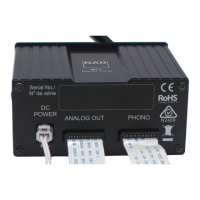
1 Plug the end of the XM antenna into the corresponding XM antenna
port on the rear panel of the M4.
2 Press and hold “MODE” button on the front panel to check the current
XM channel’s signal strength as shown in the VFD and OSD. Press
“MODE” again to exit signal strength check.
Refer also to your XM radio’s guide on how to install the XM antenna for
optimum signal reception.
TUNING STATIONS
There are three ways to tune to the XM channel you wish to listen. Use either
the front panel buttons or remote control keys for the following procedures.
1 Manual Tuning: Toggle the [ ] buttons to step up or down each
available XM channel. Press and hold [ ] for faster scanning of XM
channels. Press [ENTER] or release [ ] buttons to select desired XM
channel.
2 Direct Channel Call: Toggle [ENTER] button to switch between “Preset”
and “Tune” mode (see the lower line of the VFD). Select “Tune” mode.
Using the numeric keypads of the remote control, key-in directly the
desired available channel number and it will be automatically tuned.
3 Category: Toggle “MODE” until “Cat” and a corresponding category
is displayed on the VFD. “Cat” stands for the categories channels are
grouped into – i.e., Country, Rock, Jazz & Blues, etc. Toggle [ ]
buttons to step up or down the available categories.
After selecting the desired category, use the same steps as that of
XM Manual Tuning. Tuning will only be limited to within the selected
category. Toggle the [ ] buttons to choose another category and
then tune again.
VIEW XM INFORMATION
Toggle ‘INFO’ button to display the XM information of the selected channel
such as the artist name, song title, category or any other text as supplied for
the channel.
PRESETS
The procedure for storing XM channels is the same method as stated in the
section “Setting Radio Presets” under “Listening to AM / FM Radio.”
For immediate recall of stored XM presets, press [PRESET ] keys to step
up or down the stored presets that can be a combination of AM, FM and
XM channels.
NOTE
If you are at Category tuning mode, toggle [MODE] to exit from
Category mode first; then you can directly recall the Presets by
pressing [PRESET ] keys.
OPERATION
LISTENING TO XM RADIO
11
ENGLISHFRANÇAISESPAÑOLITALIANODEUTSCHNEDERLANDSSVENSKAРУССКИЙ


 To Next Page