ABOUT DAB RADIO (230V VERSION ONLY)
Until now, analogue radio signals such as FM or AM have been subject to
numerous kinds of interference on their way from the transmitter to your
radio. These problems were caused by mountains, high-rise buildings
and weather conditions. With Digital Audio Broadcast (DAB), you can now
receive CD-like quality radio programs without any annoying interference
and signal distortion. DAB broadcasts use digital signals rather than
traditional analogue transmissions, thus providing clear high quality
reception. You get far more robust reception and virtually hiss or crackle
free sound with DAB as long as you are within a good coverage area.
With DAB, the listener can scroll through a list of available stations - then
instantly tune to the station of his choice. There is no need either to
remember channel frequencies. All broadcasts are selected by simply
selecting the service name.
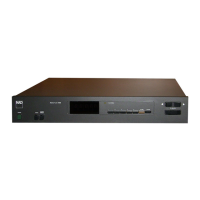
The M4 makes it possible for you to enjoy listening to DAB broadcasts.
Connect the other end of the supplied DAB antenna into the DAB antenna
terminal and start enjoying the CD-like quality sound and expansive
content selection available with DAB.
DAB ANTENNA ASSEMBLY
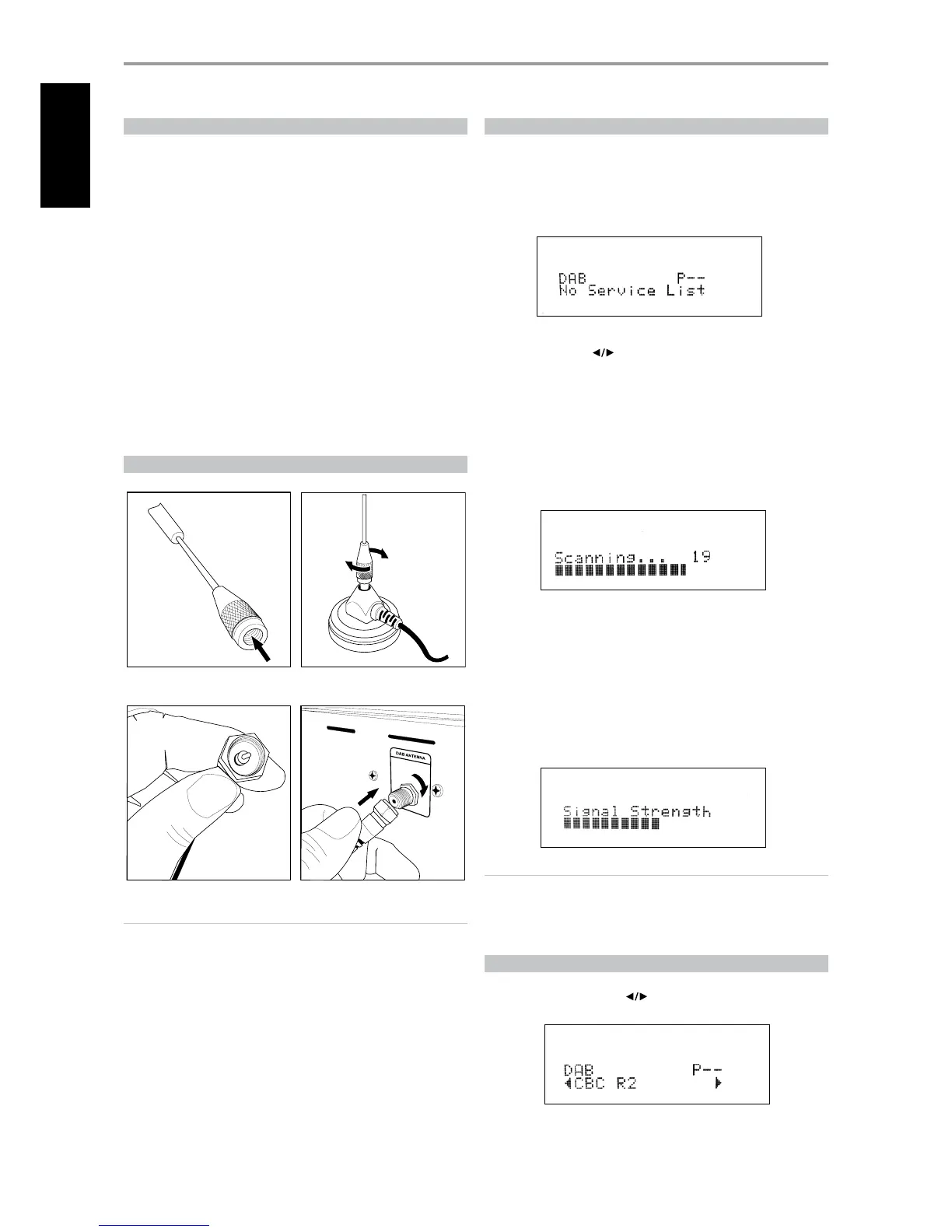
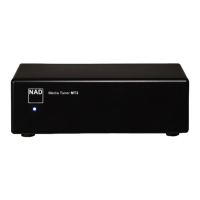
1 Connect the antenna to its base.
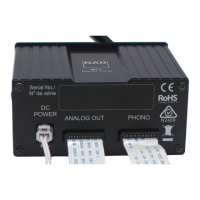
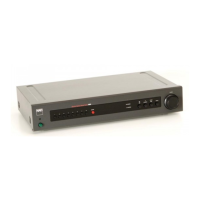
2 Plug-in the antenna connector to the M4 DAB antenna terminal.
NOTES
• Make sure that both connections above are secured by rotating and
xing rmly the part being connected into the corresponding terminal.
• Do not place the antenna base close to any magnetic media as the
antenna base has magnetic component also.
DAB OPERATION
With the supplied DAB antenna already connected to the M4, you can
now carry out the M4 to receive DAB broadcasts. Use either the front panel
buttons or remote control keys for the following procedures.
1 Toggle [BAND] button until DAB mode. The VFD will show “No Service
List” indicating that there are no scanned DAB broadcast services yet.
This is the default mode of the DAB mode.
2 To tune to DAB broadcast services, press [MODE] and then toggle the
front panel’s [TUNE ] to select either “Full Scan” or “Local Scan.”
Press [ENTER].
FULL SCAN will enable the scanning of the full range of digital
frequencies (Band III and L-Band).
LOCAL SCAN performs local scanning of available DAB services in your
area. Check with your dealer or visit www.WorldDAB.org to check the
applicable digital transmission frequencies in your area.
3 Upon selecting either “Full Scan” or “Local Scan,” automatic scanning
will be performed. This sequence cannot be interrupted. During the
sequence, the following message will be visible in the VFD.
The bars show the progress of the sequence. When scanning is
completed, the last number shown on the right side of the VFD
corresponds to the total number of DAB broadcast stations found.
Then, the rst station is tuned in (See “Alphanumeric” section below to
understand the order or arrangement of stations).
4 The strength of the incoming signal can be shown on the VFD by
pressing the [ENTER] button. The more segments visible in the lower
display line, the stronger the signal. By changing the position of the
antenna, you can increase the signal strength. You can also opt for an
external antenna. Consult an antenna professional for more information.
NOTE
“No Service List” will also be shown in the VFD when no stations are
found after the scanning process. If this occurs, check the connection
and position of the DAB antenna or call your local DAB broadcast
providers for coverage information.
SERVICE LIST
Follow the steps below to select through the DAB service stations found.
1 At DAB mode, press [TUNE ] to step through the list of available
stations as shown in the lower display line of the VFD.
2 Press [ENTER] to select the desired station.
OPERATION
LISTENING TO DAB RADIO
12
ENGLISH FRANÇAIS ESPAÑOL ITALIANO DEUTSCH NEDERLANDS SVENSKA РУССКИЙ


 To Next Page