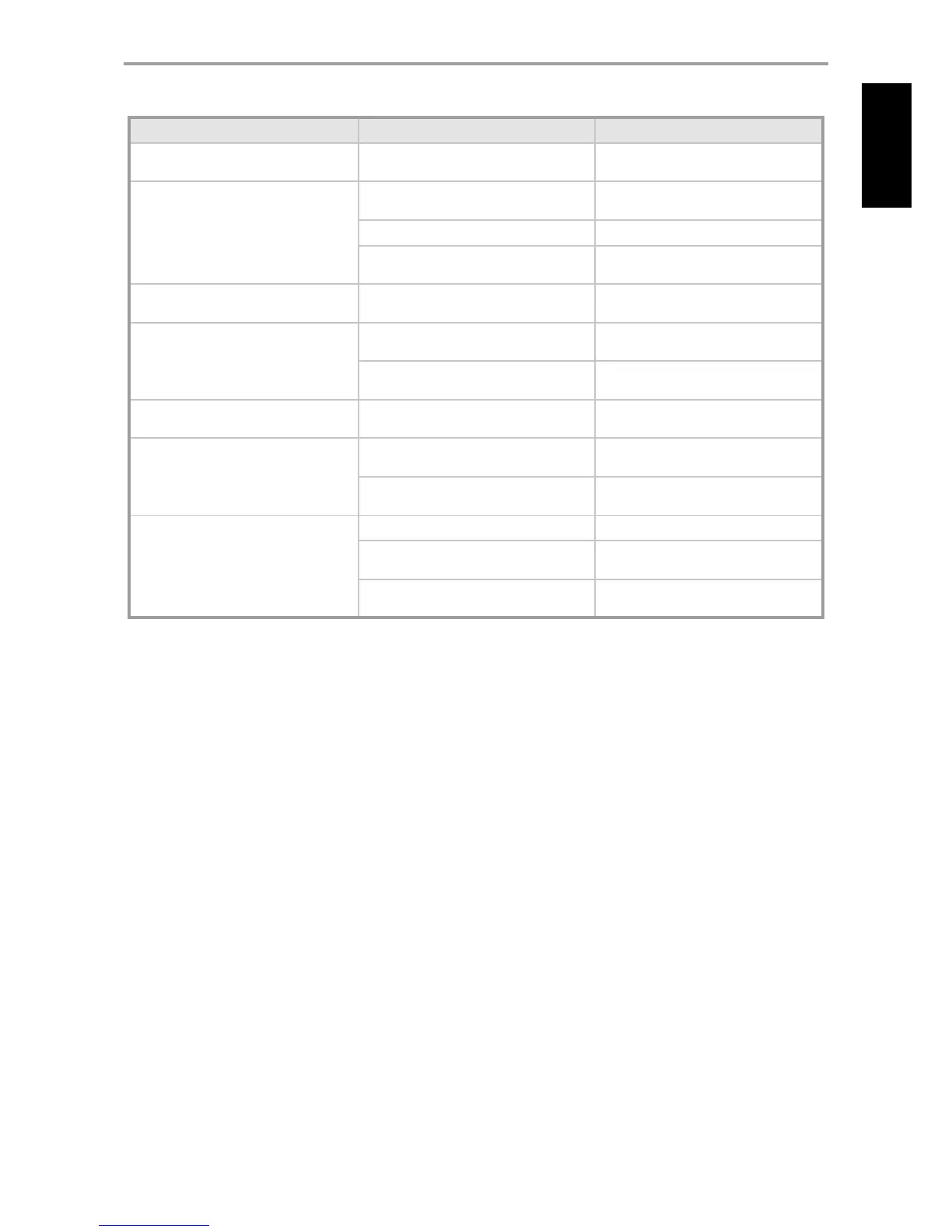
CONDITION POSSIBLE CAUSES POSSIBLE SOLUTIONS
No power.
The power cord is disconnected.
•
Plug the power cord into the wall outlet
securely.
•
No sound. Power AC lead unplugged or power not
switched ON.
•
Check AC lead.
•
Signal leads incorrectly connected.
•
Check connections to amplier.
•
Station not selected or weak signal with FM
Mute on
•
Re-tune or switch o FM Mute.
•
Noisy reception, hiss. Weak signal.
•
Check station tuning. Adjust or replace
antenna.
•
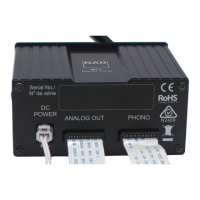
Display shows “No Service List”. DAB antenna not connected properly.
•
Check the connection and position of the
DAB antenna.
•
No DAB coverage in the area.
•
Call your local DAB broadcast providers for
coverage information.
•
Reception with whistling, buzzing noise. Interference from other computers, games
consoles.
•
Check station tuning. Switch o or move the
source of electrical noise.
•
No rds information. Station signal too weak.
•
Check station tuning. Adjust or replace
antenna.
•
Station not transmitting RDS data.
•
Tune to an RDS station that supports station-
name (PS mode) and radio-text (RT mode).
•
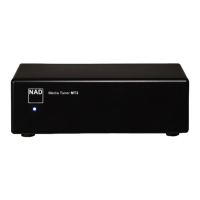
M4 does not respond to remote control. Batteries are at or incorrectly inserted.
•
Check batteries.
•
IR transmitter window on remote or IR receiver
window on M4 is obstructed.
•
Check IR windows and ensure clear line-of-
sight from remote to M4.
•
M4 front panel is in very bright sunlight or
ambient light.
•
Reduce sunlight/room lighting.
•
REFERENCE
TROUBLESHOOTING
15
ENGLISHFRANÇAISESPAÑOLITALIANODEUTSCHNEDERLANDSSVENSKAРУССКИЙ


 To Next Page