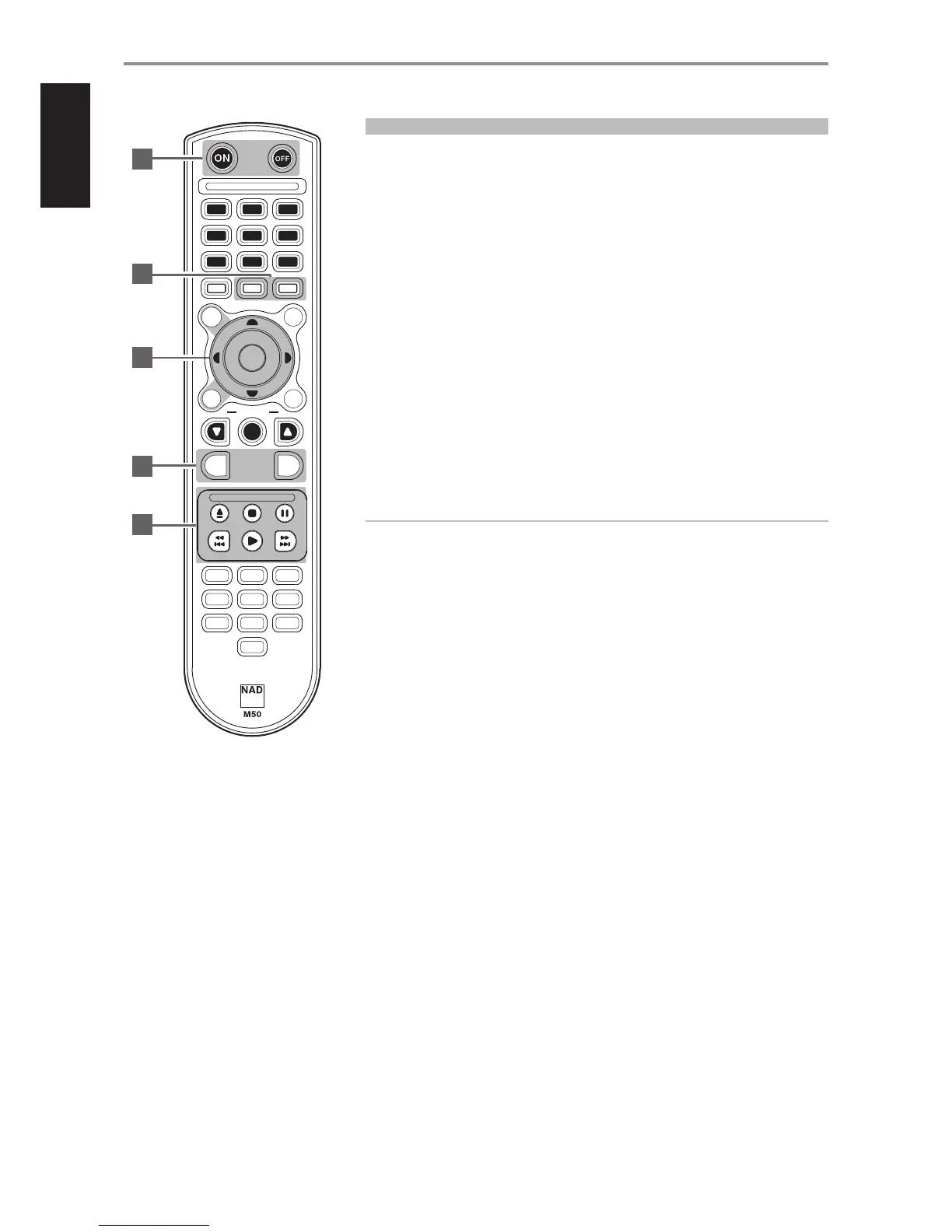
REMOTE CONTROL
1 ON: Switch M50 from Standby mode to operating mode.
OFF: Switch M50 to standby mode.
2 DISP: Display information about current track, le or song.
MENU: Display main menu.
3 D/F/A/S: Navigate or select through menu items or options.
ENTER: Conrm selected option. Go to next option.
CD: Select CD mode.
USB 1: Select Front USB source.
4 RPT: Repeat playback of current track or le. Repeat playback of whole disc or playlist.
RAND: Play tracks/les in random order.
5 [k]: Eject loaded disc.
[;]: Pause playback temporarily.
[0]: Go to next track or le.
[9]: Go to the beginning of current track or le.
[4]: Start playback.
Only above buttons are compatible with M50. Other available buttons are not applicable for M50 or
are non-functional.
IMPORTANT NOTICE ABOUT M50 REMOTE CONTROL
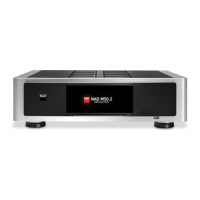
The M50 remote control can be used for either M51 Direct Digital DAC or M50 Digital Music
Player.By undertaking the following steps, the M50 remote control can be defaulted for use by
either M51 or M50.
For M50: Press and hold “5” and “0” at the same time until the remote control’s blue transmit LED
ashes twice.
For M51: Press and hold “5” and “1” at the same time until the remote control’s blue transmit LED
ashes twice.
Release the corresponding buttons above as soon as the blue transmit LED ashed twice.
IDENTIFICATION OF CONTROLS
VO LUME
AES/
EBU
HDM I
1
HDM I
2
USB
CO AX
OPT
EQ
POL AR.
DISP
MENU
DIM
SETUP
5
4
6
8
7 9
0
2
3
1
MUTE
RPT
RAND
ENTER
CD
NET W
USB
1
USB
2
1
2
3
4
5
12


 To Next Page