WiMP
WiMP (Wireless Music Player) is a streaming music service currently
available in Sweden, Denmark, Norway and Germany. WiMP on NAD M50
allows you to gain access to millions of songs.
LOGIN TO YOUR WiMP ACCOUNT
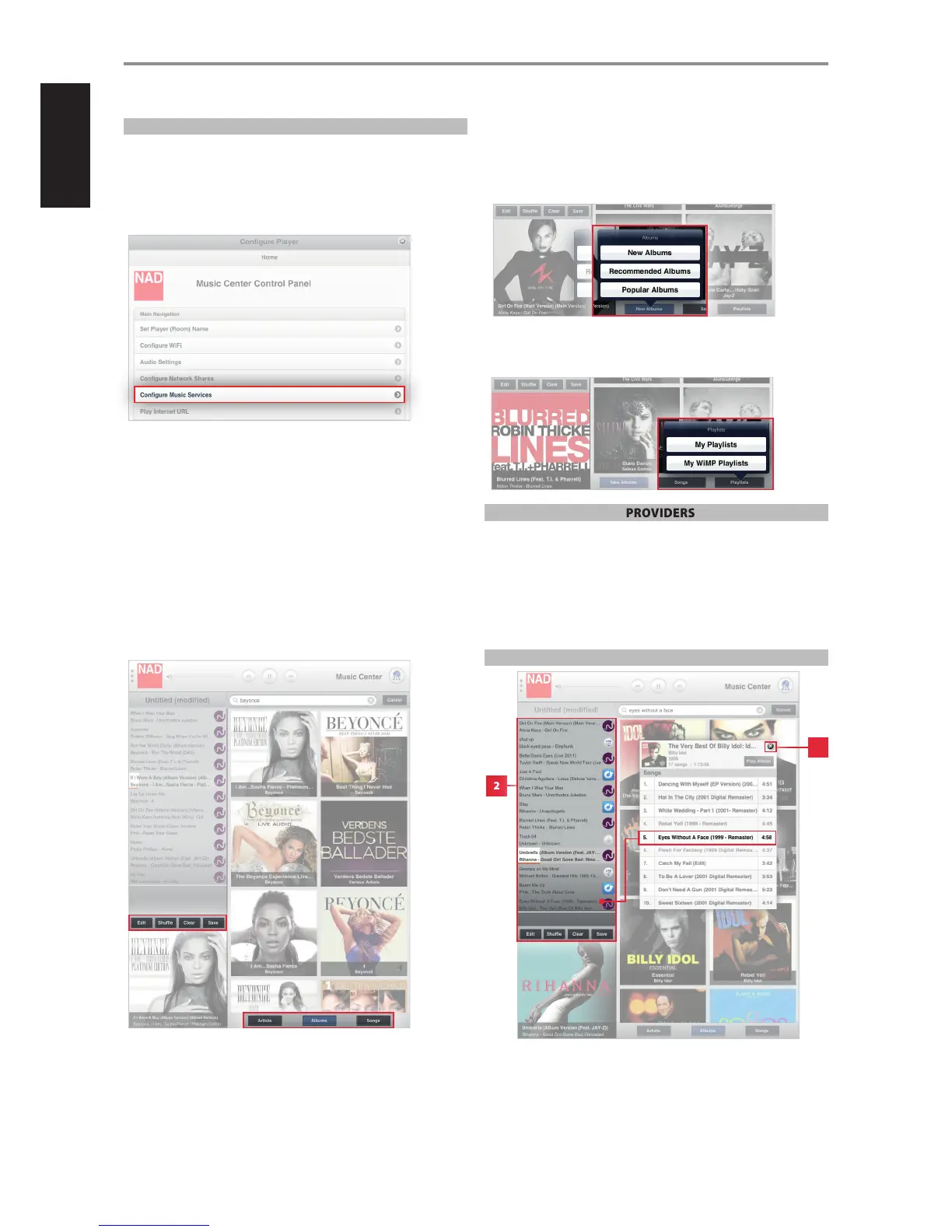
1 Select “Congure Music Services” from the “Congure Player” menu.
2 Log-in to your WiMP account by entering applicable details like User
name, Password and Country.
3 Select “Update” to register and store your corresponding WiMP account
details.
Upon successful log-in, select “WiMP” from the available list of music
services and you will be ushered in to all kinds of music: pop, rock, metal,
hip hop, r & b, jazz, classical and more - both old, classics and the latest
nds.
MANAGING YOUR WiMP PLAYLIST
When at WiMP source mode, features like Edit, Shue, Clear, Save, Artist,
Album, Song and sections like “Creating Playlist” and “Deleting Playlist” are
managed in the same manner as they are handled at Library source mode.
Refer these features and sections to their corresponding descriptions at the
LIBRARY section above.
OTHER WiMP FEATURES
(Applies to Songs and Albums)
• New - Latest songs or albums
• Recommended - Acclaimed recordings
• Popular - Most sought-after songs or in demand albums
PLAYLIST
• My Playlists - Include selections from WiMP and Library.
• My WiMP Playlist - Consist of selections only from WiMP.
OTHER MUSIC SERVICE PROVIDERS
For other music service providers supported by NAD, follow similar
procedure above for WiMP in activating and conguring their services.
More music service providers or streaming services will be supported by
NAD going forward. These music service providers may be added up when
your player receives notication for software upgrade. Watch out then for
your favourite music service providers as NAD gets to support their services!
CREATING A PLAYLIST
The playlist, reected in the left side of the screen display, is a register of
songs you have individually or collectively selected from your library and
music service provider. The listed songs can be played back in sequential or
shued order.
OPERATION
2
1
18


 To Next Page