INTRODUCTION
GETTING STARTED
WHAT’S IN THE BOX
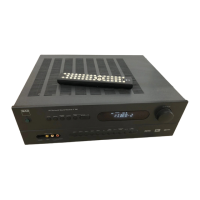
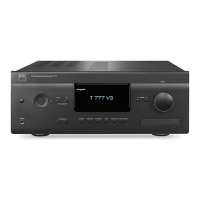
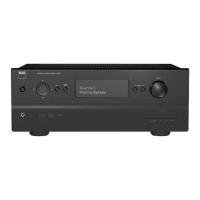
Packed with your T 737 you will nd
• An AM loop antenna
• A FM lead-type antenna
• A detachable AC power cord
• The AVR 3 remote control with two AA batteries.
• This owner’s manual.
SAVE THE PACKAGING
Please save the box and all of the packaging in which your T 737 arrived.
Should you move or otherwise need to transport your T 737, this is by far
the safest container in which to do so. We’ve seen too many otherwise
perfect components damaged in transit for lack of a proper shipping
carton, so please: Save that box!
CHOOSING A LOCATION
Choose a location that is well ventilated (with at least several inches to both
sides and behind), and that will provide a clear line of sight, within 23 feet/7
meters, between the T 737’s front panel and your primary listening/viewing
position—this will ensure reliable infrared remote control communications.
The T 737 generates a modest amount of heat, but nothing that should
trouble adjacent components.
It is especially important that sucient ventilation be provided. If you are
contemplating on locating the T 737 within a cabinet or other furniture, consult
your NAD audio/video specialist for advice on providing adequate airow.
DEFAULT SOURCE SETTINGS
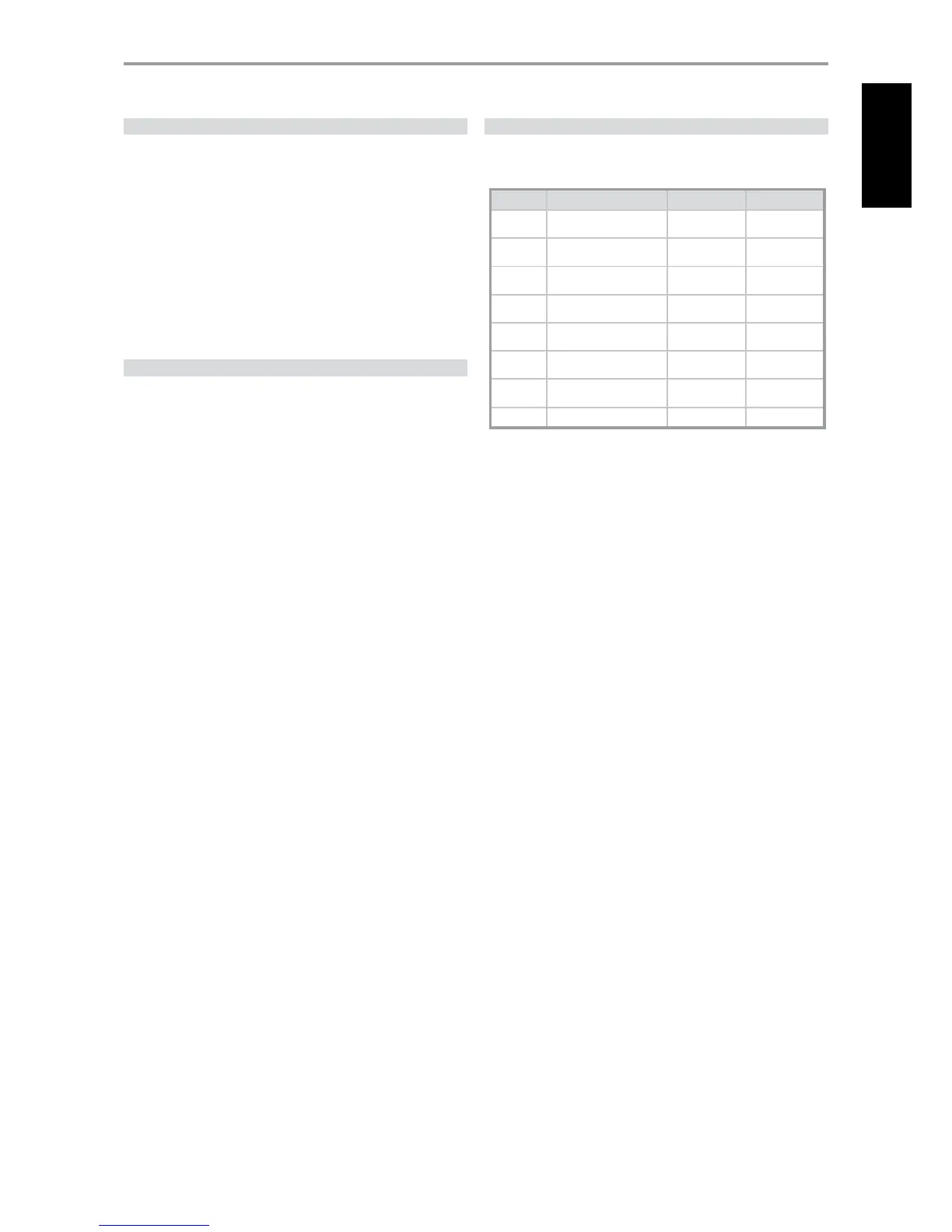
The following table lists the default SOURCE settings. Note that the Audio
Input settings show both digital and analog audio input. Digital input will
always take precedence over analog audio input even if both are present.
Source Audio Input Video Input Video Output
Source 1 Optical 1 IN/ Audio 1 IN Component 1 IN
Component Video
OUT
Source 2 Optical 2 IN/ Audio 2 IN HDMI 2 IN
HDMI Monitor
OUT
Source 3 Coaxial IN/ Audio 3 IN S Video 3 IN
S-Video Monitor
OUT
iPod Audio 4 IN S-Video 4 IN
S-Video Monitor
OUT
Source 5 Audio 5 IN Video 4 IN
Video Monitor
OUT
Multi 7.1 Input
Component Video
3 IN
Component Video
OUT
Front
Optical Front Input/ Audio
Front Input
S-Video Front IN
S-Video Monitor
OUT
Tuner
To modify the above default settings and for a better understanding of source
setting and combinations, please refer to the item about “SOURCE SETUP” in the
“USING THE T 737 - SETUP MENU” segment of the “OPERATION” section.
5
ENGLISHFRANÇAISESPAÑOLITALIANODEUTSCHNEDERLANDSSVENSKAРУССКИЙ


 To Next Page