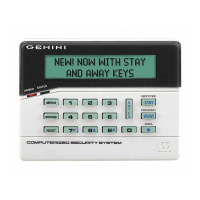
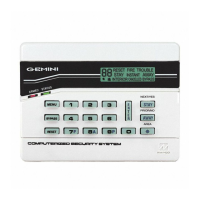
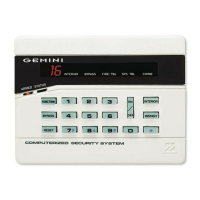
28 GEM-TOUCH K Style Keypad Operating Guide
TR OU BL ES HO O TI NG
What do I do if... For more info...
I try to arm my system but the keypad just displays a number and beeps at me.
If the green Status light is off, a zone is open. Refer to the pull up zone directory and find
and secure the open window or door.
See Page 7
I try to arm my system but the keypad beeps at me. A triangle with an exclamation point ("!") is
flashing and numbers are scrolling in the display.
A System Trouble has been detected. Note the scrolling error codes, which represent the
trouble. Tap/hold-down Reset, enter your User Code and tap Enter. You will now be able
arm to the system , but the trouble must be fixed as soon as possible.
See Page 8 & 26
The Fire Alarm is sounding and I don't know how to turn it off.
If a fire is in progress, evacuate the premises immediately! If necessary,
call the Fire Department from an outside telephone.
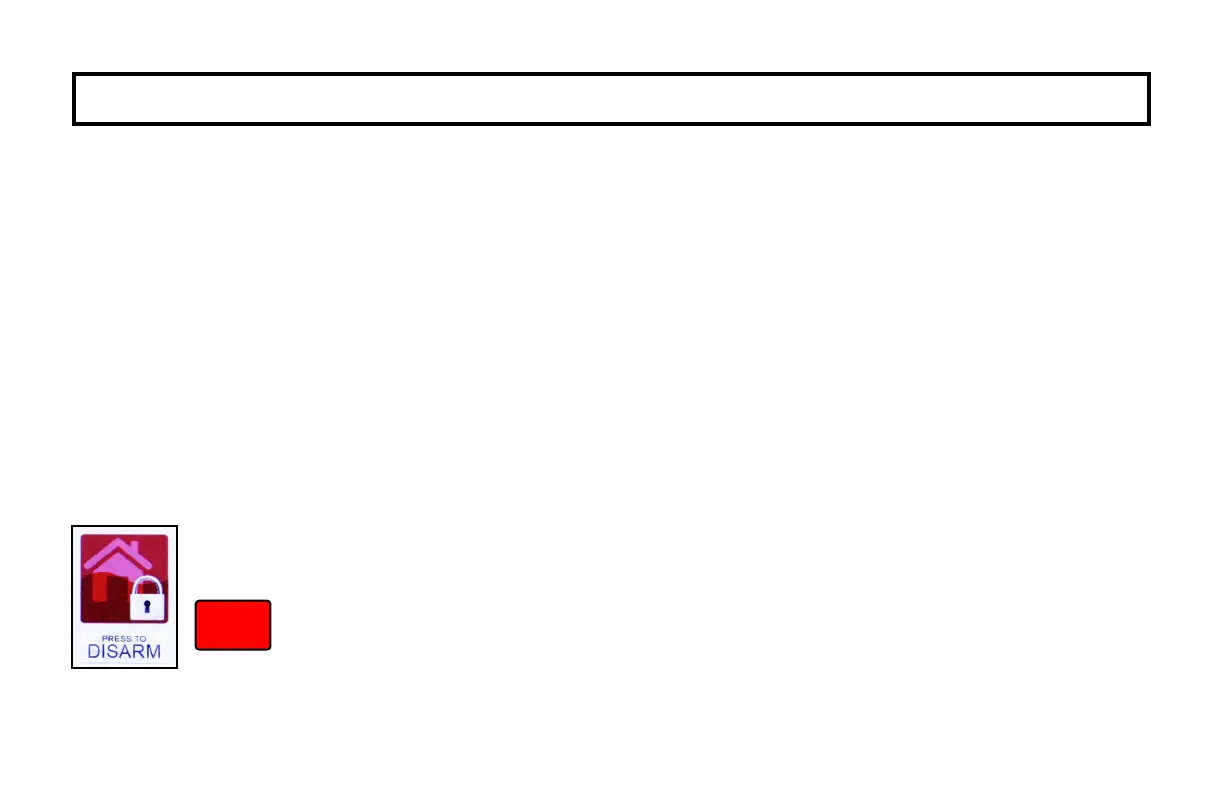
If there is no evidence of a fire, tap "PRESS TO DISARM" (shown at left),
enter your User Code and tap/hold-down Disarm to silence the alarm.
Note the number of the Zone in the keypad Window. Check the smoke
detector(s). If a smoke detector tripped, its red alarm indicator light will be
on. Tap/hold-down Reset, enter your User Code and tap Enter to silence
the keypad sounder.
See Page 12
Disarm


 To Next Page
 Loading...