Confidential and proprietary information of NCRVoyix Corporation.
Unauthorized use, reproduction and/or distribution is strictly prohibited.
52
Configuring the Camera Settings
To configure the camera settings, follow these steps:
1. Connect the STP Ethernet Cable from the Tri-Light IPCamera Port to a PoE Switch.
2. Connect another LAN cable from the host to the same PoE Switch.
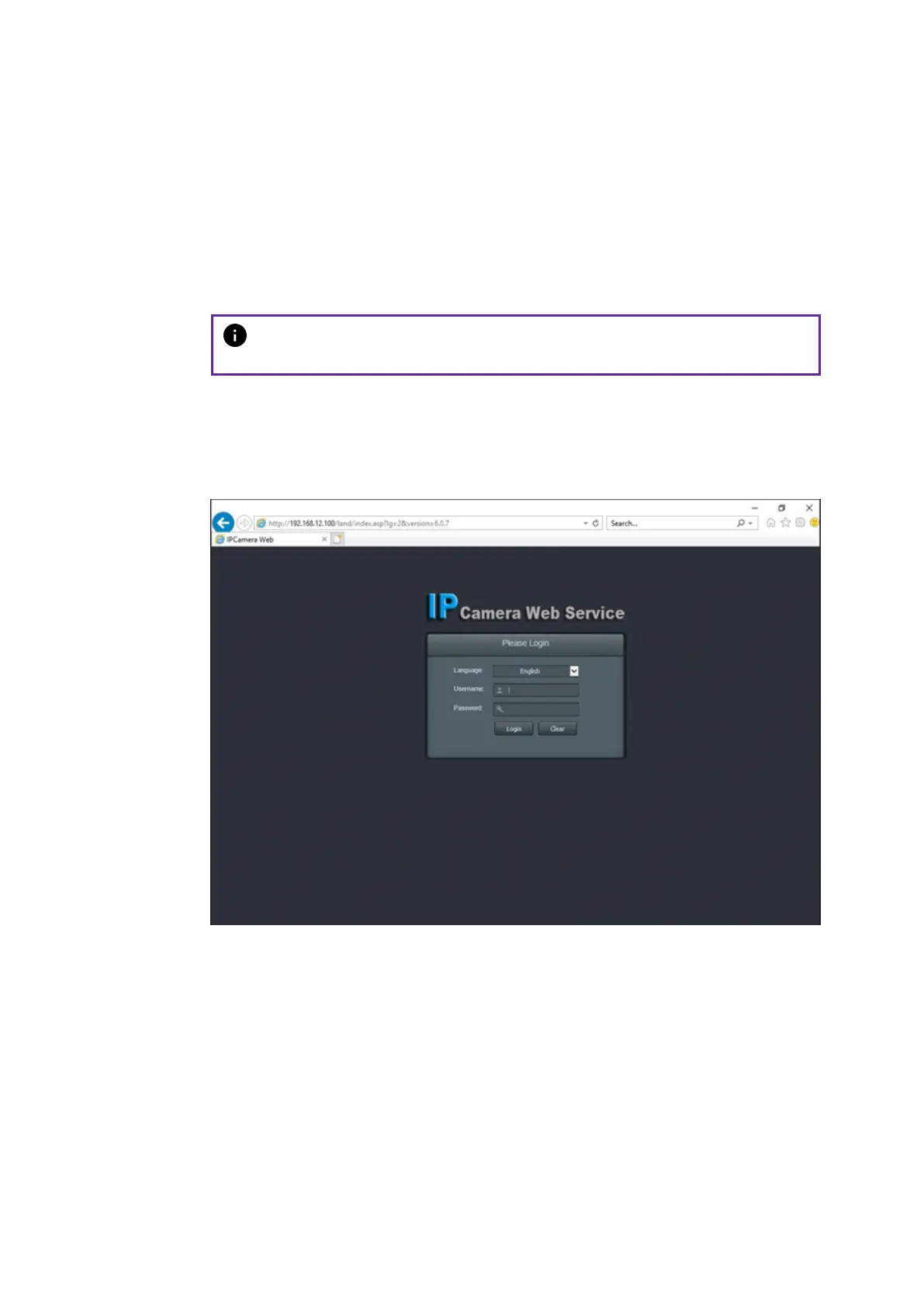
3. Access the camera view by doing the following:
a. Enter the IP Address of the network camera in the address bar and press
Enter to access the login interface. The default IP address is 192.168.12.100.
Note
The host PC must have the same network ID with the camera device.
b. Enter the following default login credentials:
Username: admin
Password: admin


 To Next Page