Confidential and proprietary information of NCRVoyix Corporation.
Unauthorized use, reproduction and/or distribution is strictly prohibited.
8
Removing the Tri-Light/Lane Light (R6)
To remove the Tri-Light/Lane Light Assembly, follow these steps:
1. Turn off the NCRSelfServ Checkout software and hardware systems.
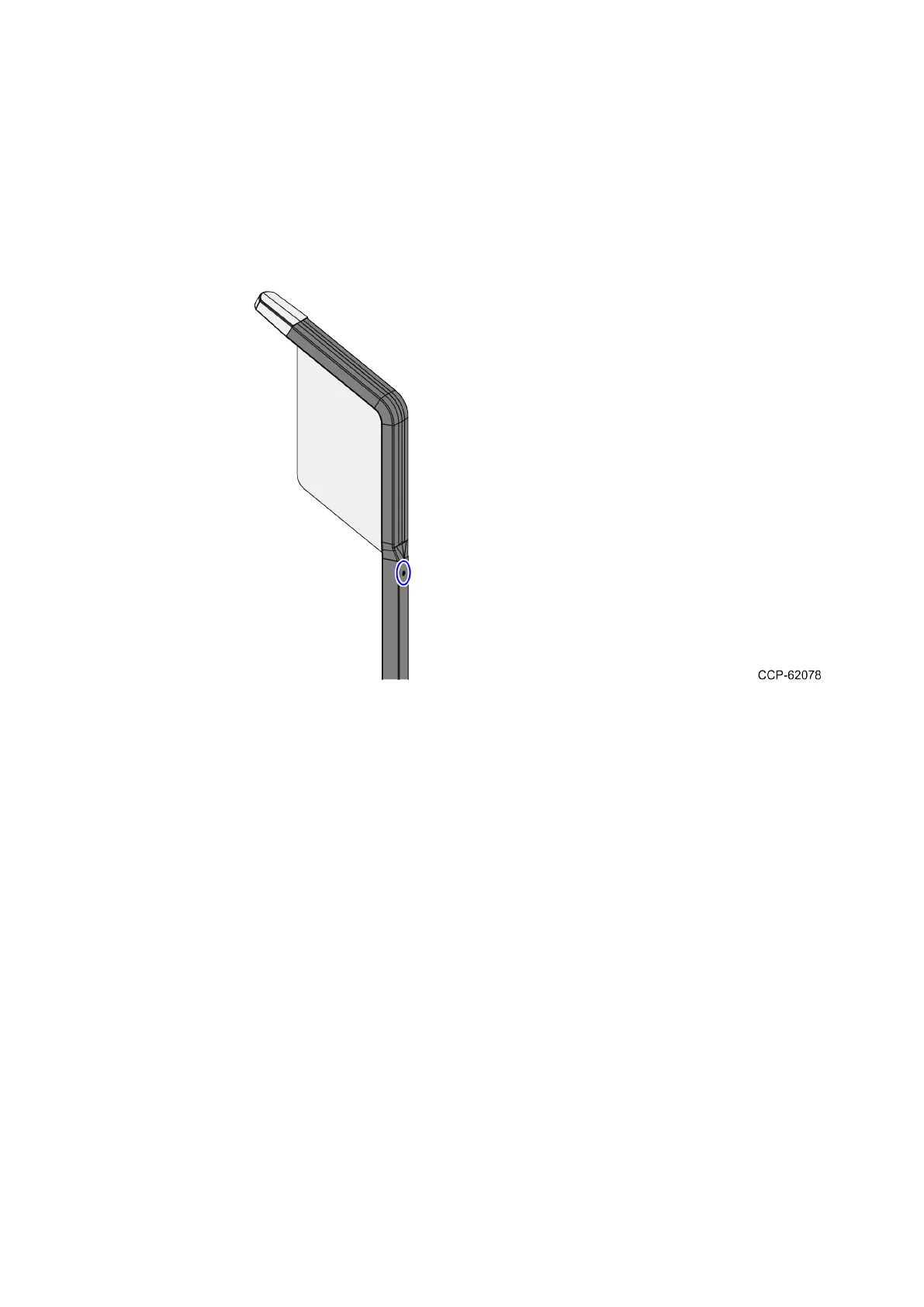
2. Remove one (1) screw to detach the Tri-Light/Lane Light Assembly to the Tri-
Light/Lane Light pole.


 To Next Page