environment to optimize navigation.
While Neato robots have a smart navigation system that avoids obstacles, the robot may occasionally bump into
furniture, objects, pets and people. Therefore if you have special objects that could potentially be damaged by
the bumping, remove these objects from the room or use boundary markers.
Similarly, the Neato robot’s rotating brush operates like a regular upright vacuum cleaner, so do not use the
Neato robot on floors or rugs (e.g. with fringes) that you would not use a regular upright vacuum on.
If the area to be cleaned contains a cliff, drop, balcony, fireplace, or other area where the vacuum could
travel/fall that represents danger, place a physical barrier to prevent travel in that area to ensure safety. The
drop sensors and boundary markers are to help the robot navigate during cleaning but should not be relied upon
solely to avoid a potential dangerous situation.
Neato Robotics is not responsible for any damage to furniture, objects, rugs, or flooring.
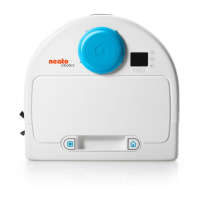
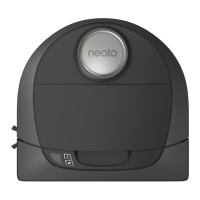
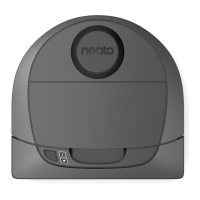
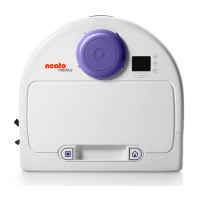
Overview
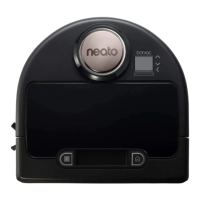
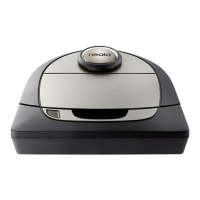
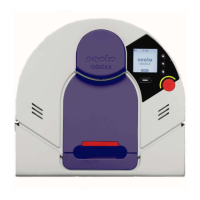
1. Dirt Bin and Filter
2. Top
3. Laser Cover
4. Start Button
5. Info LED
6. Battery LED
7. Handle
8. Front Bumper
9. Boundary Marker (included in some models)
10. Charge Base
11. Brush
12. Wall Following Sensor Window
13. Side Brush (available on specific models only) 14 Drop Sensor Window
14. Brush Guard
15. Battery Door
16. Robot Label
17. Wheels
18. Charging Contacts
19. Upgrade Cable (included in some models)
20. Cleaning Tool (included in some models)
INFO LED is used for:
Wi-Fi connection status
Cleaning status
Errors







 To Next Page