English - 14
2.4 I nst all t he bot tom fram e
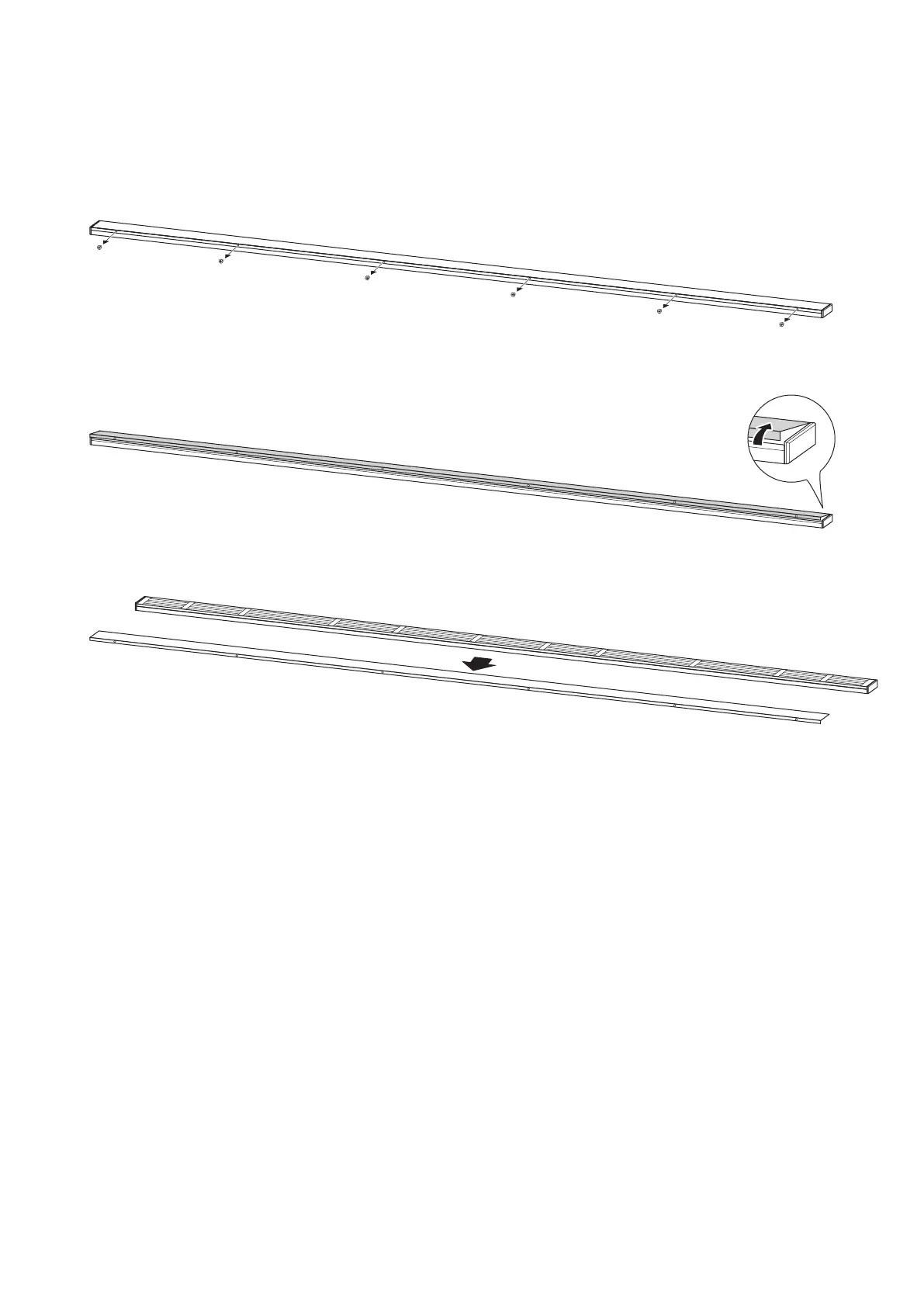
Rem ove t he bot t om fram e cover and install t he bot t om fram e using M6 screws.
How t o r e m ove t he bot t om cover
(1) Rem ove the screws securing t he bot t om fram e cover.
(2) Raise t he front of the bot tom fram e cover.
(3) Pull t he bot t om fram e cover t oward you t o rem ove it.



 To Next Page