39
2
Depending on the selected folder, the menu number and available options may vary.
2
Depending on the selected folder, some options may be displayed in gray and not be available.
Message view Options menu
☛
With the Message view screen displayed, press to display the Message view Options menu screen.
2
Depending on the conditions, some options may be displayed in gray and not be available.
2
The reply facility uses the phone number of the person who sent the message.
2
The Save object shall be displayed if an object is highlighted.
2
You can use Save object function only when there are some objects in the message.
☛
Press the and keys to highlight the phone number, mail address or URL in the message. Then press to select the function as follows:
Phone number:
1. Add to P’book
2. Dial phone no.
3. Create message
Mail address:
1. Add to P’book
2. Create message
URL:
1. Add to bookmark
2. Go to URL
3. Create message
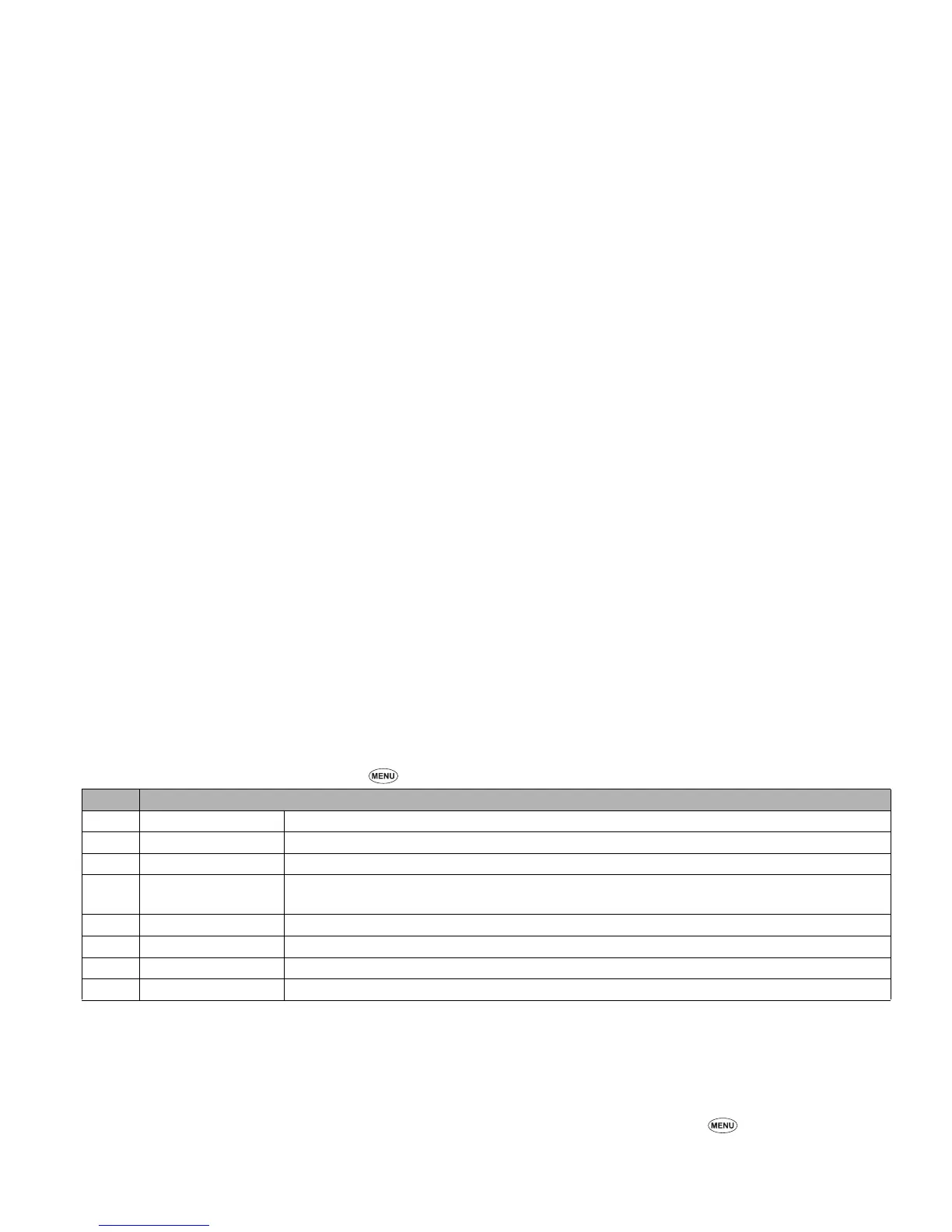
No. Message view Options menu
1Reply Replies to the sender of the highlighted message.
2 Reply all Replies to the sender and all other recipients of the highlighted message.
3 Delete Deletes the highlighted message.
4View details
Displays detailed information on the highlighted message. The detailed information includes From, To,
Date, Msg type, Size, and Folder.
5 Forward Forwards the message text of the highlighted message.
6 Save object Saves the highlighted object to a folder in My data.
7Move msg Moves the highlighted message to another folder, to the SIM card, or to the Phone.
8 Highlight mode Activates the Highlight mode.
▼



 To Next Page