vi
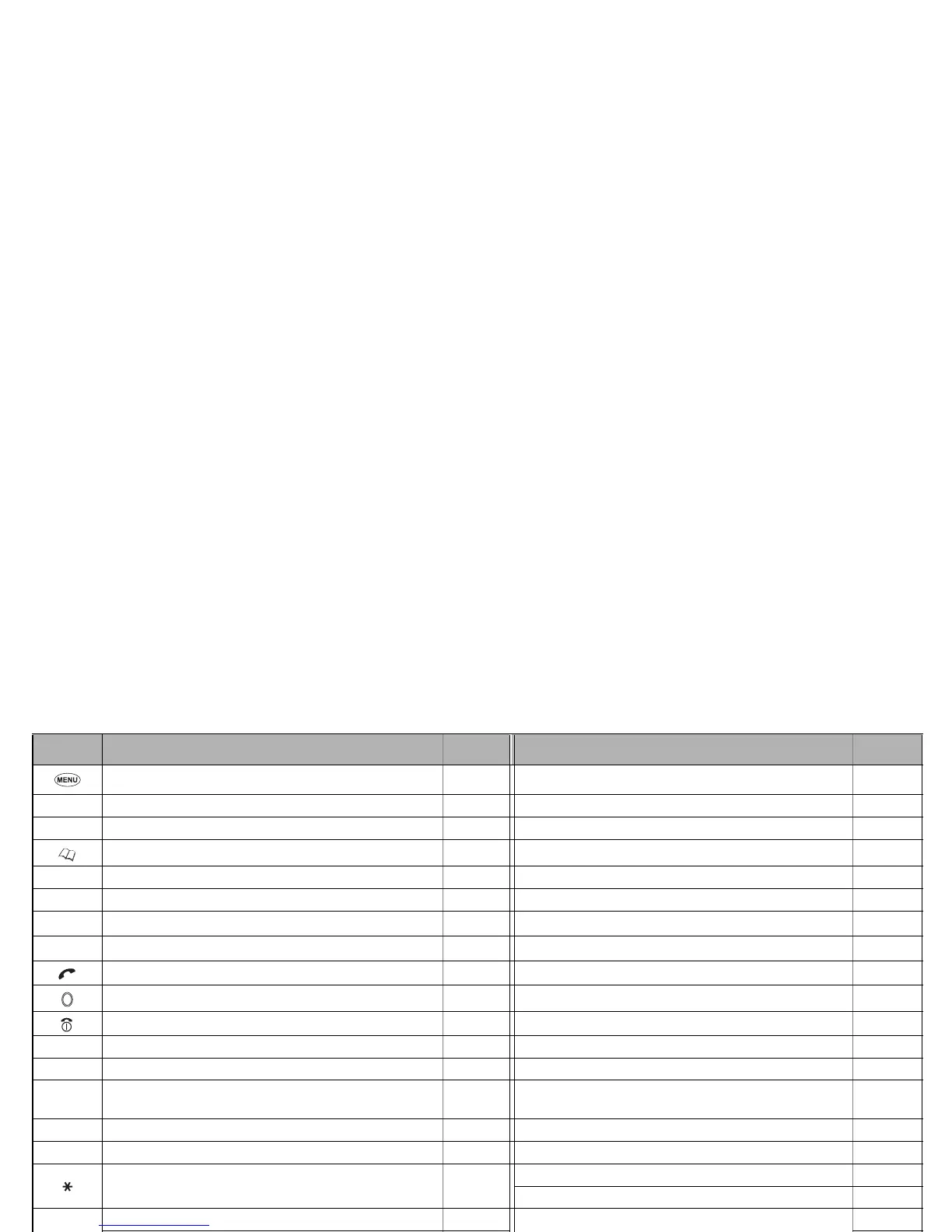
Keypad shortcuts
The following operations are available from the standby screen.
Key Operation that involves pressing a key See page Operation that involves pressing and holding a key See page
Accessing the Main menu screen 14 Setting the Side key lock to On/Off –
Softkey 1 Accessing the Mail screen 55 Accessing the Mail Inbox screen 59
Softkey 2 Accessing the i-mode menu screen 52 – –
Accessing the Phonebook list screen 24 Accessing the Message menu screen 36
▲ Accessing the Phone modes screen 15 Setting the phone to Meeting mode 15
▼ Accessing the My data screen 75 Accessing the Voice recall 8
Accessing the Received calls list 9 – –
Accessing the Missed calls list 9 – –
Accessing the Dialled calls list 9 – –
Accessing the Camera finder screen 46 – –
Ending a call or cancelling various operations – Switching off 3
CLR Deleting character or returning to the previous screen – Deleting all characters when you enter text –
1 Entering phone numbers 6 Calling the Voice mail centre 30
2 to 9 Entering phone numbers 6
Going to the corresponding phone number in the phone-
book(SIM) (One-touch dial)
–
0 Entering phone numbers 6 Entering + when you make an international call 12
# – – Entering a pause –
––
Toggling the selected line 18
Muting or retrieving the sound during a call 8
Side up
Adjusting the volume when your phone is open 15
–
–
Activating Ring silencer function when you receive a call 18 –
Side down
Adjusting the volume when your phone is open 15
Turning on the Light
–
Activating Ring silencer function when you receive a call 18 –
▼



 To Next Page