73
ToDo Options menu
☛
Use the ▲ and ▼ keys to highlight the required ToDo task.
Press . The ToDo options menu will be displayed.
☛
Key in the appropriate key for the required option.
Notepad
Notepad function allows you to store simple text memos.
☛
With the standby screen displayed, press 8 and 5 to display the Notepad screen before performing the following procedures.
Creating a new text file
☛
Press 1 to display the Add new screen. Use the text entry procedures (see page 31) to key in text, and press .
The input file will be saved as a file. The first few words are displayed on the list of text files.
Notepad Options menu
☛
Press 2 and to display the Notepad Options menu (see “File selector menu” from page 77).
Voice memo
Voice memo function allows you to record up to 60 seconds of sound/voice, using your phone’s microphone.
Recording Voice memo
☛
With the standby screen displayed, press 8, 6 and 1 to display the New Record screen.
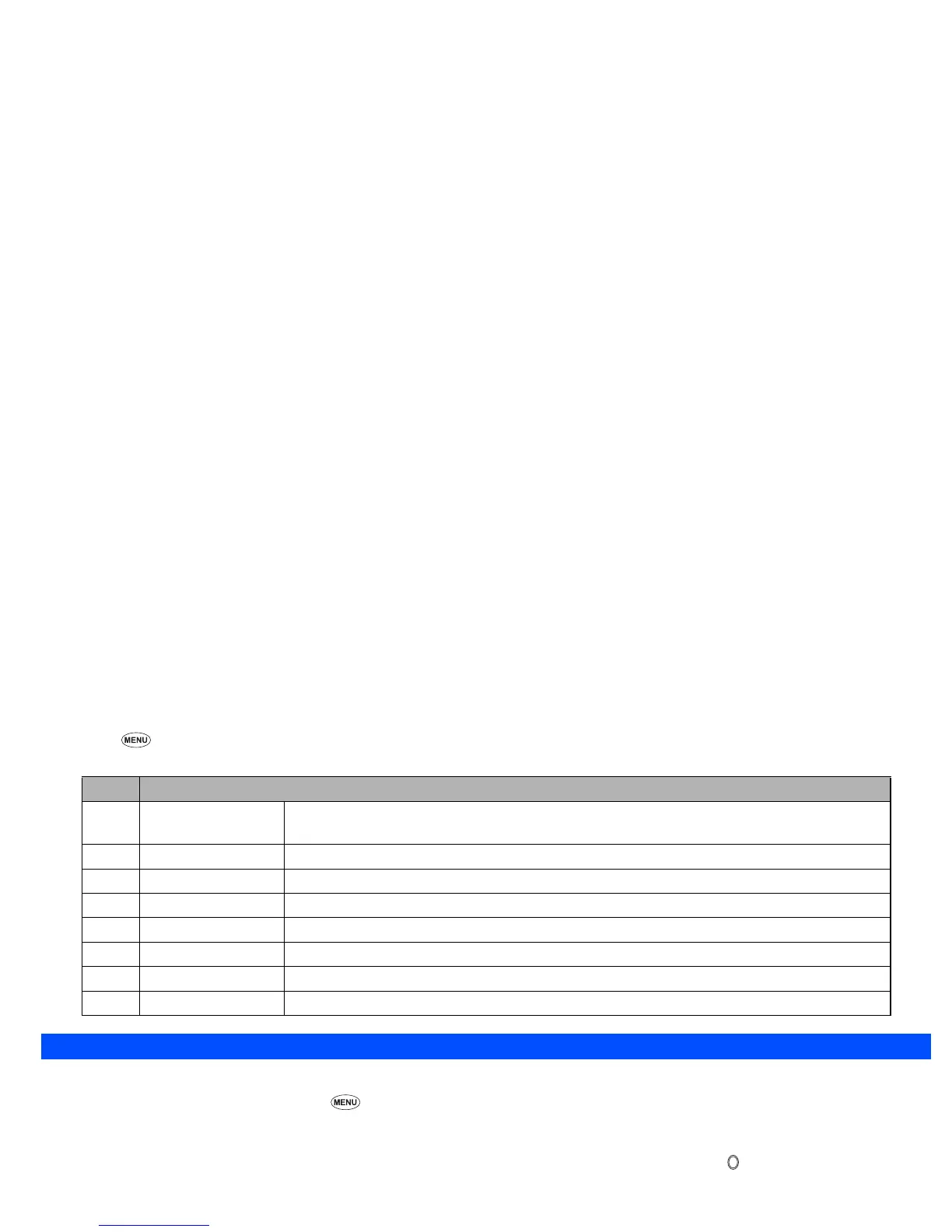
No. ToDo Options menu
1Add
Adds a ToDo task based on the highlighted ToDo task (see the second step of Creating a ToDo task
on page 72).
2Edit Edits the highlighted ToDo task (see the second step of Creating a ToDo task on page 72).
3 Delete Deletes the highlighted ToDo task.
4 Delete all Deletes all the ToDo tasks.
5 Status Displays the number of unfinished and finished tasks and how many more tasks can be created.
6 Finished Changes the status of the selected ToDo task from finished to unfinished or vice versa.
7 Delete finished Deletes all the finished ToDo tasks.
8 Display filter Sets the type(s) of ToDo tasks to be displayed by selecting the desired filter option.



 To Next Page