49
What are wallpapers?
Wallpaper is an image that is displayed as the background for your standby screen.
What are animations?
Animations are played when the phone is turned on. You can download them to your phone.
i-mode icons
The following i-mode icons are displayed in two locations of your phone’s display (see page vii):
•
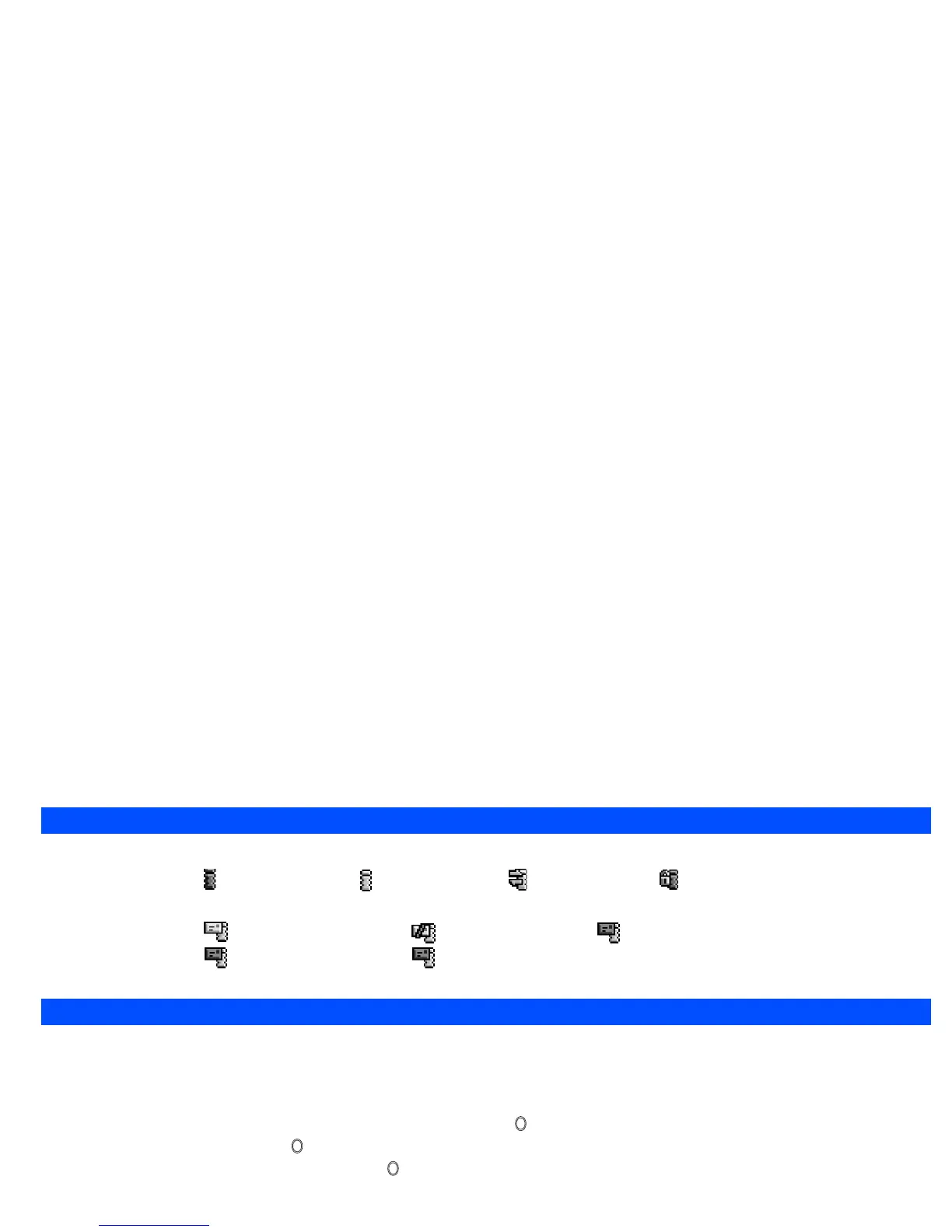
i-mode status icon- i-mode service area i-mode connected i-mode connecting i-mode locked
(gray) (yellow)
•
mail/MMS icon - unread mail/MMS (beige) mail/MMS full mail on server (green)
MMS on server (blue) both mail and MMS on server (pink)
2
While mail/MMS is being downloaded, the beige icon blinks.
i-mode quick start
The following procedures will help you start using your phone’s i-mode facilities straightaway. For more detailed procedures and information, please read
the rest of this section.
Accessing a new i-mode site
☛
With the standby screen displayed, press Softkey 2, 5 and 1, then press .
☛
Key in the site address, then press .
☛
Use the ▲ and ▼ keys to highlight OK, then press .
Accessing a stored address
☛
With the standby screen displayed, press Softkey 2, 5 and 2.
☛
Use the ▲ and ▼ keys to highlight the required address, then press .
☛
Use the ▲ and ▼ keys to highlight OK, then press .
Bookmarking a page
☛
With a web page displayed, press .
☛
Press the appropriate key for Add bookmark and press . Use the ▲ and ▼ keys to highlight OK then press . The page will be added to the
bookmark list.



 To Next Page