57
☛
Use the ▲ and ▼ keys to highlight the To field, then press .
☛
Key in the required address, then press .
☛
Use the ▼ key to highlight the Subject field, then press .
☛
Key in the subject of the message, then press .
/
See also: “Text Entry” on page 31.
2
You can access the Message edit Options menu by pressing from the text entry screen (see page 41).
Creating new SMIL
☛
Use the ▼ key to highlight SMIL.
☛
Press to display SMIL Compose menu screen (initial).
☛
Press the appropriate key for the required option.
SMIL Compose menu options
You can access SMIL Compose menu options by pressing from the SMIL screen.
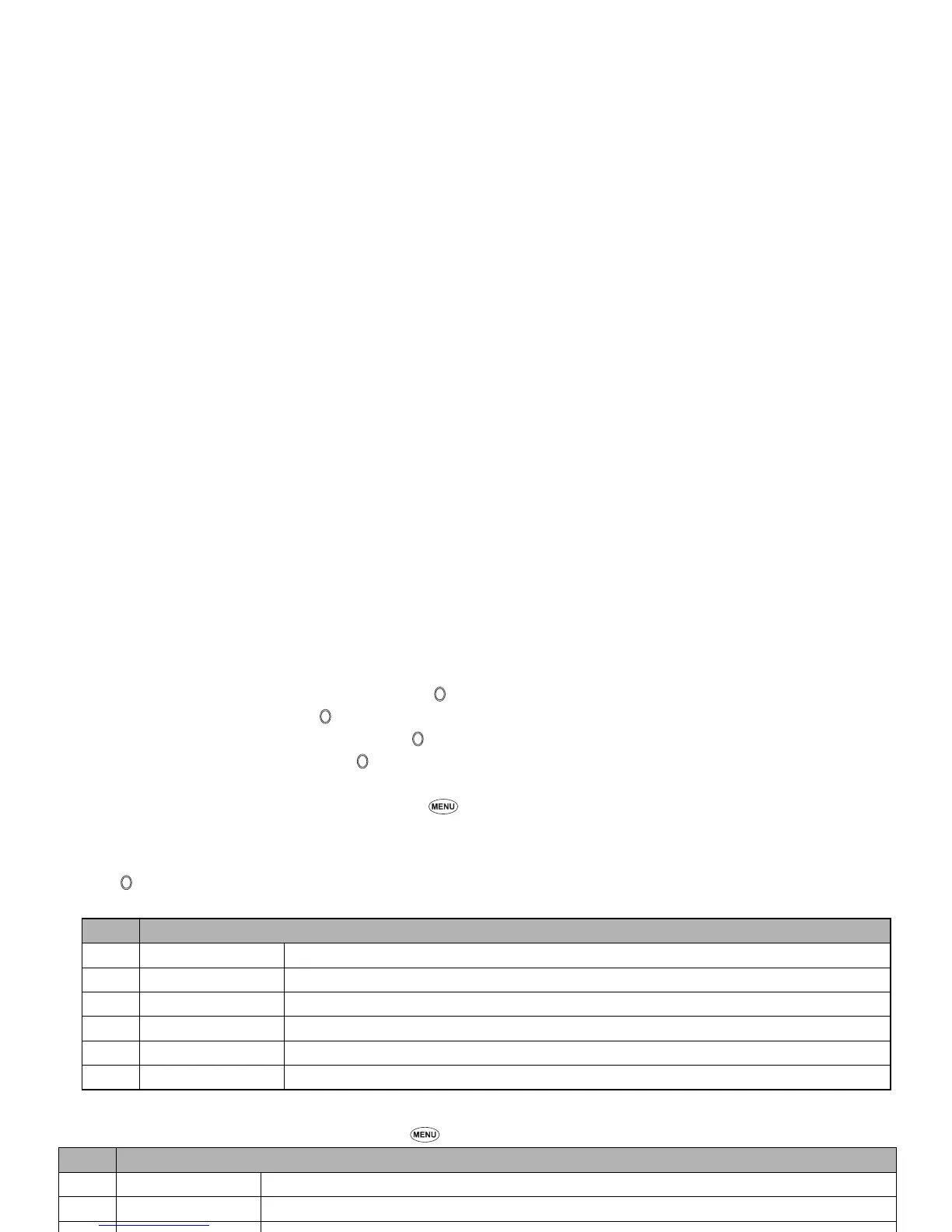
No. Compose menu Options (initial)
1 Add text Adds new text data to the SMIL.
2Add image Adds an image file to the SMIL.
3 Add audio Adds a sound file to the SMIL.
4 Preview Displays the created SMIL.
5 Background colour Changes the background colour of the SMIL.
6 Options Sets the slide playback time.
No. Compose menu Options (ALL)
– Add text Adds new text data in the text field on the slide.
– Remove text Deletes the text data in the text field on the slide.
–Add image Adds an image file in the image field on the slide.
– Remove image Deletes the image file in the image field on the slide.
– Add audio Adds a sound file in the sound field on the slide.
– Remove audio Deletes the sound file in the sound field on the slide.
– Preview Displays the created slides in order from the beginning at the preset playback time for each.
– Add slide Adds a new slide after the currently displayed slide.



 To Next Page