EasyManua.ls Logo

NEC PC-8201A - Page 112

NEC PC-8201A
219 pages
Print Icon
To Next Page IconTo Next Page
To Previous Page IconTo Previous Page
Loading...
Chapter
6
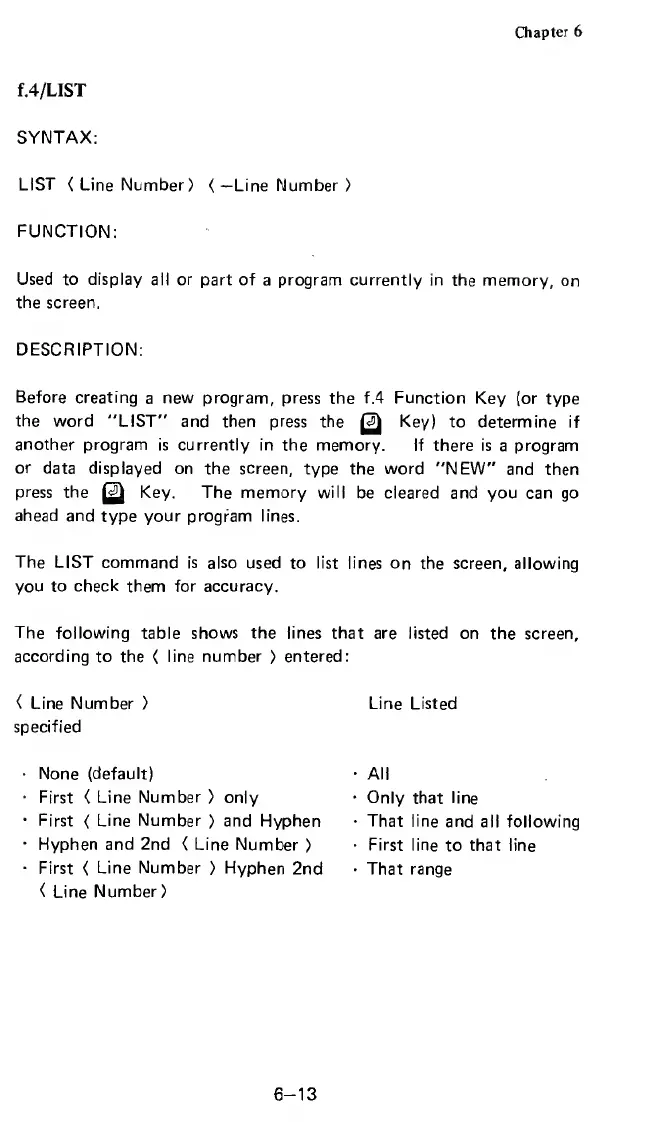
f.4/LIST
SYNTAX:
LIST
<
Line
Number)
<—Line
Number
)
FUNCTION:
Used
to
display
all
or
part
of
a
program
currently
in
the
memory,
on
the
screen.
DESCRIPTION:
Before
creating
a
new
program,
press
the
f.4
Function
Key
(or
type
the
word
"LIST"
and
then
press
the
Key)
to
determine
if
another
program
is
currently
in
the
memory.
If
there
is
a
program
or
data
displayed
on
the
screen,
type
the
word
"NEW"
and
then
press
the
Key.
The
memory
will
be
cleared
and
you
can
go
ahead
and
type
your
program
lines.
The
LIST
command
is
also
used
to
list
lines
on
the
screen,
allowing
you
to
check
them
for
accuracy.
The
following
table
shows
the
lines
that
are
listed
on
the
screen,
according
to
the
<
line
number
)
entered:
(
Line
Number
>
Line
Listed
specified
None
(default)
First
(
Line
Number
)
only
First
{
Line
Number
)
and
Hyphen
Hyphen
and
2nd
<
Line
Number
>
First
<
Line
Number
>
Hyphen
2nd
(
Line
Number)
All
Only
that
line
That
line
and
all
following
First
line
to
that
line
That
range
6-13

Related product manuals