EasyManua.ls Logo

NEC PC-8201A - Page 125

NEC PC-8201A
219 pages
Print Icon
To Next Page IconTo Next Page
To Previous Page IconTo Previous Page
Loading...
Chapter
7
If
you
try
to
modify
a
file
and
you
misspell
the
name,
the
PC-8201
will
think
you
are
entering
the
name
of
a
new
text
file.
If
an
illegal
file
name
is
input,
the
“BEEP"
sound
will
be
generated
and
the
prompt
"File
to
edit?"
will
reappear.
You
should
then
enter
a
correct
file
name.
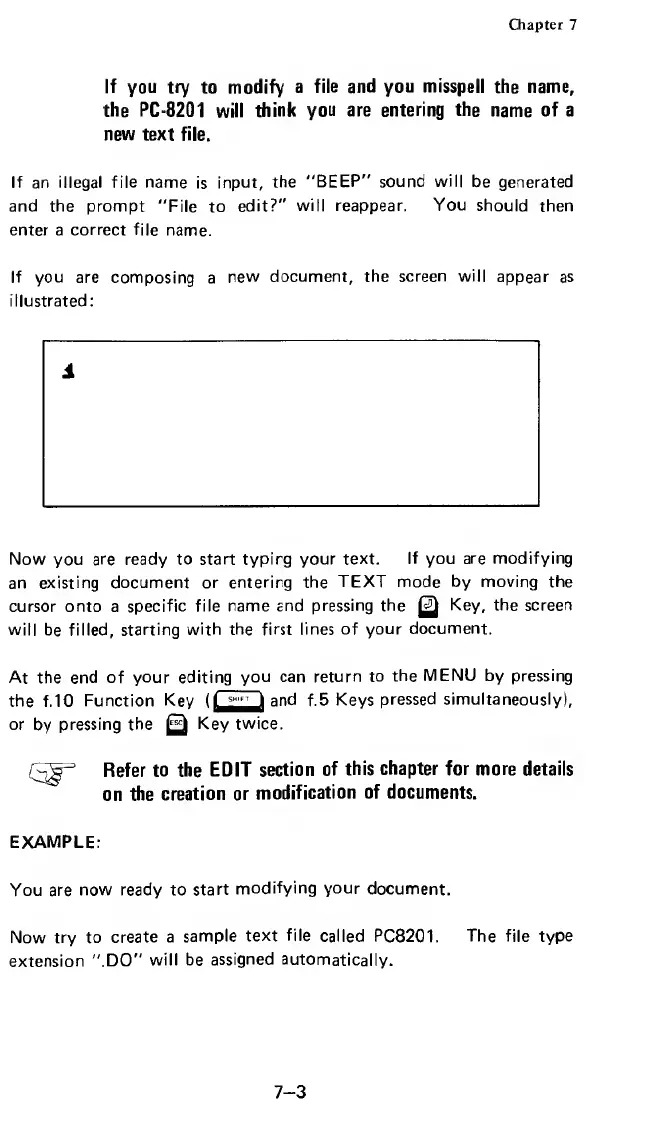
If
you
are
composing
a
new
document,
the
screen
will
appear
as
illustrated:
1
Now
you
are
ready
to
start
typirg
your
text.
If
you
are
modifying
an
existing
document
or
entering
the
TEXT
mode
by
moving
the
cursor
onto
a
specific
file
name
and
pressing
the
Q
Key,
the
screen
will
be
filled,
starting
with
the
first
lines
of
your
document.
At
the
end
of
your
editing
you
can
return
to
the
MENU
by
pressing
the
f.
10
Function
Key
(Qjj^and
f.5
Keys
pressed
simultaneously),
or
by
pressing
the
Key
twice.
Refer
to
the
EDIT
section
of
this
chapter
for
more
details
on
the
creation
or
modification
of
documents.
EXAMPLE:
You
are
now
ready
to
start
modifying
your
document.
Now
try
to
create
a
sample
text
file
called
PC8201.
The
file
type
extension
".DO"
will
be
assigned
automatically.
7-3

Related product manuals