EasyManua.ls Logo

NEC PC-8201A - Page 141

NEC PC-8201A
219 pages
Print Icon
To Next Page IconTo Next Page
To Previous Page IconTo Previous Page
Loading...
â–¡
lapter
7
Input
the
Key
to
get
out
of
the
SELECT
command
mode,
and
then
move
the
cursor
under
the
"Y"
of
the
word
"You"
and
input
the
f.3
Function
Key.
Then
press
the
As
Key
twice.
Notice
that
the
second
time
40
characters
were
not
selected
because
the
end
of
the
document
was
reached
with
less
than
40
characters
remaining.
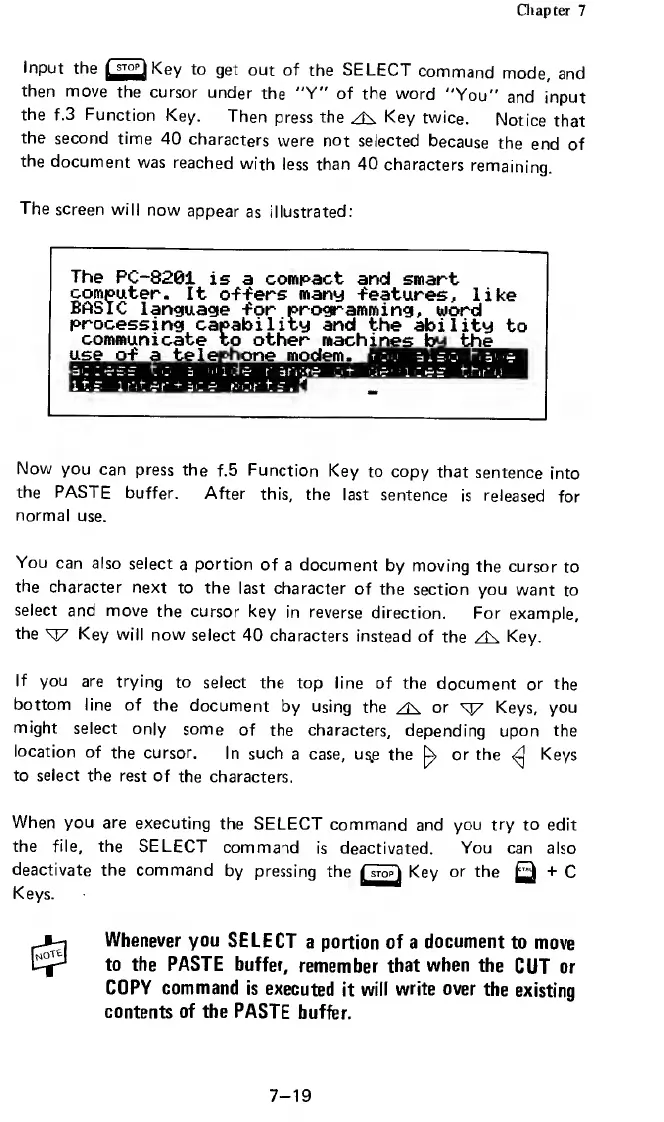
The
screen
will
now
appear
as
illustrated:
The
PC-8201
is
a
compact
and
smart
computer.
It
o-f-fers
many
-features,
like
BASIC
language
-for
programming,
word
processing
capability
and
the
ability
to
communicate
to
other
mach
i
n
es
by
the
use
o-f
a
telephone
modem.
Now
you
can
press
the
f.5
Function
Key
to
copy
that
sentence
into
the
PASTE
buffer.
After
this,
the
last
sentence
is
released
for
normal
use.
You
can
also
select
a
portion
of
a
document
by
moving
the
cursor
to
the
character
next
to
the
last
character
of
the
section
you
want
to
select
and
move
the
cursor
key
in
reverse
direction.
For
example,
the
KJ7
Key
will
now
select
40
characters
instead
of
the
As
Key.
If
you
are
trying
to
select
the
top
line
of
the
document
or
the
bottom
line
of
the
document
by
using
the
or
sy
Keys,
you
might
select
only
some
of
the
characters,
depending
upon
the
location
of
the
cursor.
In
such
a
case,
u$,e
the
^
or
the
Keys
to
select
the
rest
of
the
characters.
When
you
are
executing
the
SELECT
command
and
you
try
to
edit
the
file,
the
SELECT
command
is
deactivated.
You
can
also
deactivate
the
command
by
pressing
the
HtopI
Key
or
the
Q
+
C
Keys.
Whenever
you
SELECT
a
portion
of
a
document
to
move
to
the
PASTE
buffer,
remember
that
when
the
CUT
or
COPY
command
is
executed
it
will
write
over
the
existing
contents
of
the
PASTE
buffer.
7-19

Related product manuals