EasyManua.ls Logo

NEC PC-8201A - Page 41

NEC PC-8201A
219 pages
Print Icon
To Next Page IconTo Next Page
To Previous Page IconTo Previous Page
Loading...
Chapter
3
Special
Keys
SHIFT
This
key
is
the
same
as
the
SHIFT
key
on
any
typewriter.
If
an
ordinary
character
key
is
pressed
at
the
same
time
as
the
Key,
then
capital
lette'S
and
symbols
are
inpjt.
The
Key
is
also
used
to
access
Function
Keys
6
through
10.
CTRL
This
key
is
referred
to
as
the
“CONTROL"
Key.
Spe¬
cial
functions
can
be
performed
by
using
the
Key
in
combination
with
Ordinary
Keys.
The
functions
per¬
formed
vary
according
to
the
mode
that
the
PC-8201
is
in,
such
as
BASIC
mode,
or
TEXT
mode.
Refer
to
individual
Chapters
to
determine
the
functions
assigned
to
the
Q
Key
for
dif¬
ferent
modes.
The
Q
+
A
Key
is
an
example
of
hew
the
instruction
would
be
written
in
this
manual.
It
is
simply
telling
you
to
press
both
the
Q
Key
and
the
A
Key
at
the
same
time.
GRPH
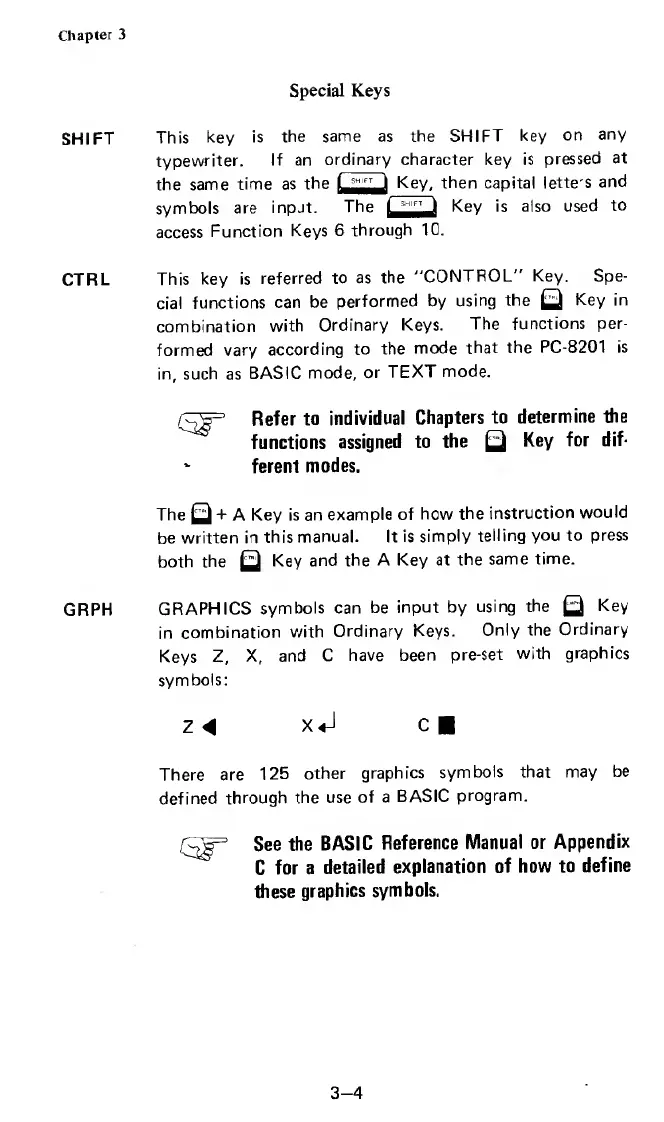
GRAPHICS
symbols
can
be
input
by
using
the
Q
Key
in
combination
with
Ordinary
Keys.
Only
the
Ordinary
Keys
Z,
X,
and
C
have
been
pre-set
with
graphics
symbols:
z
4
x<J
c
There
are
125
other
graphics
symbols
that
may
be
defined
through
the
use
of
a
BASIC
program.
See
the
BASIC
Reference
Manual
or
Appendix
C
for
a
detailed
explanation
of
how
to
define
these
graphics
symbols.
3-4

Related product manuals