EasyManua.ls Logo

NEC PC-8201A - Page 94

NEC PC-8201A
219 pages
Print Icon
To Next Page IconTo Next Page
To Previous Page IconTo Previous Page
Loading...
Chapter
5
f.
10/BANK
FUNCTION
Switch
from
one
bank
to
another
bank.
(Possible
only
while
in
the
MENU
mode.)
DESCRIPTION
To
use
the
BANK
command:
Press
the
f.
10
Function
Key
f.5).
When
the
RAM
is
expanded
to
more
than
one
bank,
the
existing
bank
number
can
be
changed
on
the
MENU
screen
by
pressing
the
f.
10
Function
Key.
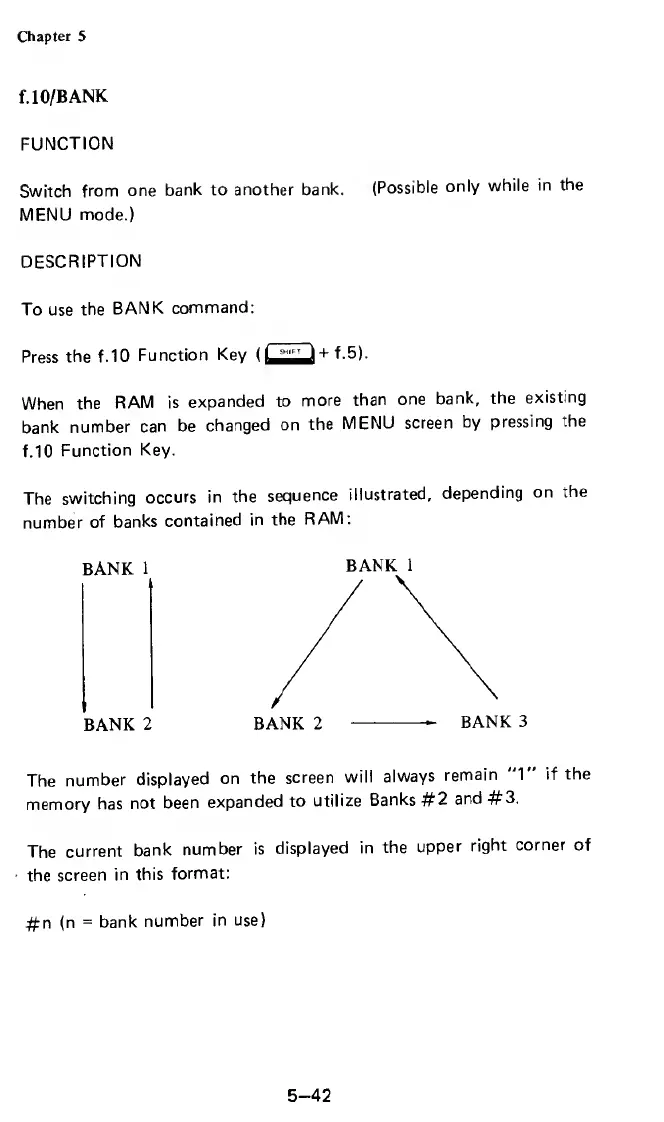
The
switching
occurs
in
the
sequence
illustrated,
depending
on
the
number
of
banks
contained
in
the
RAM:
BANK
1
BANK
2
BANK
2
--
BANK
3
The
number
displayed
on
the
screen
will
always
remain
"1"
if
the
memory
has
not
been
expanded
to
utilize
Banks
#2
and
#3.
The
current
bank
number
is
displayed
in
the
upper
right
corner
of
the
screen
in
this
format:
#n
(n
=
bank
number
in
use)
BANK
1
5-42

Related product manuals