3-4 Disassembly and Reassembly
Memory Module
Remove the memory module as follows.
1.
Save any open files, exit Windows, turn off notebook power, unplug the power cable, and
disconnect any peripherals.
2.
Close the LCD panel, turn over the notebook, and locate the memory module bay.
3.
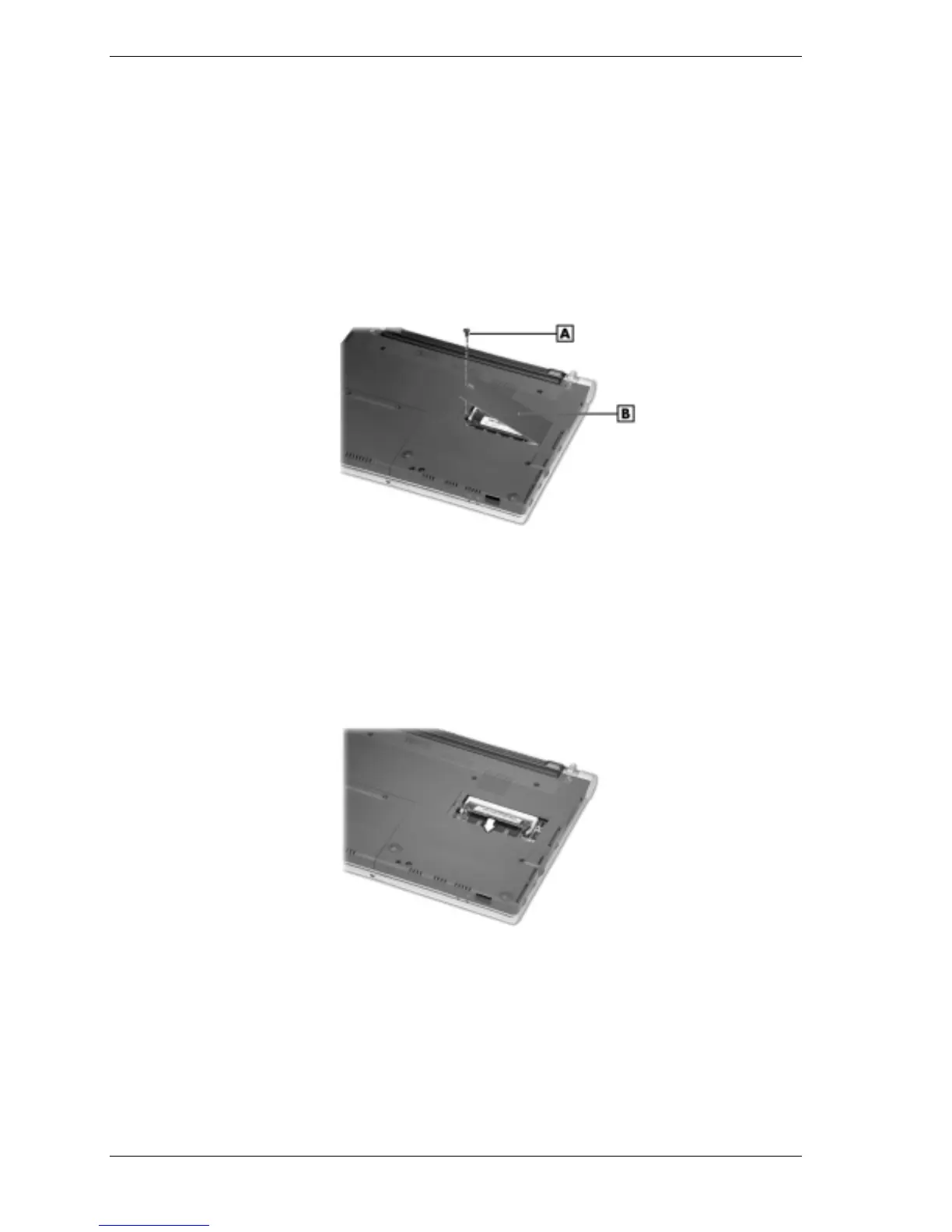
Remove the screw and bay cover.
Removing the memory module bay cover
A – Screw B – Memory Module Bay Cover
4.
Press the locking tabs away from the sides of the memory module until the module pops up
at an angle.
5.
Carefully pull the memory module out of its socket. Store the module in a static-free bag.
Removing the memory module



 To Next Page