1-4 System Overview
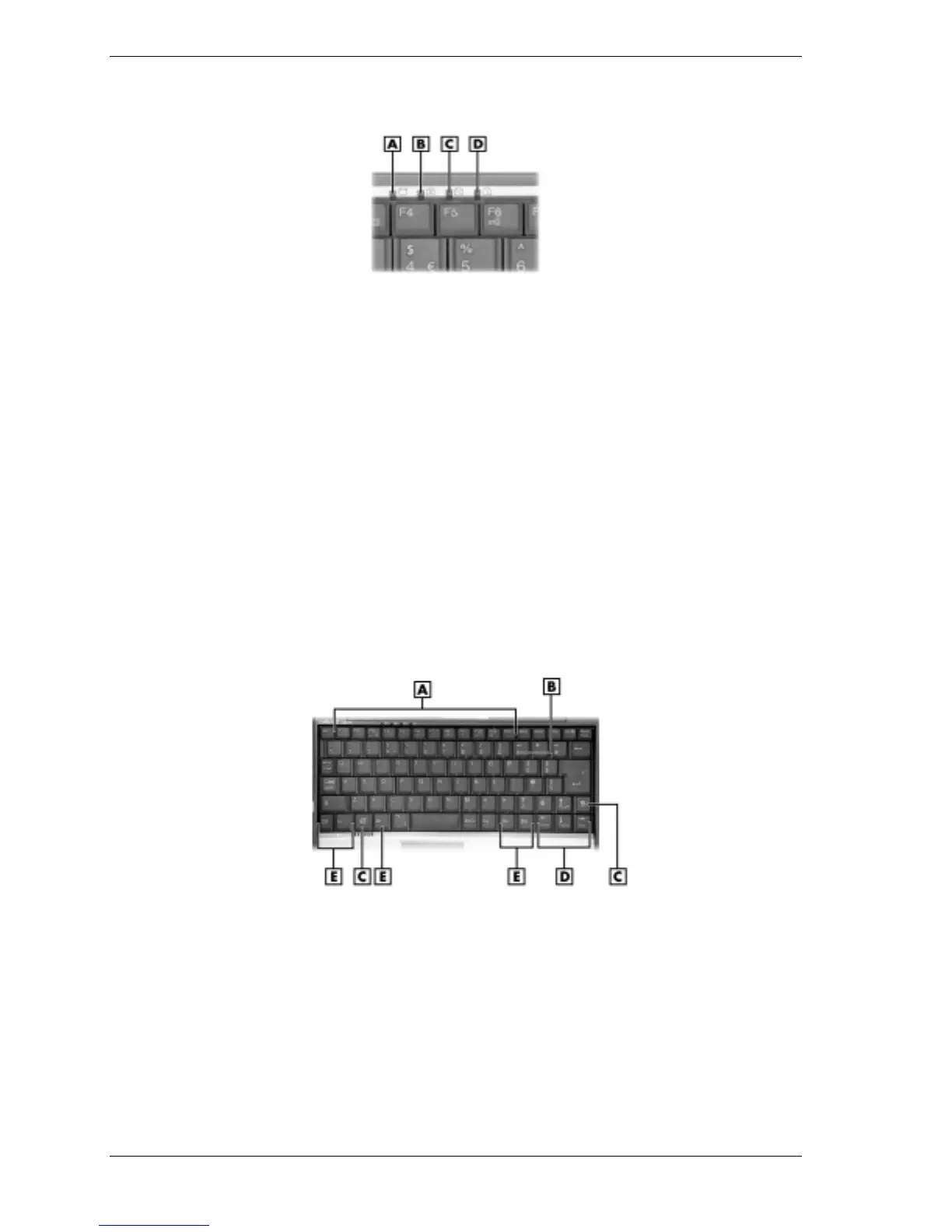
Operating status LEDs
A
– Hard Drive
C
– Scroll Lock
B
– Caps Lock
D
– Num Lock
— Hard Drive — lights when the notebook writes data to or retrieves data from the
internal hard drive.
— Caps Lock — lights when Caps Lock is on.
— Scroll Lock — lights when Scroll Lock is on.
— Num Lock — lights when Num Lock in on.
Keyboard
The keyboard features are shown in the following figure. Feature descriptions are provided after
the figure.
Keyboard
A
– Function Keys
D
– Cursor Control Keys
B
– Numeric Keys
E
– Control Keys
C – Windows keys
!
Function keys — Twelve function keys,
F1
through
F12
, are available on the keyboard.
These keys work together with the
Fn
key to activate special functions. Several keys are
preprogrammed with dual functions and some are printed in blue on the key.
Function keys are application-driven. See the specific application's user guide for
information about how each function key works within the application you are using.



 To Next Page