© 2016 Nelson Stud Welding, Inc. Page 15
All Rights Reserved. February 2016 Part No. 729-110-042 v1.03
3.3.3 Changing Your Tool to Weld with Contact
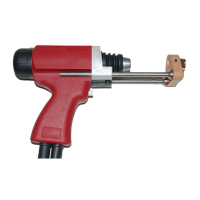
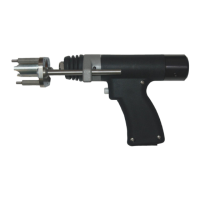
Included with the Auto-Gap weld tool is a second spring. This is used for changing the weld tool to weld in
contact mode. In order to make this change, follow these steps.
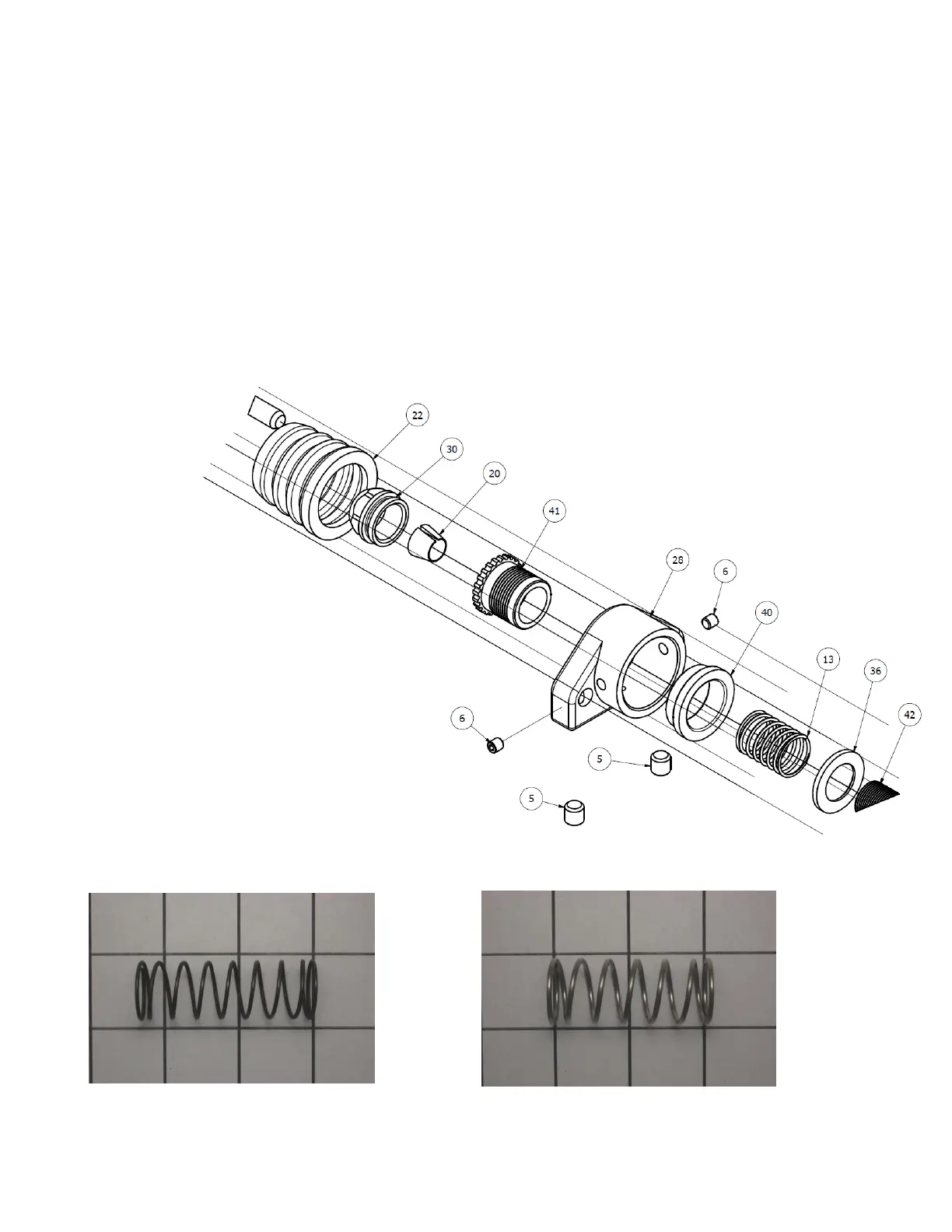
1. Loosen set screws #5. (2 places)
2. Remove the foot and leg assembly and bellows.
3. Remove the chuck nut and chuck.
4. Unscrew part #41 and remove.
5. Loosen set screws #6 (2 Places)
6. Remove front cover, part 28, and plastic bearing, part 40.
7. Change part 13 Main spring.
8. Re-assemble in reverse order.
526-001-234 Pre-installed Gap spring 526-001-268 Contact Spring included with tool.


 To Next Page