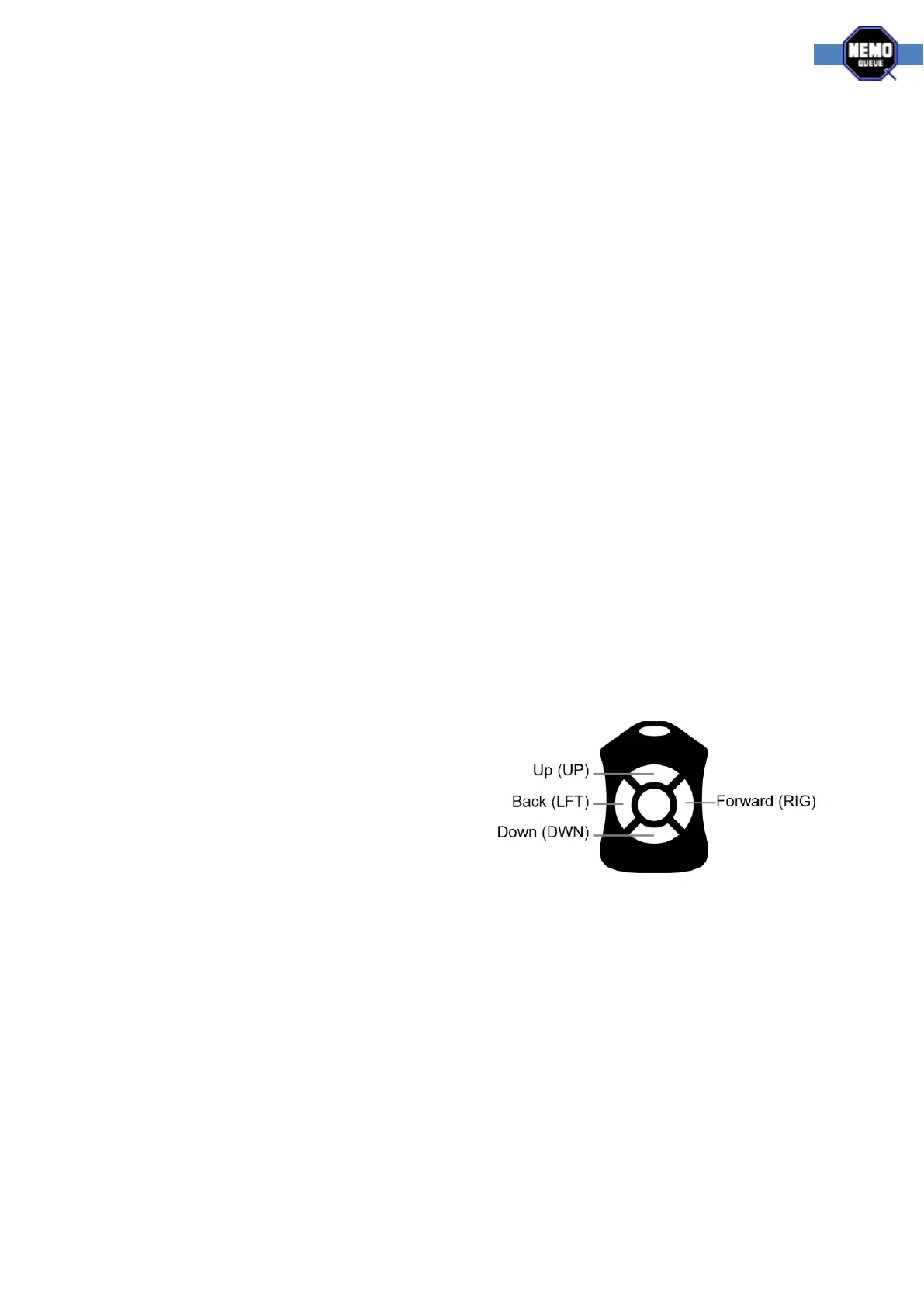
Menu options
The configurable settings are as follows:
WSN - Workstation number - each NQ Remote needs to be associated with a workstation.
UP - The UP button - set the function of the up button. The functions available are exactly
the same as the buttons on the NQ Panel. They are as follows:
o Off - No functionality, deactivates the button.
o NXT - Next button, used to call a customer from the main queue.
o SQ - Secondary queue, used to call a customer from the secondary queue.
o CQ - Cashier queue, used to call a customer from the workstation secondary queue.
o VIP - Special function button, programmable in the NQ-Engine software.
o EOS - Stop button (end of service), stops the service of the currently active ticket.
o ALR - Alarm button, programmable in the NQ-Engine software.
RIG - The Right button (forward button) – used to set the function of the right button
(forward button). The functions available are the same as the above for the up button.
DWN - The Down button – used to set the function of the down button. The functions
available are the same as the above for the up button.
LFT - The Left button (back button) – used to set the function of the left button (back
button). The functions available are the same as the above for the up button.
QUE - Queue selection – used to determine what service type the workstation should be
forced to work with. Default OFF uses the system defaults for queue selection. The range is
from 1-16.
Using the system
When the NQ Remote control is linked to the system,
and you are content with the configuration, it’s time
to use the system.
For the Hub-Q system, all the button functions can be
customized so general usage varies from case to case.
Things to think of when using Hub-Q
At the start of each new workday, you must press the button configured as the next button
(NXT) twice. Once to open the workstation and a second time to call the first customer.
After the workstation is open, you only need to push the next button once.
Since the NQ Remote control doesn’t give any visual indications when pressing the buttons,
you might find advanced functionality, like toggling a priority on or off, to sometimes get
confusing. Don’t understand this sentence
If you are not working with priorities, the NQ Remote control will only be able to service one
specific service type.
The Receiver LCD display shows the workstation number when a remote control is used.



 To Previous Page