Menu options
The configurable settings are as follows:
WSN - Workstation number - each NQ Remote needs to be associated with a workstation.
ARO - Arrow - the arrow shown when calling a customer, linked directly to a remote.
MDB - Main display blink time - how long the main display will flash the workstation
number when calling a customer, set in seconds. Setting ON sets the display to always blink.
MDL - Main display lit time - how long the main display will stay lit after the blink time has
ended, set in seconds. Setting ON sets the display to always be lit.
WDB - Workstation display blink time - how long the workstation display will blink the
workstation number after calling a customer, set in seconds. Setting ON sets the display to
always blink.
ACT - Active time - after a set time the system will go to sleep, shutting down all displays
until some action is taken in the system, set in minutes. Setting ON sets the displays to
always be lit.
BUZ - Main display buzzer - set the buzz signal duration, set in tenths of a second.
SPK - Speaker settings - if you are using a standard gong speaker then this needs to be set
to off. If you are using a voice speaker note that each speaker has two voice messages that
can be customized. The following logic applies when using a voice speaker;
o Set value 1 – the system will speak voice number 1
o Set value 2 – the system will speak voice number 2
o Set value 3 – the system will speak voice number 1 followed by voice 2
o Set value 4 – the system will speak voice number 2 followed by voice 1
VOL - Speaker volume - sets the voice speaker volume, gong speakers have a hardware
volume control, set on a scale of 1-31.
TBC - Time between calls - define the delay time between calls, important that this time is
longer than the spoken message from a voice speaker, set in seconds.
NEW - Link a new NQ Remote - see the section on “Linking via configuration”.
Using the system
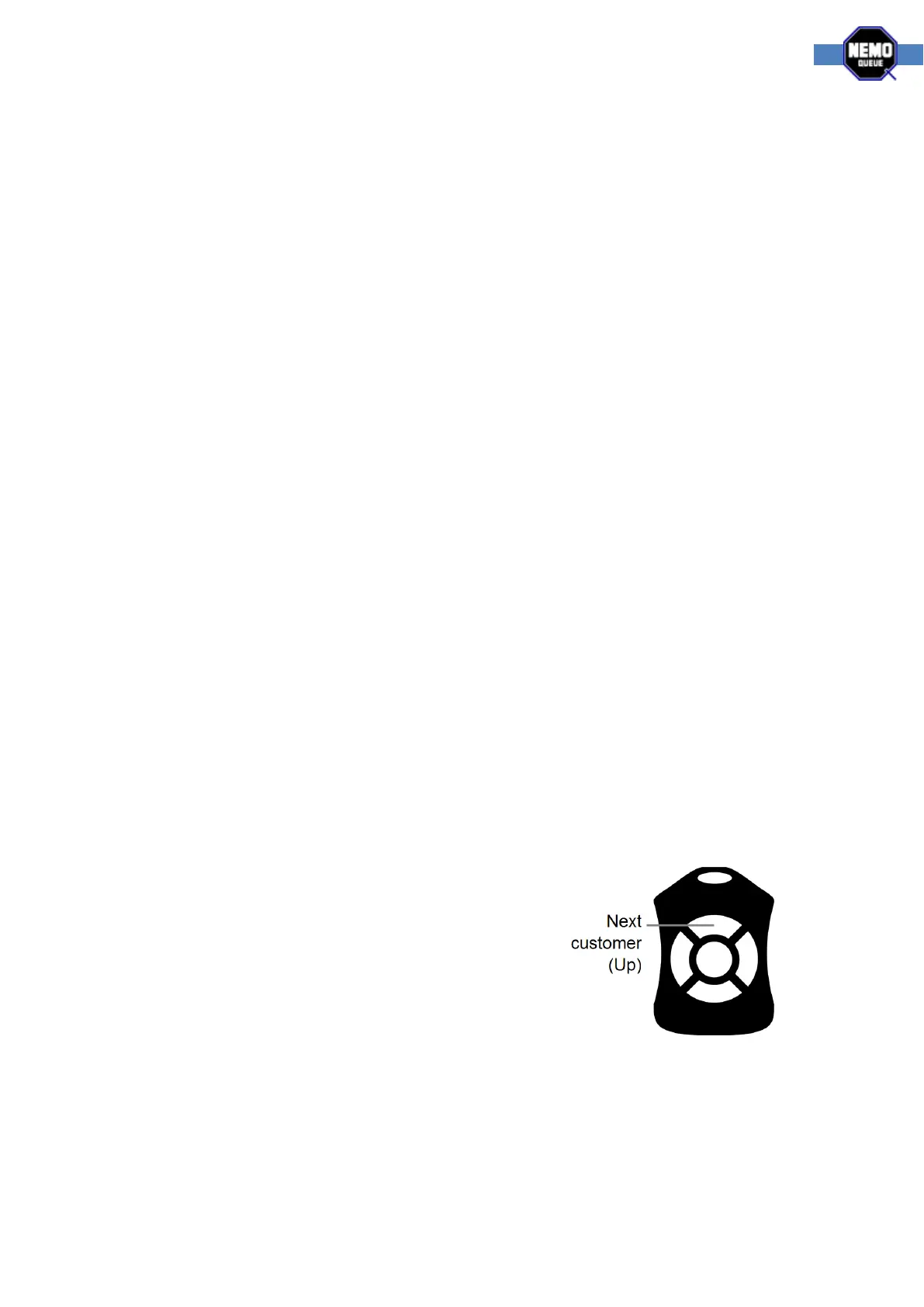
When the NQ Remote control is linked to the system and you
are content with the configuration it’s time to use the system.
For the Single-Q system you will only use the up button to call
customers. All other buttons are used solely for the
configuration procedure.



 To Next Page