14
2.1.3.2. Manual Programming
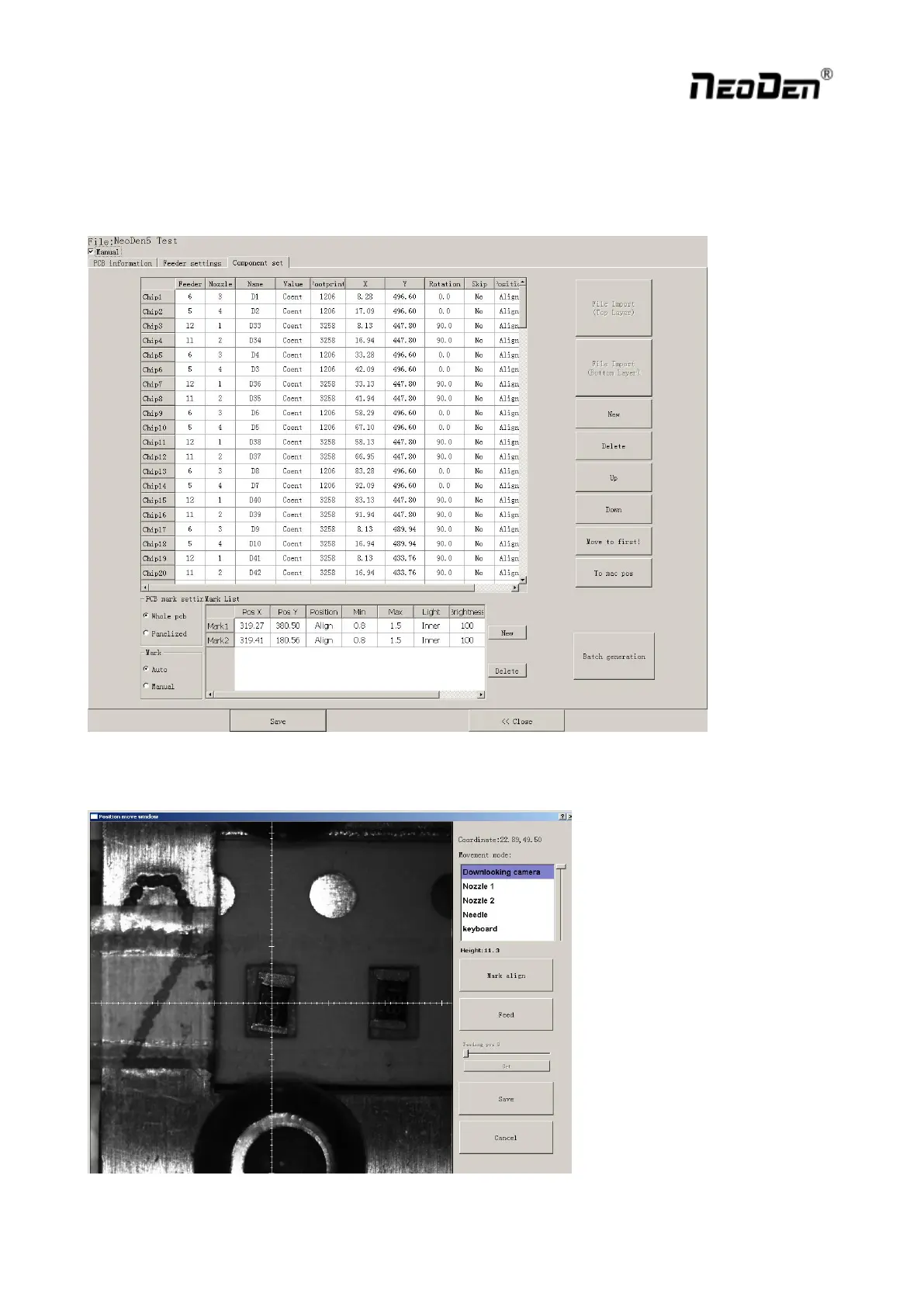
Select “Chip list” to start manual programming.
Function: it’s used to display footprints, coordinates, angles and sequences of components. You can choose to
manually add these information or import coordinates file directly.
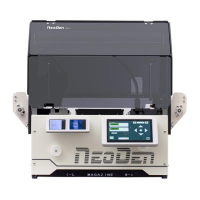
First, tick the box in front of “Manual”, you will see an example of component in chip list. You can click ”Align”
to locate this component’s position and revise it accordingly.


 To Next Page